01. Media Concept
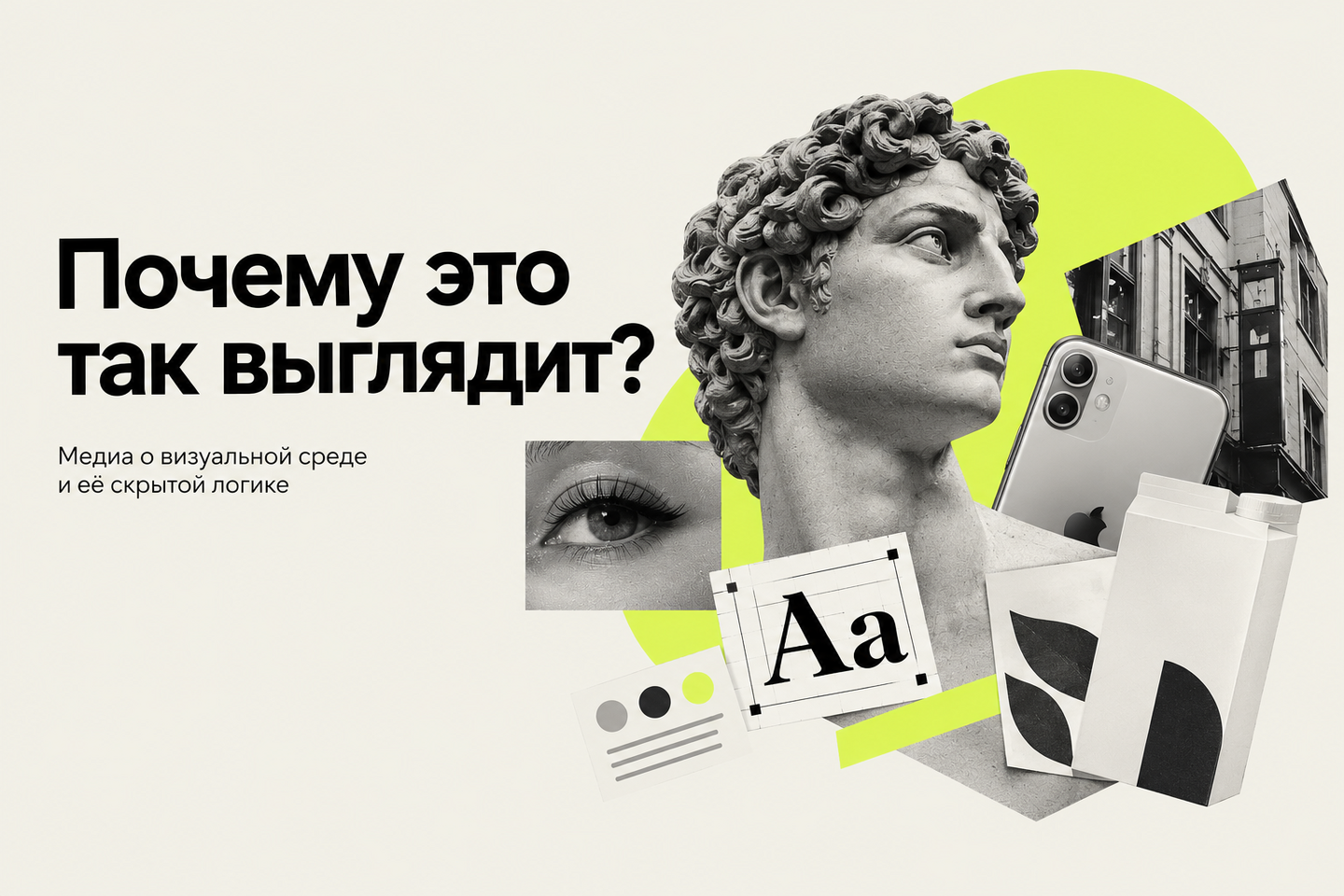
«Why does it look like this?» — an educational media outlet about design and the visual environment that surrounds us every day.
We constantly encounter packaging, signage, interfaces, logos, advertisements, and urban navigation, but we rarely stop to think about why they look the way they do. Why are discounts marked in red? Why do high-end brands utilize a lot of white space? Why can brands within the same category look so vastly different?Media explores these familiar visual solutions and explains the design, cultural, historical, and psychological reasons behind them. Each publication begins with an observation or a question, then analyzes the object through the lens of color, form, typography, composition, symbols, and context.
02. Data Sources for Media
Primary Sources
Data that media collects independently and can use for its own analysis.-Original Photographs — a person photographs packaging in stores, city signage, navigation, and advertisements. Example: photographing a supermarket window display to analyze which colors are used to highlight discounts.-Audience Surveys — user reactions to different visual solutions. Example: showing three packaging options and asking which one appears more premium.-Expert Interviews — designers, art directors, typographers, marketers. Example: asking a designer why specific visual techniques are used for a particular product category.-Personal Experiments — creating multiple versions of a single design and comparing their perception. Example: creating one package in three color schemes and testing how associations change.
Secondary Sources
Existing materials that help verify information and delve deeper into a topic.
Official brand websites — brand history, corporate identity Example: studying a company’s brand book to see why the brand uses specific colors.
Academic research — studies on the perception of color, form, and visual information. Example: finding research on how color affects human attention.
Books and professional publications — design theory, typography, history of visual culture Example: using a book on color psychology to explain visual associations.
Professional design media — articles on branding, packaging, and interfaces Example: examining a critique of a new corporate identity on a design resource.
Archives and museums — historical posters, packaging, and logos Example: comparing modern packaging with historical examples from a museum archive.
Additional Resources
These are primarily used for brainstorming ideas, gathering examples, and gauging audience reaction.
Social Media — visual trends, user examples, and comments Example: Compiling examples of minimalist packaging from Pinterest
Search Engines — locating supplementary materials and primary sources Example: Finding the history of a specific symbol or visual technique.
Audience Comments and Reactions — user questions and observations Example: If several people ask why buttons in interfaces always look the same, develop that into a dedicated piece of content.
Working Principle:
Our own observations and research form the foundation of the content, while external sources are used for fact-checking and supplementing the material.
03. Data Schemas: Human and Machine Processing
1. Topic GenerationThe Individual: notices an interesting visual object and formulates a question.
2. Material CurationMachine: helps find sources, transcribe videos/interviews, and extract text from images. Human: selects appropriate sources and verifies their credibility.
3. AnalysisThe Machine: groups information, performs preliminary comparisons, and helps identify recurring visual techniques. The Human: interprets the design and formulates the core idea of the material.
4. Content GenerationThe Machine: assists in drafting text, condensing material, generating headline options, and structuring content. The Human: edits the text, verifies facts, and makes the final decisions.
5. VisualizationThe Machine: assists in creating preliminary visual concepts, processing imagery, and deciphering visual elements. The Human: selects images, builds composition, and is responsible for the media’s visual style.
6. Publication Machine: helps adapt the material for various formats and platforms. Human: finally verifies the content and publishes the material.
Primary Division:
Machine — searches, sorts, recognizes, structures, and accelerates work
Human — reviews, verifies, and makes decisions
04. Guidelines for Automated Services
Information Search
Service: Search Engines and AI Assistants
Used during the initial phase of material development: they help find research, articles, design examples, and professional sources. AI can also quickly compile a list of directions for further searching.
Human: selects appropriate sources, verifies their relevance and accuracy. Important facts are never used solely based on an AI response; the editor always reviews the original source.
Working with Text
Service: AI for Text Generation and Editing
It is used to draft initial versions, structure researched information, summarize lengthy materials, write headlines, and adapt content for various platforms.
Human: Determines the main idea, fact-checks, and edits the text to match the media’s tone. AI should not fully replace original authorship or independently form conclusions.
Image Manipulation
Image Generators and Graphic EditorsThese tools are used for creating illustrations, visual experiments, and demonstrations.Human: Determines exactly what needs to be shown, selects the final version, and verifies that the visuals align with the material’s theme. The generated image is designated as an illustration and is not presented as a real object.
Audio Work
Service: Speech Recognition and Voice SynthesisThese are used to transcribe interviews, lectures, and video materials, create subtitles, prepare scripts, and produce rough audio versions.Human: reviews the transcript, paying close attention to names, terminology, and quotes, and is responsible for the semantic and visual structure of the final video.
Data Analysis