Пять техник анимации
Практическая лаборатория
A practical laboratory where attendees dismantle and reassemble five key animation inventions.
What is this course about?
This course offers a practical deep dive into pre-digital animation techniques—from optical devices and frame-by-frame drawing to multiplane shooting and stop-motion. Participants will master the principles of creating movement across various techniques, examine how classical methods influence contemporary animation and cinema, and learn to recognize the elements that enhance visual storytelling by analyzing scenes from screen art.
The culmination of the course work will be an animated video, compiled from segments created by the participants in each session and unified into a single piece during the final session.
Who is this course for?
— For students who wish to expand their toolkit by mastering classic animation techniques. For those who want to understand how and why animation techniques were invented, enabling them to analyze them in others' work and apply them to their own projects.— For beginner animators and motion designers needing to strengthen their fundamental grasp of movement principles, frame space, and animation expressiveness.
Course duration: 5 weeks.
Total contact hours:
15 academic hours.
Classes are held in an offline format.
Course Prerequisites:
— Experience in animation, drawing, or video editing is not required.
— Basic familiarity with a raster graphics editor (Photoshop, Krita, Procreate) and After Effects is desirable, but not mandatory.
— All tools, materials, and equipment are provided.
What will participants learn?
During practical laboratory sessions, participants will learn to:— Analyze others' work and explain how depth and movement function within it;
— Create a multi-layered scene using their own drawings, photographs, or collages;
— Control the movement of layers and the camera to achieve parallax;
— Determine the rhythm and duration of the frame to suit the character of the scene;
— Assemble a short video with basic color correction and sound design.
What practical assignments will participants complete?
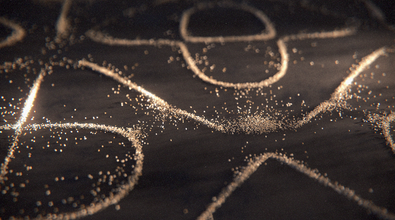
— Constructing a phenakistoscope disc with an 8–12 phase cycle sequence;
— Rotoscoping video footage in a raster editor;
— Assembling a multi-layered scene with parallax in After Effects;
— Frame-by-frame animation of motion using cut-out animation techniques;
— Frame-by-frame filming of stop-motion and pixelation;
— Final assembly of the reel, including color correction and sound, in After Effects.
Thematic Lesson Plan
Session 1. Phenakistoscope
— Joseph Plateau and the principle of the illusion of movement
— The genesis of cinema and animation
Practical Exercise: Storyboarding an 8–12 phase sequence on paper, assembling the phenakistoscope disk, and video recording the result.Session 2. Rotoscoping
— From Max Fleisher to modern music videos: why live actors were traced and how this made movement believable;
— Rotoscoping in commercial animation: music videos, titles, and hybrid projects;
— How to work with the expressiveness of line and frame rate;
Practical Exercise: Frame-by-frame tracing of a short video clip in a raster editor, exporting the sequence, and compiling the video.
Session 3. Multiplane Camera
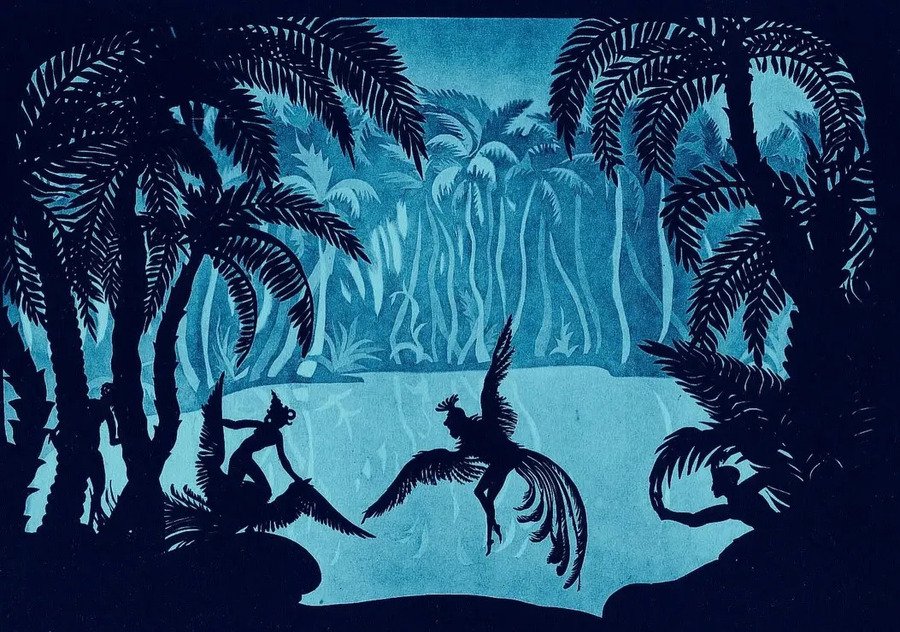
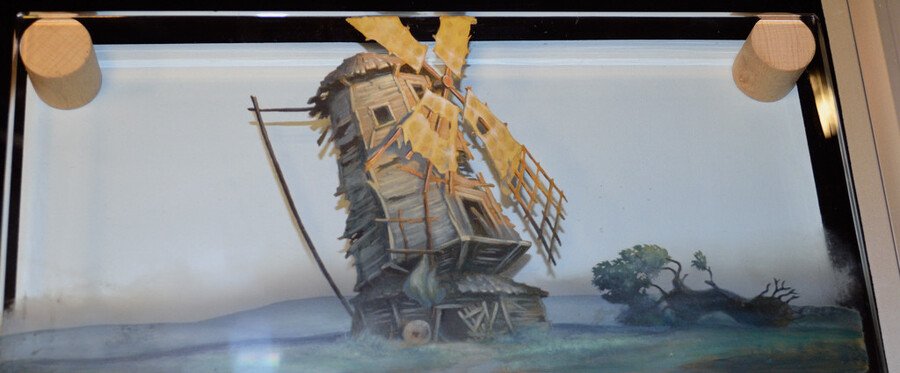
— How Disney utilized the multiplane camera;
— Parallax as a tool for guiding viewer attention;
— Contemporary analogs to the multiplane camera;
Practical Exercise: Deconstructing a simple illustration onto 3–4 planes, assembling the layers in After Effects, and exporting the video.Session 4. Cut-Out Animation
— Using collages in cut-out animation techniques;
— How decomposing a character into parts aids in creating characteristic movements;
Practical Exercise: Creating a character from ready-made elements (paper, magazine cutouts, digital graphics), and recording the animation of a characteristic movement with a phone camera.
Session 5. Stop-motion and Pixilation
— A brief history of stop-motion from the 19th century to the present;
— Techniques for working with volumetric materials (clay, paper, puppets) in stop-motion;
— How expressive movement works in pixilation featuring live people;
Practice: Two groups of participants choose a technique to experiment with (clay transformation or human movement via walking), shoot a short segment, export the sequence, and assemble it.Session 6. Assembly and Editing
— How the length and sequence of segments create pace;
— How to assemble disparate fragments into a cohesive piece;
Practice: Import all video clips from previous sessions, select the order and rhythm. Color correction to a unified palette, adding a general soundtrack. Export the final reel to an open platform.