
Dear jury members! The DAFES AWARDS team thanks you for your participation in the award and has prepared a detailed voting guide.
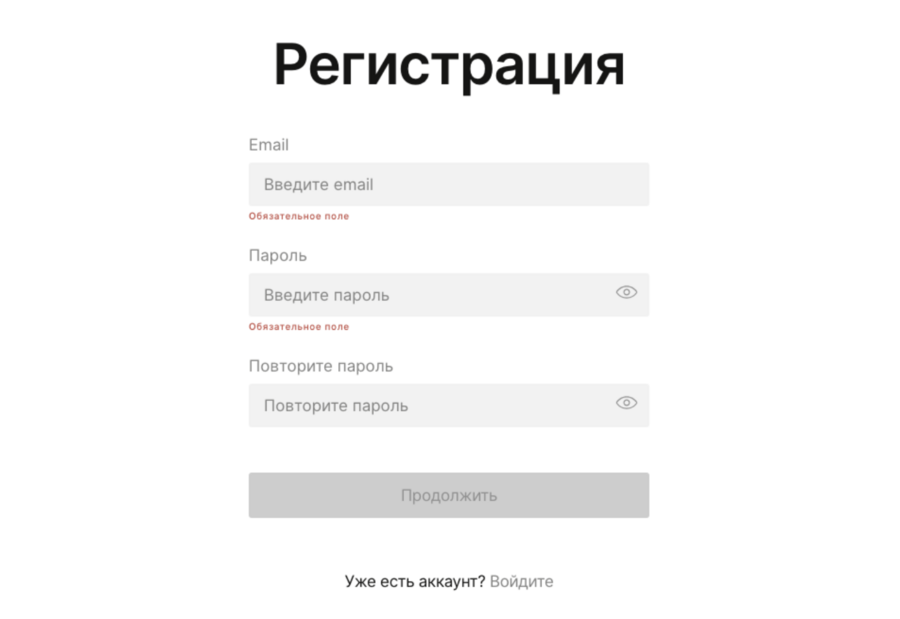
Instructions for Jury Registration on the Platform
Original size 1466x1008
Please visit https://dafes.org and log in to the website.
After logging in/confirming, please navigate to your profile settings to enter your correct English name, complete the «About Me» section in both Russian and English, and add a profile picture.
Voting Instructions
- Go to the page https://dafes.org/awards?tab=design.
- Log in using the sign-in button under your account.
- Go to the specific nomination page via the «Jury» tab.
- On the contest page, open the «Projects» tab (please note that the tab is only available to authorized users with a jury status).
- Select a project, then rate it using the available scale based on two criteria: ‣ Concept (1–5) ‣ Presentation (1–5) The final score is most important.
Original size 954x762
Project Assessment Mechanics.
- Click the «Evaluate Next» button to move on to the next project for review.