Practical training course on creating infographics: how to transform complex data into a clear message?
What is this course about?
Just because something is legible doesn’t mean it communicates, and more importantly, it doesn’t mean it communicates correctly.
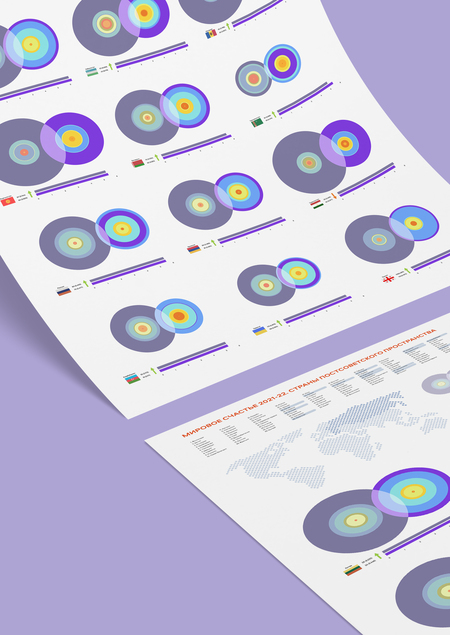
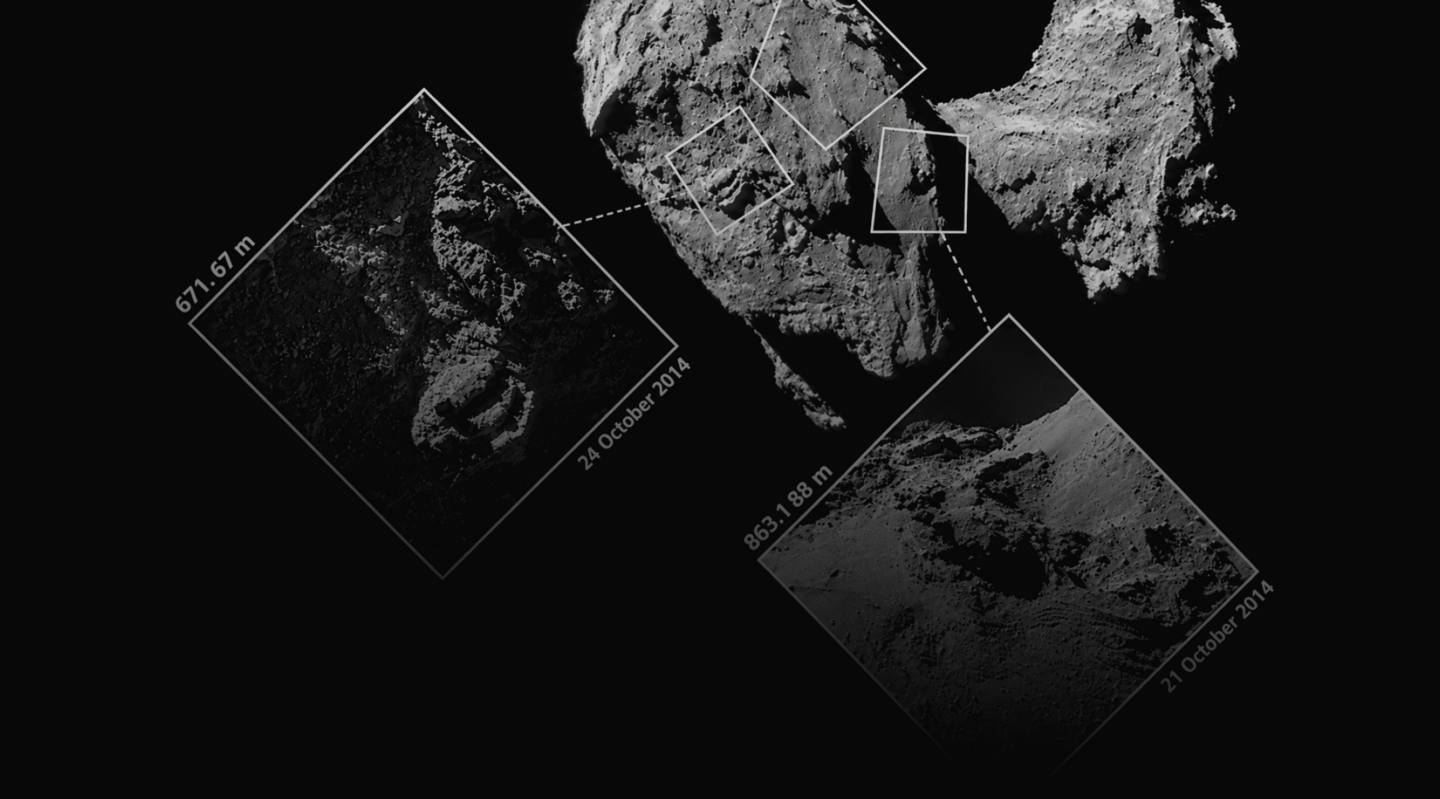
Infographics—this is one method of «conveying the right message» using graphic elements, the creation of which demands deep immersion in big data: what to select from it, what to correlate, what to highlight, and in what form to present it. Here, the designer’s task is not to decorate the information but to make precise, meaningful decisions that allow the mass of text to coalesce into a message understandable to everyone.In this course, students will work with real-world data, enabling them to learn how to transform it into visual narratives: diagrams, schematics, maps, and other forms of infographics. Students will dive into information analysis, pattern recognition, and working with hierarchy and visuals, ultimately enabling them to create meaningful infographics independently.The final outcome of the course will be an independent infographic project. This can be completed individually or in a group and may take the form of a booklet, poster, landing page, or art object containing visualized information.
Who is this course for?
This course is suitable for students and aspiring designers looking to deepen their skills in data and infographic work, master the principles of their analysis, processing, and visualization, and learn how to coherently present complex information through visual expression.
Course Duration: 8 weeks (1 module). Contact Hours: 64 academic hours.
Classes are held online in groups of 15 to 24 students.
Course Prerequisites• Basic computer literacy.
• Foundational competencies in graphic design.
• Proficiency in Adobe Illustrator and Adobe Photoshop.
• Active Adobe CC subscription with access to current versions of Adobe Illustrator, Adobe Photoshop, and Adobe InDesign (2026).
• A computer meeting the system requirements for Adobe Creative Cloud 2026.
• Stable internet connection
What Students Will Learn
During the course, students will learn to:• Analyze and structure large volumes of information;
• Distill the core message from data, identify patterns, and establish relationships between elements;
• Select the appropriate visualization format based on content and objective;
• Create diagrams, schematics, maps, and other forms of infographics;
• Construct visual hierarchy and logical information flow;
• Independently develop and execute infographic projects, from initial data analysis to the final visual solution.
What practical assignments will the course participants complete?
During the course, students will complete the following assignments:• Data searching, analysis, and structuring;
• In-class discussions;
• In-depth research on a chosen focus area for their final infographic;
• Practical laboratory work on infographics;
• An independent project incorporating an infographic;
• Presentation and defense of their data visualization concepts;
Coursematic Plan
Topic 1: Infographics as a Method of Information Visualization
What infographics are and what problems they solve. Types of infographics and fundamental methods of presenting information. Analysis of successful and unsuccessful examples.Topic 2: Working with Data: Search, Analysis, and Form Selection
Identifying key indicators, facts, and patterns. Grouping data, establishing relationships between elements, and determining hierarchy. Deciding what is primary versus secondary. Structuring the future infographic and selecting its form.Topic 3: Diagrams, Charts, Schematics, and Connections
The basic types of diagrams and principles for their construction. Comparing, dynamic trends, proportions, distributions, and dependencies. Common errors in visualizing quantitative data.
Topic 4: Infographics as an Art Object
Highlighting key indicators, facts, and fundamental ways to visualize in space as an art object or installation.Topic 5: Visual Hierarchy and Composition in Infographics
Organizing visual material, reading sequence, emphasis, and levels of information. Working with scale, color, typography, and composition.Topic 6: The Visual Language of Infographics and Icons
Graphic elements, pictograms, illustration, and metaphor. Creating a cohesive system of visual signs. Finding expressive ways to present information without losing accuracy.Topic 7: Practice: Developing Your Own Infographic
Working with a selected dataset. Researching and structuring information, developing a visual concept, and choosing visualization forms. Creating interim mockups and analyzing them.Topic 8: Final Project and Presentation
Developing an independent infographic project from raw data to a finished visual solution. Preparing the project for the chosen medium: poster, brochure, landing page, art object, or another format. Project presentation and defense.
Project Example