Границы самоидентификации через партнёра: где заканчивается «Я» и начинается «Он»?
Original size 4000x3000
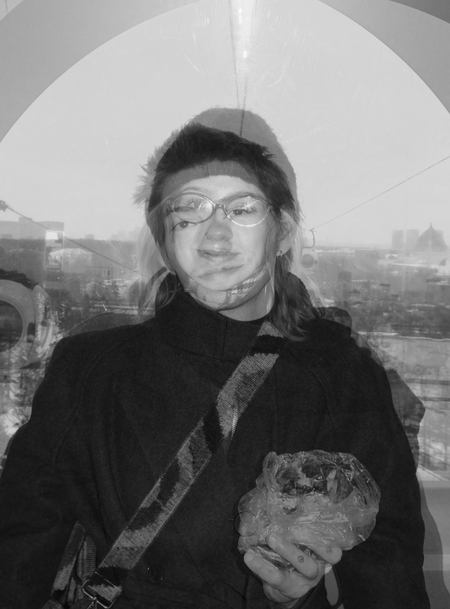
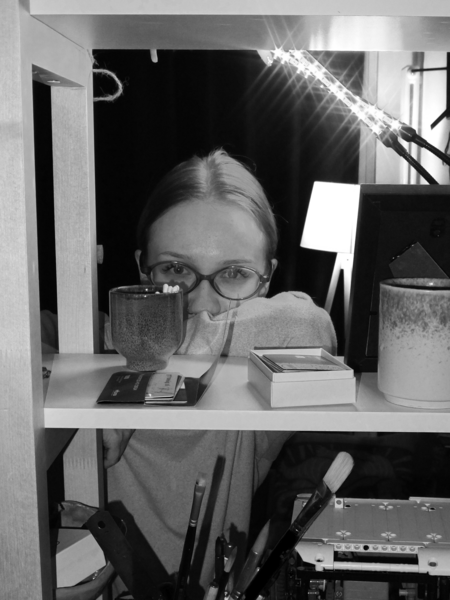
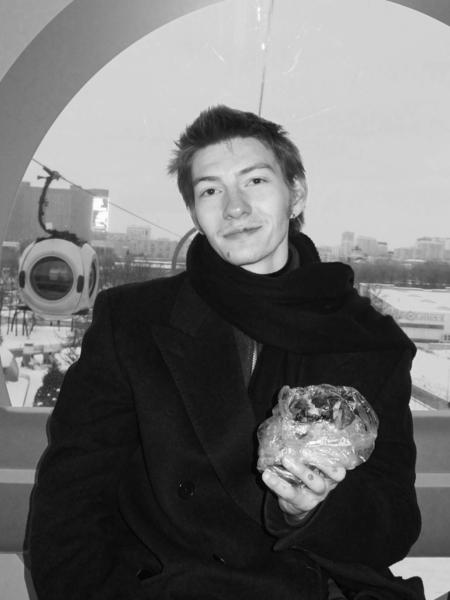
В современном мире, насыщенном автопортретами и разными социальными масками, вопрос самоидентификации обретает особую остроту: как партнёр раскрывает те грани «Я», которые мы сами не замечаем?
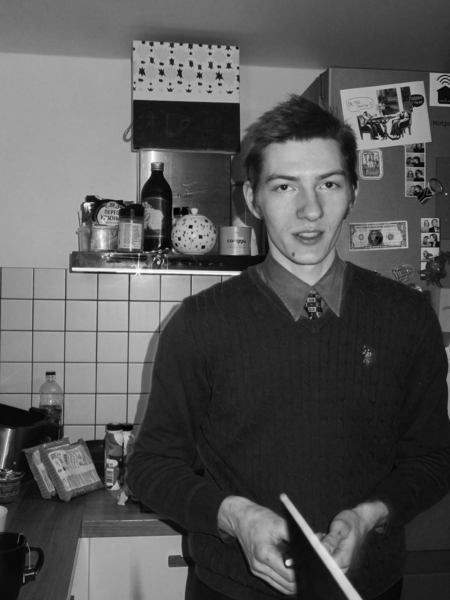
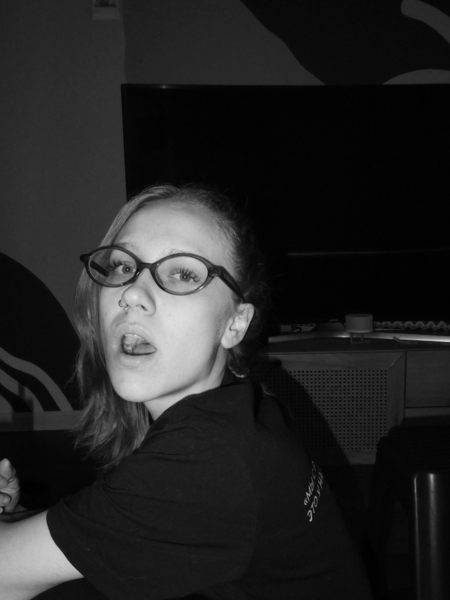
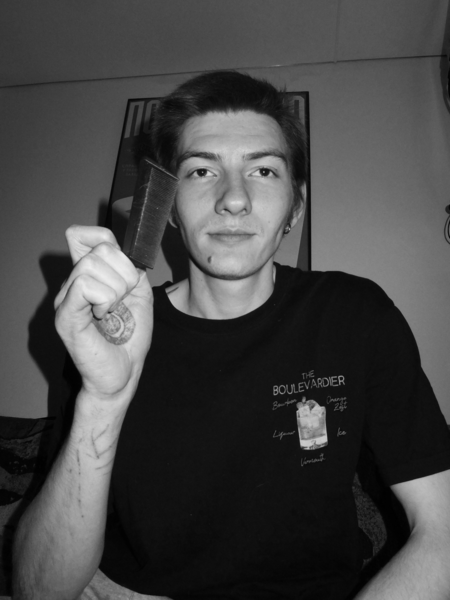
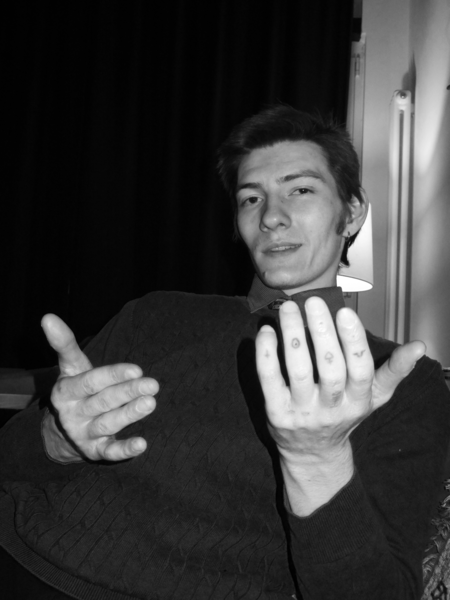
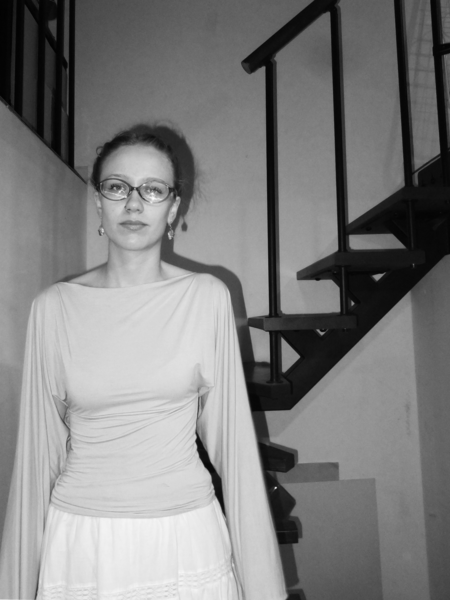
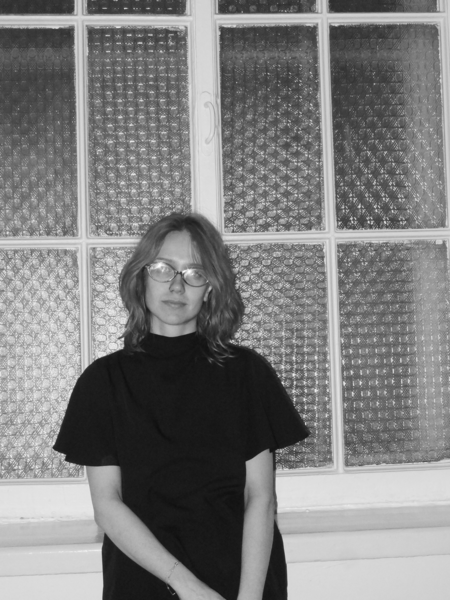
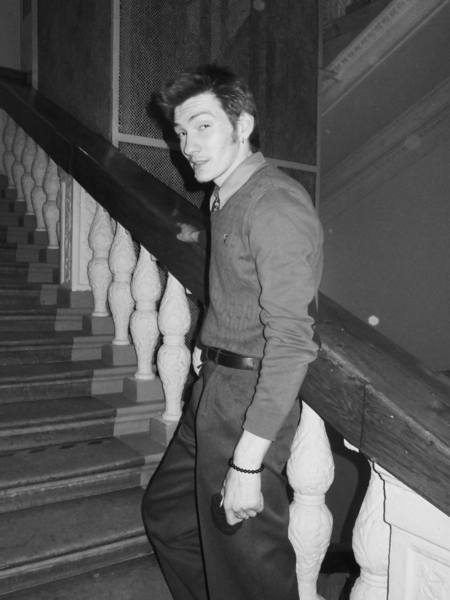
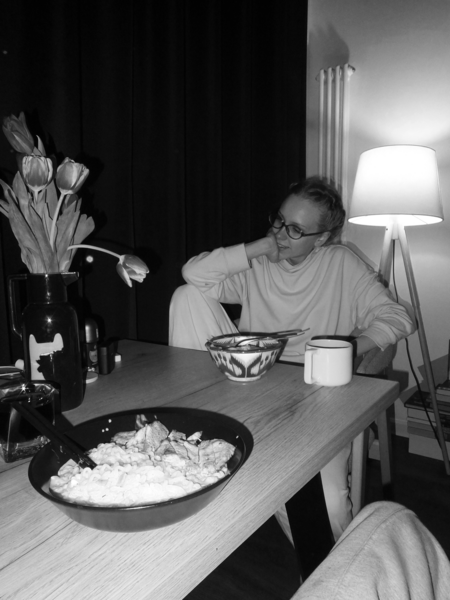
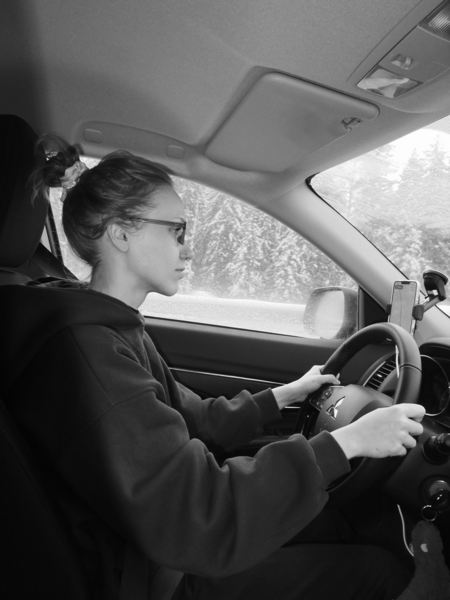
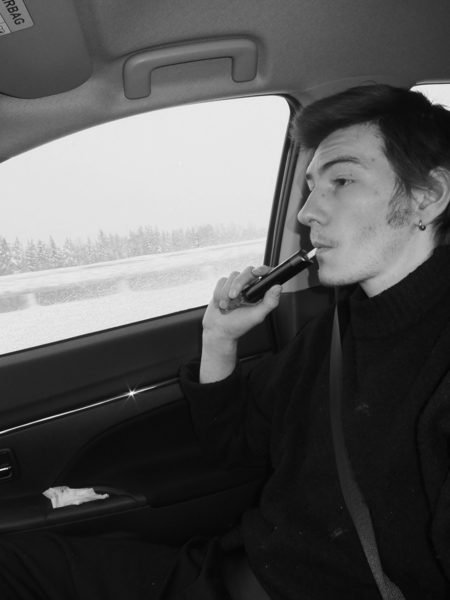
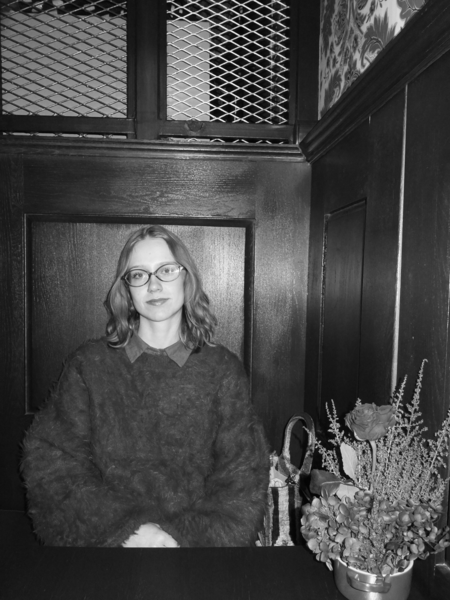
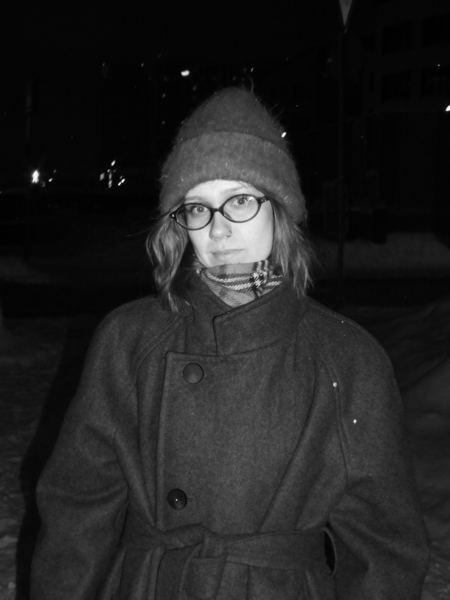
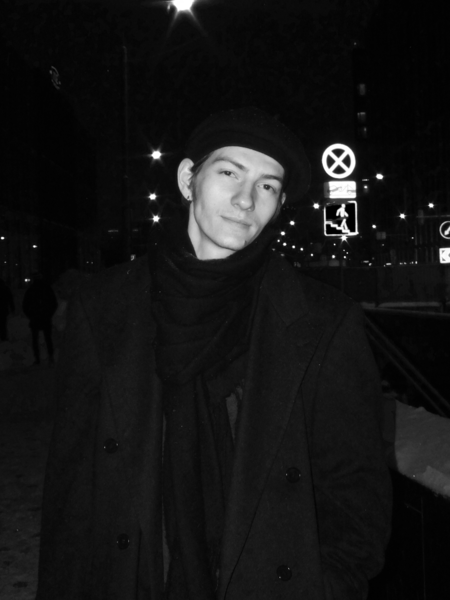
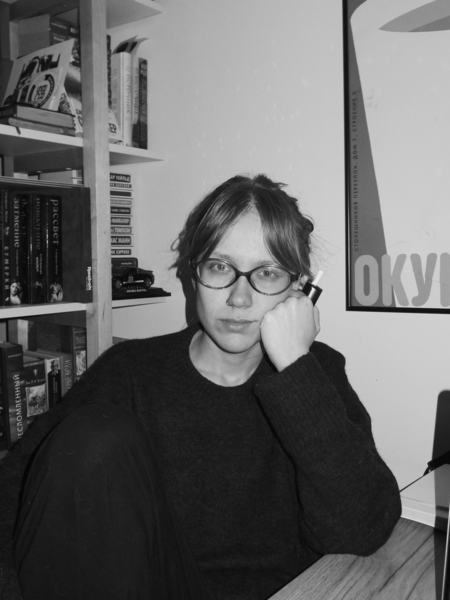
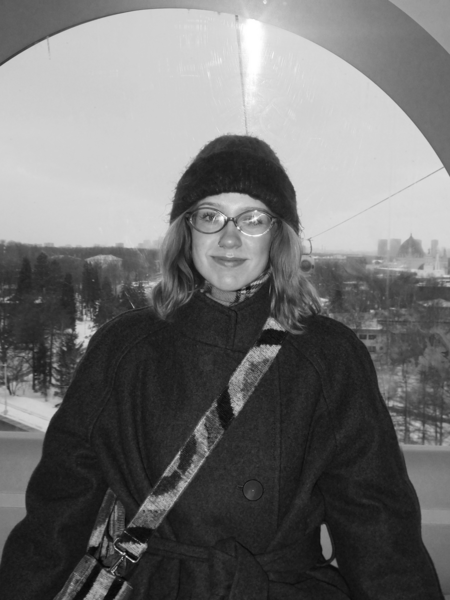
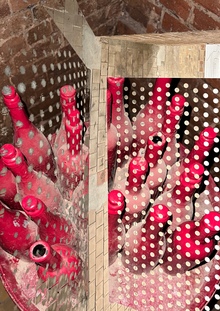
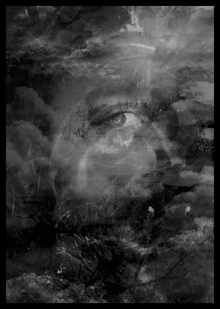
Проект строится на одновременных диптихах — я снимаю его со своей перспективы, он — меня со своей, создавая визуальный диалог границ.
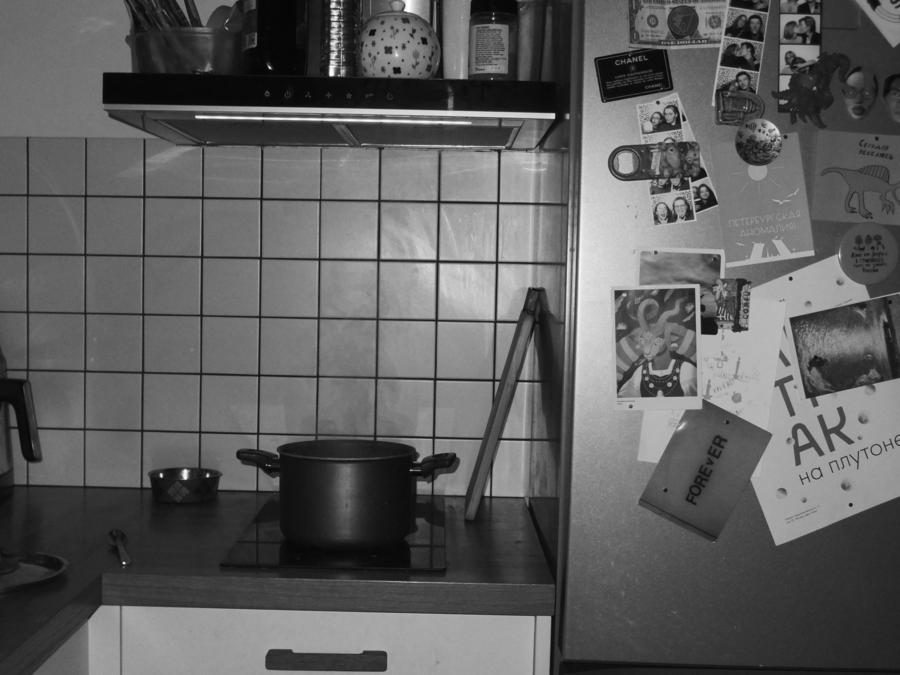
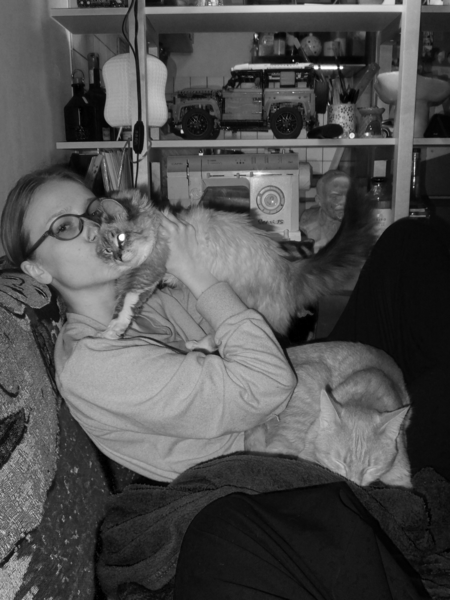
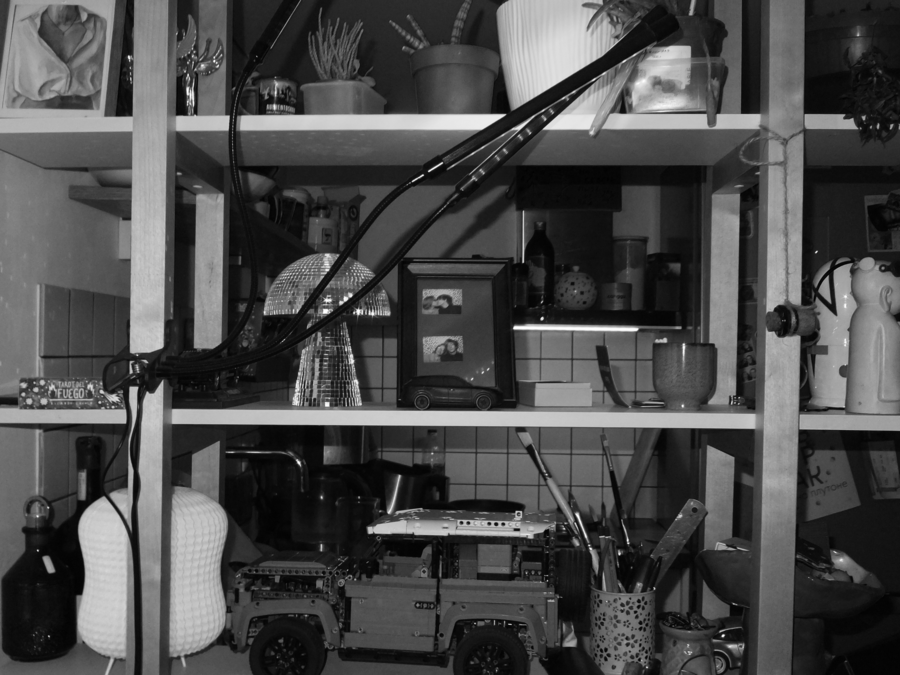
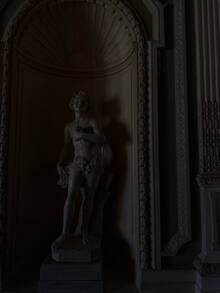
Проект также разбавляется фотографиями обстановки, в которой мы находимся при съемке диптихов для создания объема ситуации съемки.
Original size 4000x3000
Original size 4000x3000
Original size 4000x3000
Партнёр — не объект объектива, а зеркало, в котором «Я» обретает новые контуры. Границы идентичности не статичны — они рождаются в акте взаимного взгляда.
LPU — Lovely Professional University, India’s Best Private University in Punjab. A university with the infrastructure of global standards, internationally benchmarked curricula, rich diversity of students, innovative pedagogy for participative and experiential learning with focus on research, innovation and entrepreneurship
design
object design
art
fashion
environment
game design
illustration
animation
cgi
sound
Press space bar to start a drag.
When dragging you can use the arrow keys to move the item around and escape to cancel.
Some screen readers may require you to be in focus mode or to use your pass through key
Press space bar to start a drag.
When dragging you can use the arrow keys to move the item around and escape to cancel.
Some screen readers may require you to be in focus mode or to use your pass through key
Press space bar to start a drag.
When dragging you can use the arrow keys to move the item around and escape to cancel.
Some screen readers may require you to be in focus mode or to use your pass through key
Press space bar to start a drag.
When dragging you can use the arrow keys to move the item around and escape to cancel.
Some screen readers may require you to be in focus mode or to use your pass through key
Press space bar to start a drag.
When dragging you can use the arrow keys to move the item around and escape to cancel.
Some screen readers may require you to be in focus mode or to use your pass through key
Press space bar to start a drag.
When dragging you can use the arrow keys to move the item around and escape to cancel.
Some screen readers may require you to be in focus mode or to use your pass through key
Press space bar to start a drag.
When dragging you can use the arrow keys to move the item around and escape to cancel.
Some screen readers may require you to be in focus mode or to use your pass through key
Press space bar to start a drag.
When dragging you can use the arrow keys to move the item around and escape to cancel.
Some screen readers may require you to be in focus mode or to use your pass through key
Press space bar to start a drag.
When dragging you can use the arrow keys to move the item around and escape to cancel.
Some screen readers may require you to be in focus mode or to use your pass through key
Press space bar to start a drag.
When dragging you can use the arrow keys to move the item around and escape to cancel.
Some screen readers may require you to be in focus mode or to use your pass through key
Press space bar to start a drag.
When dragging you can use the arrow keys to move the item around and escape to cancel.
Some screen readers may require you to be in focus mode or to use your pass through key