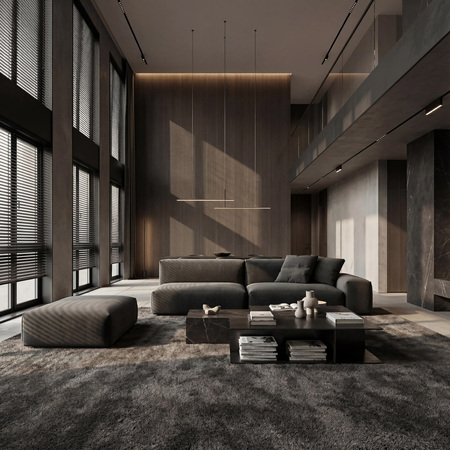
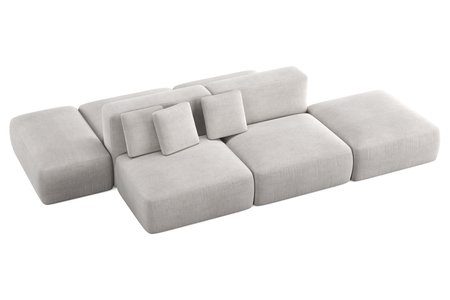
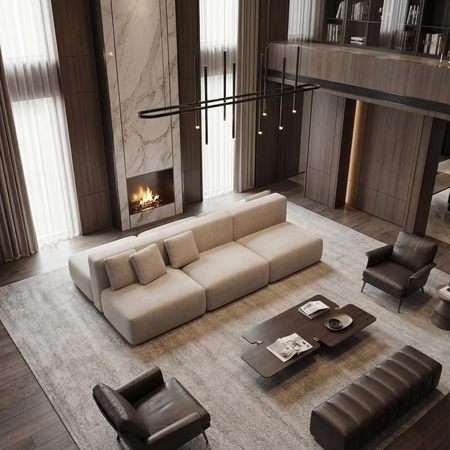
Examples of visualizations using AI technologies / 2025
Opportunities: — processing visualizations in AI without altering the design of the object — creating a unique interior with an object — creating 2 square or 4 squared images — streaming image creation — creating images with different lighting scenarios, different weather patterns and times of the year *All images are compressed
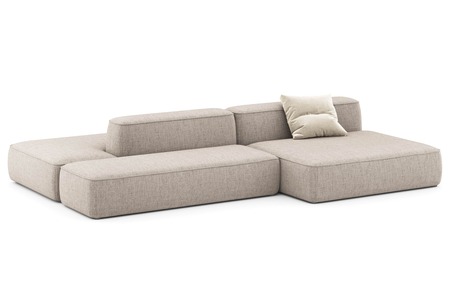
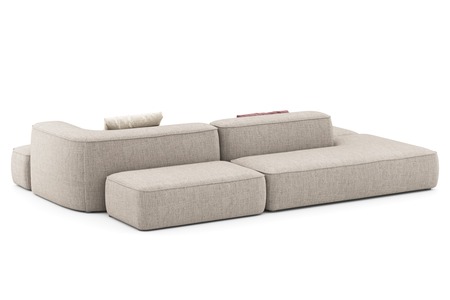
Diwan Leman / / Lovesit
Renders
Visualizations in the interior
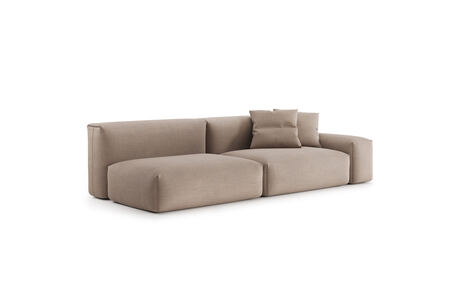
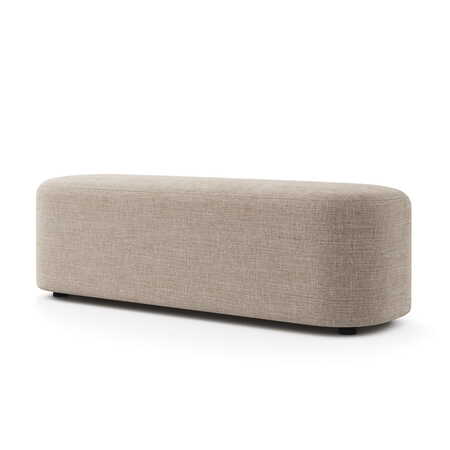
Diwan Travis/ / Lovesit
Renders
Visualization
Original size 2048x2048
Original size 2000x2000
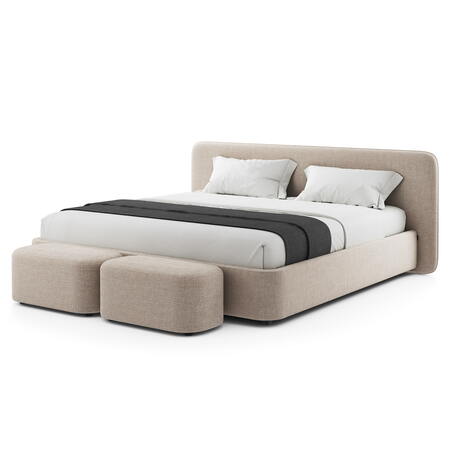
Mars + Barry’s bed / / Lovesit
Renders
Visualization
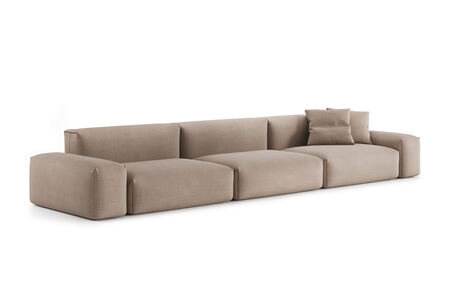
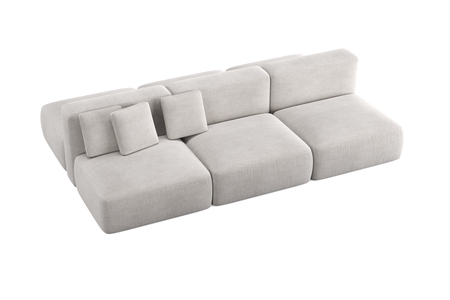
Kermit’s two-way couch / / Lovesit
Renders
Visualization
Original size 3000x3000
*3D simulations and pre-viewing of objects on a white background were performed by outside contractors.
CONTACTS
Telegram: @karms_ann e-mail: karamova-ann@mail.ru I’d like to cooperate! Write and let’s work together on projects.
Press space bar to start a drag.
When dragging you can use the arrow keys to move the item around and escape to cancel.
Some screen readers may require you to be in focus mode or to use your pass through key
Press space bar to start a drag.
When dragging you can use the arrow keys to move the item around and escape to cancel.
Some screen readers may require you to be in focus mode or to use your pass through key
Press space bar to start a drag.
When dragging you can use the arrow keys to move the item around and escape to cancel.
Some screen readers may require you to be in focus mode or to use your pass through key
Press space bar to start a drag.
When dragging you can use the arrow keys to move the item around and escape to cancel.
Some screen readers may require you to be in focus mode or to use your pass through key
Press space bar to start a drag.
When dragging you can use the arrow keys to move the item around and escape to cancel.
Some screen readers may require you to be in focus mode or to use your pass through key
Press space bar to start a drag.
When dragging you can use the arrow keys to move the item around and escape to cancel.
Some screen readers may require you to be in focus mode or to use your pass through key
Press space bar to start a drag.
When dragging you can use the arrow keys to move the item around and escape to cancel.
Some screen readers may require you to be in focus mode or to use your pass through key
Press space bar to start a drag.
When dragging you can use the arrow keys to move the item around and escape to cancel.
Some screen readers may require you to be in focus mode or to use your pass through key
Press space bar to start a drag.
When dragging you can use the arrow keys to move the item around and escape to cancel.
Some screen readers may require you to be in focus mode or to use your pass through key