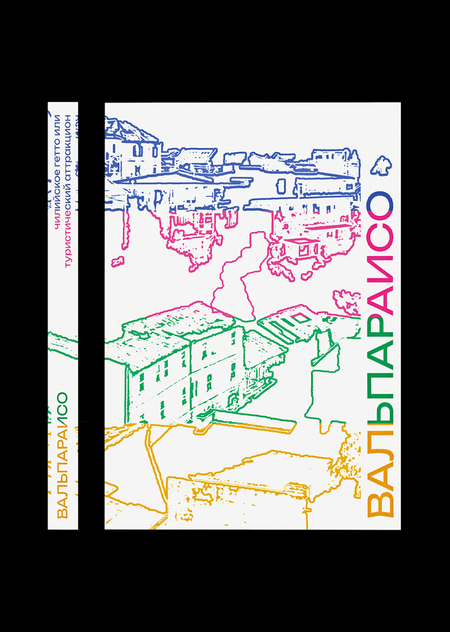
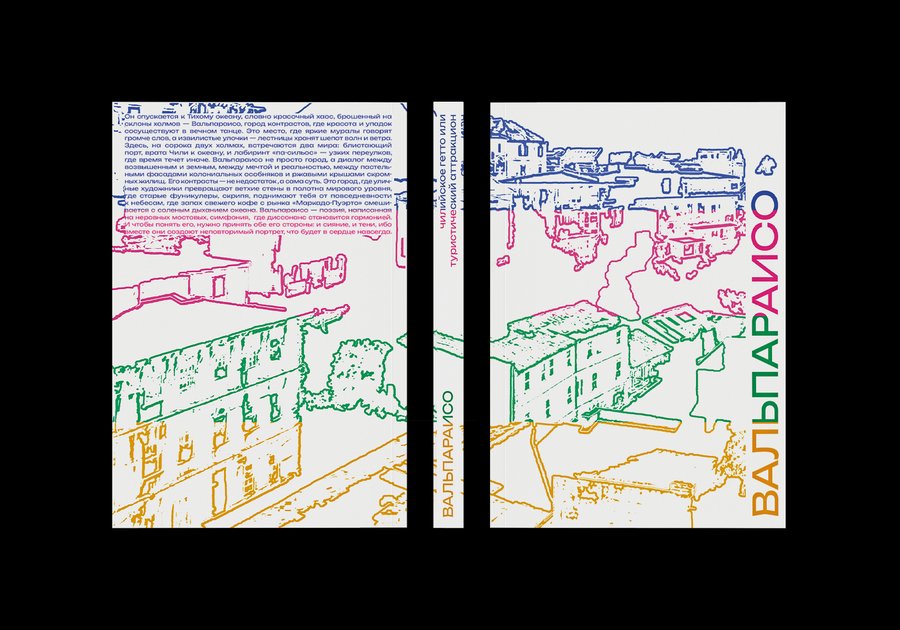
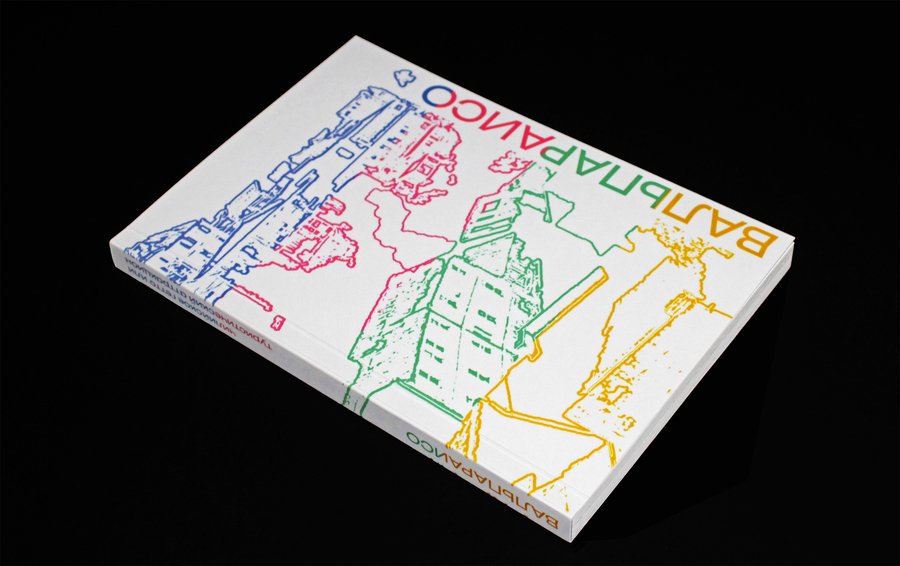
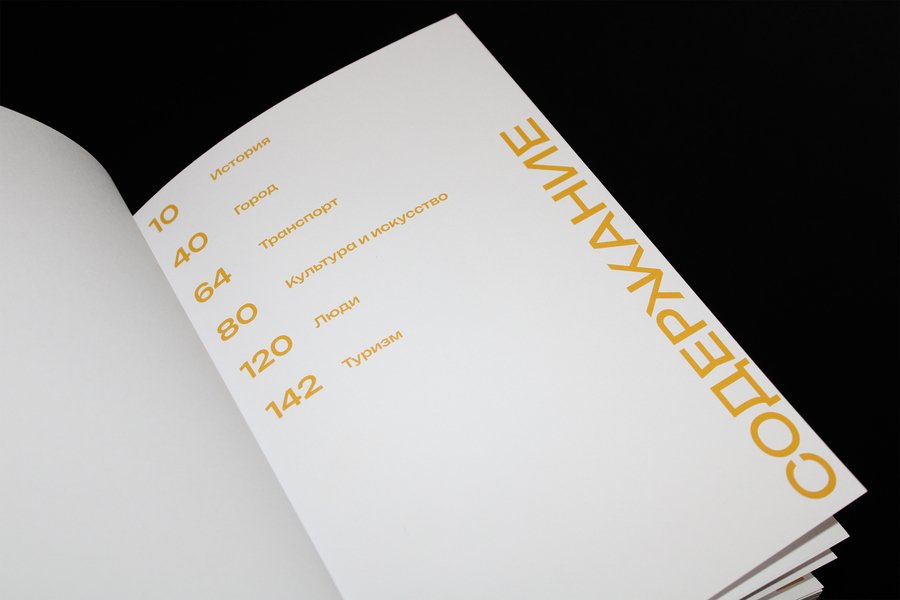
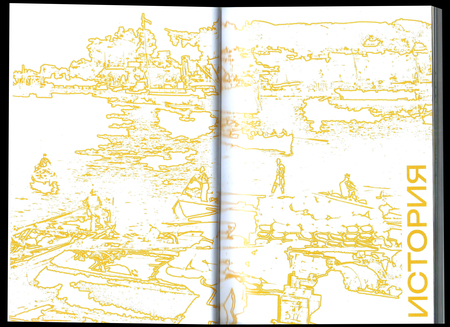
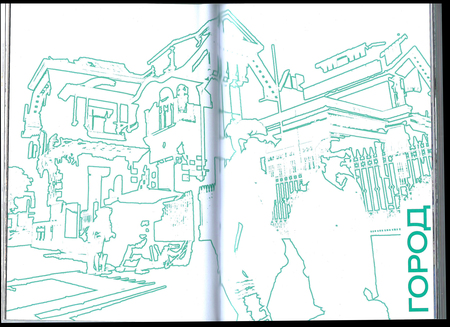
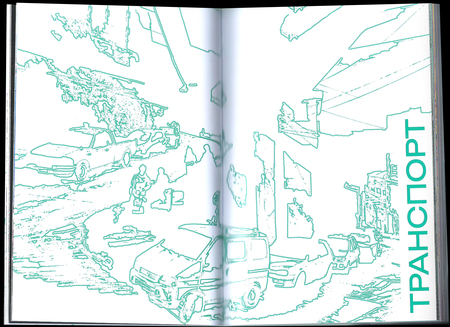
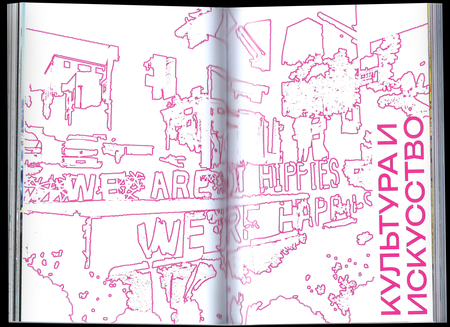
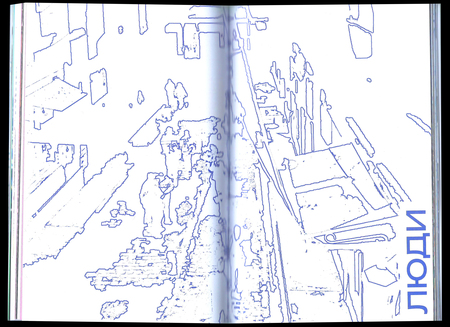
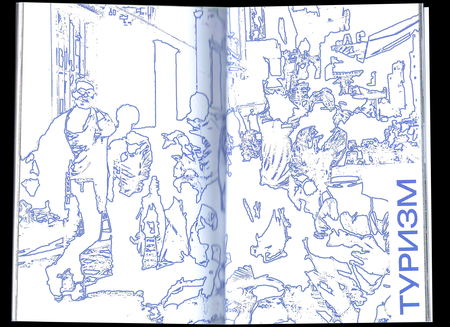
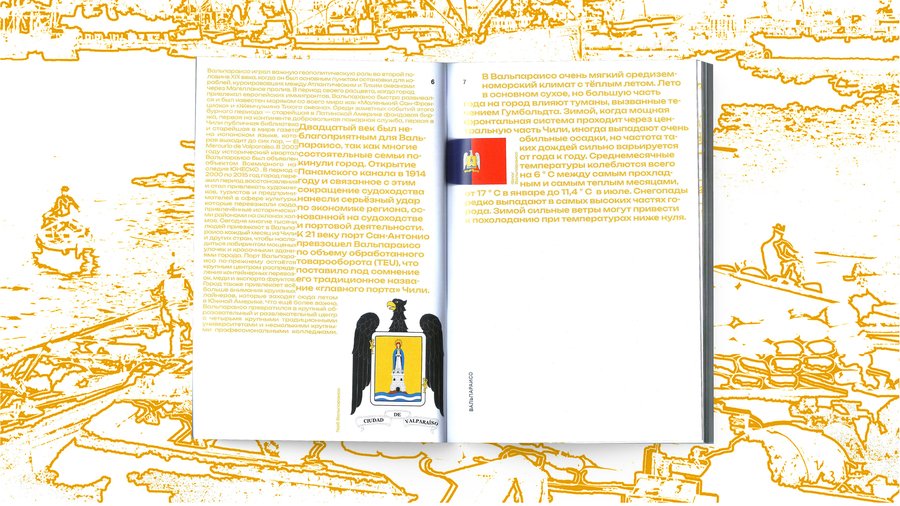
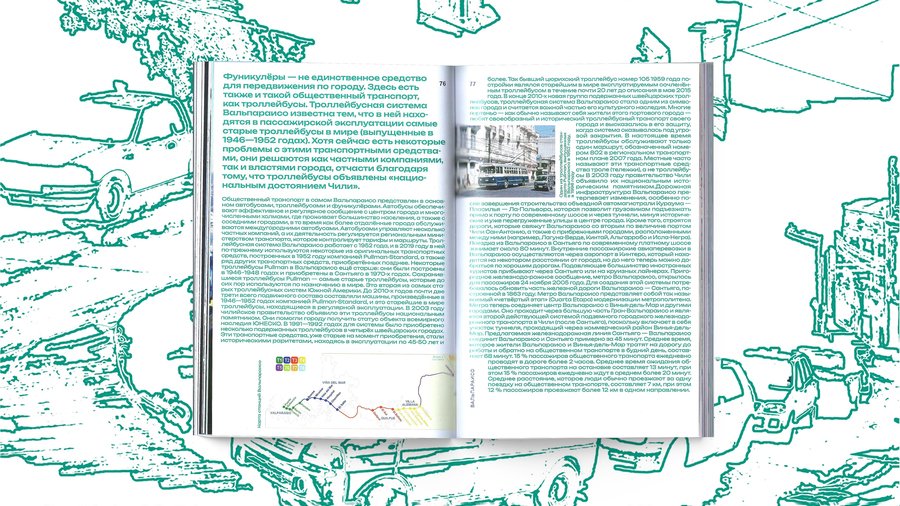
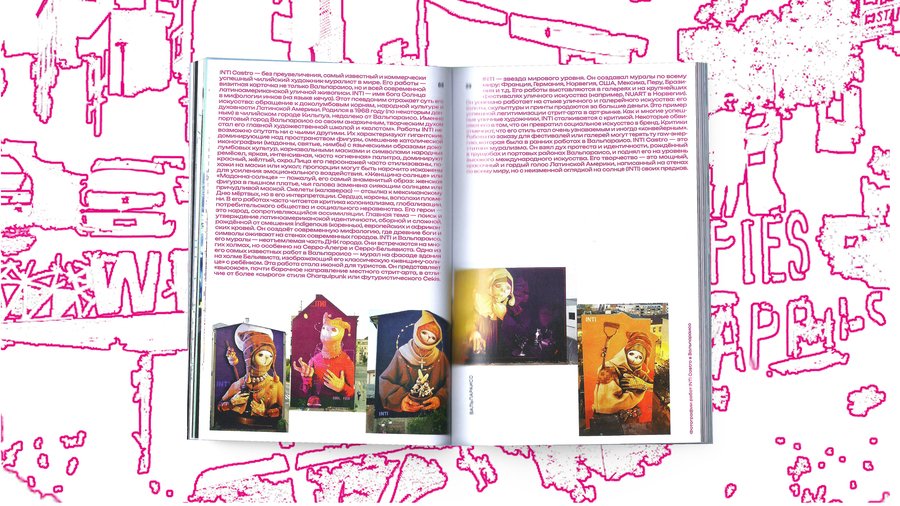
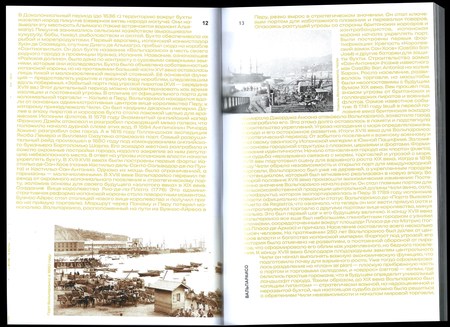
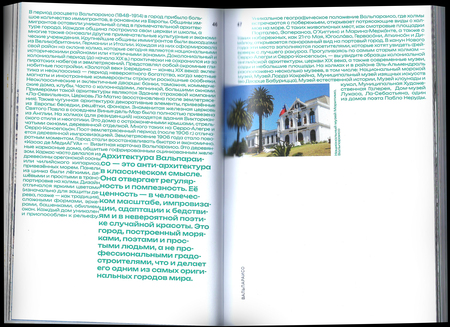
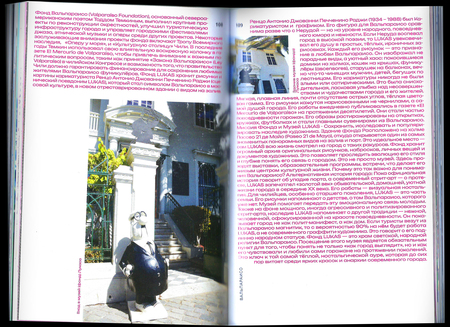
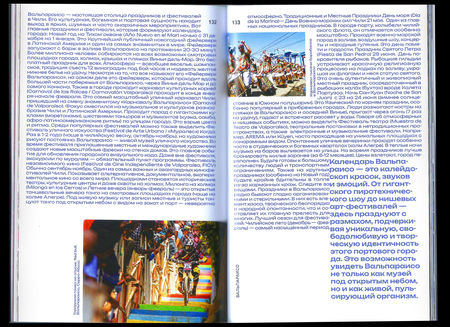
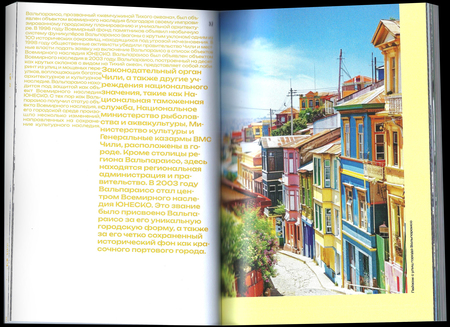
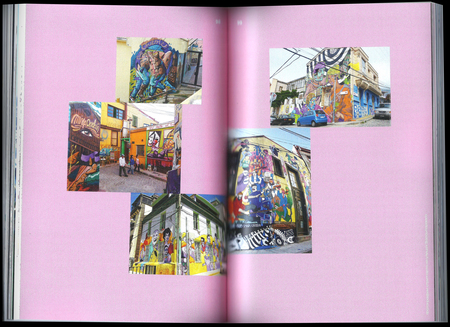
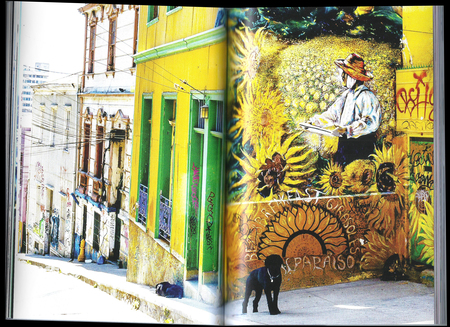
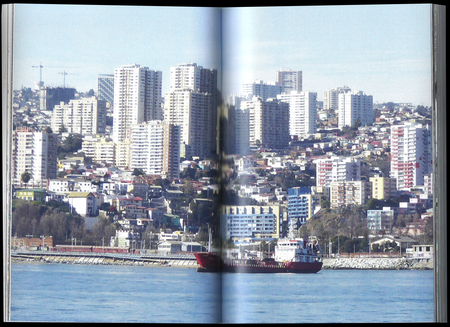
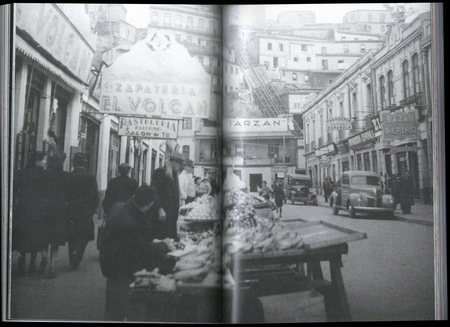
Проект представляет собой книгу-исследование о городе Вальпараисо, где цвет становится главным голосом повествования, а принцип контраста подчеркивает его положительные и негативные аспекты. На цветных страницах говорится
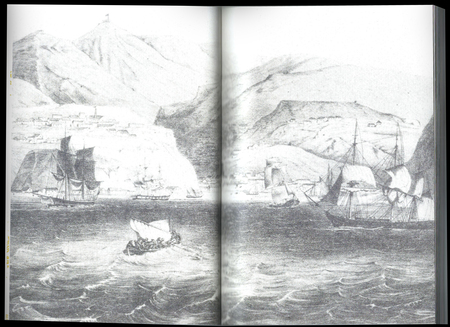
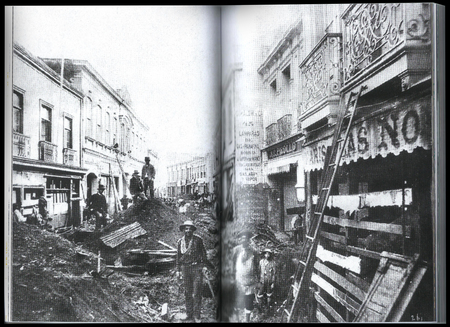
о радости жизни и ярких красках города; на монохромных — о тенях, выживании
и бедности. Проект не дает однозначных оценок, а предлагает увидеть город целиком — принять его сложность и контрасты как главную ценность.
Original size 3000x2000
0
0
0
0
0
0
0
0
0
1/4
Original size 2968x2160
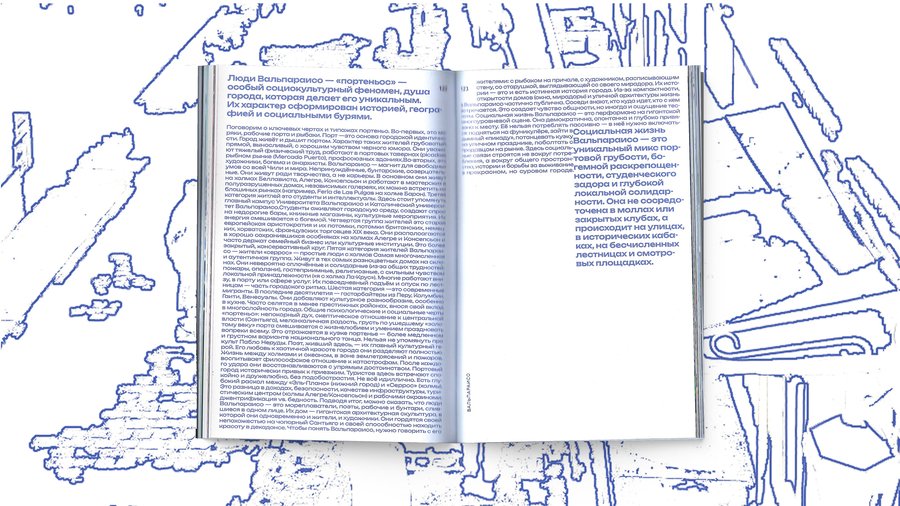
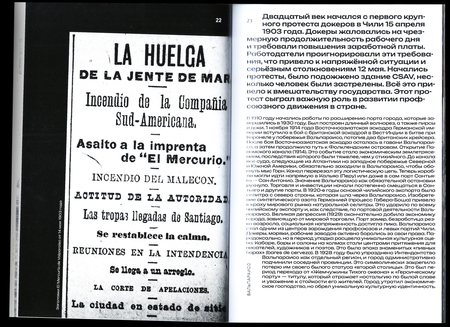
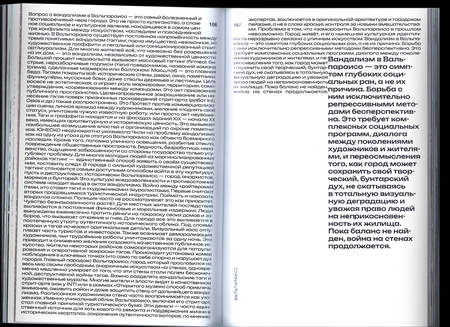
Плотность типографского набора книги продиктована самой атмосферой Вальпараисо,
где наблюдается высокий уровень плотности городского населения.
Original size 3000x2000
Original size 2500x992
Original size 2500x992
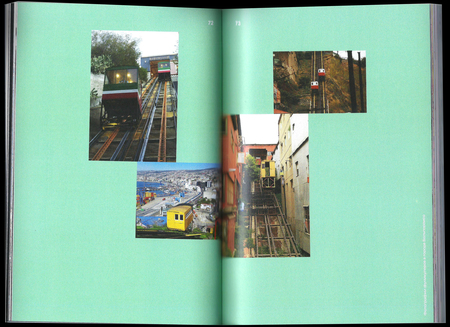
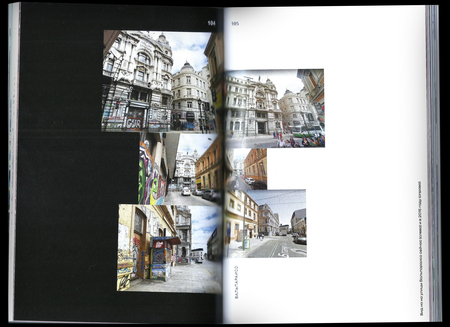
Фотографии выходят из центра книги и складываются в композиции, повторяющие знаменитые тесные кварталы Вальпараисо.
Original size 3000x2000
Original size 3507x2550
Original size 2968x2160
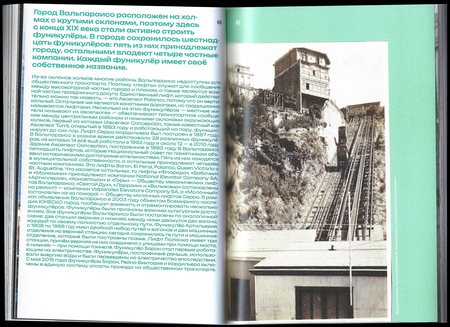
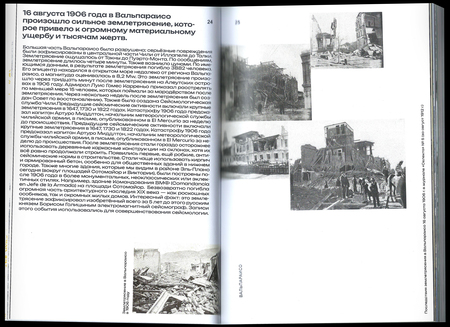
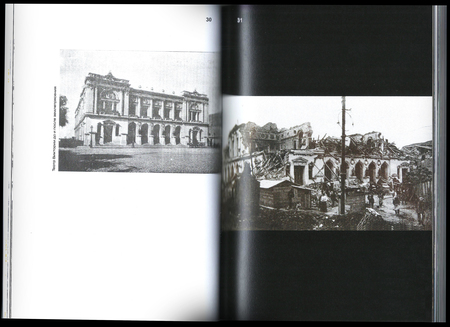
Каждая глава содержит черно-белые страницы, которые перекликаются с цветными по структуре, но также раскрывают город с обратной стороны, более темной и опасной.
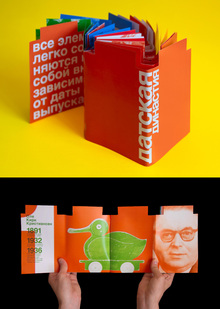
Этот буклет посвящён компании LEGO и рассказывает историю её развития через смену поколений семьи-основателя, каждое из которых сыграло важную роль в развитии бренда
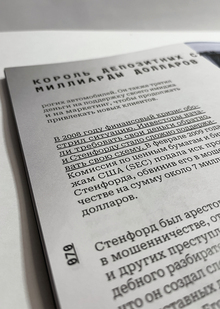
Роман Васильев создал портфолио, включающее оформление книг и зинов, в том числе серии про авангардистов и каталог фестиваля Жердёла 2024. Проект включает в себя использование шрифтов Kyiv Type Foundry и Letterhead, а также фотографии из архивов 1996 года.
LPU — Lovely Professional University, India’s Best Private University in Punjab. A university with the infrastructure of global standards, internationally benchmarked curricula, rich diversity of students, innovative pedagogy for participative and experiential learning with focus on research, innovation and entrepreneurship
Press space bar to start a drag.
When dragging you can use the arrow keys to move the item around and escape to cancel.
Some screen readers may require you to be in focus mode or to use your pass through key
Press space bar to start a drag.
When dragging you can use the arrow keys to move the item around and escape to cancel.
Some screen readers may require you to be in focus mode or to use your pass through key
Press space bar to start a drag.
When dragging you can use the arrow keys to move the item around and escape to cancel.
Some screen readers may require you to be in focus mode or to use your pass through key
Press space bar to start a drag.
When dragging you can use the arrow keys to move the item around and escape to cancel.
Some screen readers may require you to be in focus mode or to use your pass through key
Press space bar to start a drag.
When dragging you can use the arrow keys to move the item around and escape to cancel.
Some screen readers may require you to be in focus mode or to use your pass through key
Press space bar to start a drag.
When dragging you can use the arrow keys to move the item around and escape to cancel.
Some screen readers may require you to be in focus mode or to use your pass through key
Press space bar to start a drag.
When dragging you can use the arrow keys to move the item around and escape to cancel.
Some screen readers may require you to be in focus mode or to use your pass through key
Press space bar to start a drag.
When dragging you can use the arrow keys to move the item around and escape to cancel.
Some screen readers may require you to be in focus mode or to use your pass through key
Press space bar to start a drag.
When dragging you can use the arrow keys to move the item around and escape to cancel.
Some screen readers may require you to be in focus mode or to use your pass through key
Press space bar to start a drag.
When dragging you can use the arrow keys to move the item around and escape to cancel.
Some screen readers may require you to be in focus mode or to use your pass through key
Press space bar to start a drag.
When dragging you can use the arrow keys to move the item around and escape to cancel.
Some screen readers may require you to be in focus mode or to use your pass through key
Press space bar to start a drag.
When dragging you can use the arrow keys to move the item around and escape to cancel.
Some screen readers may require you to be in focus mode or to use your pass through key