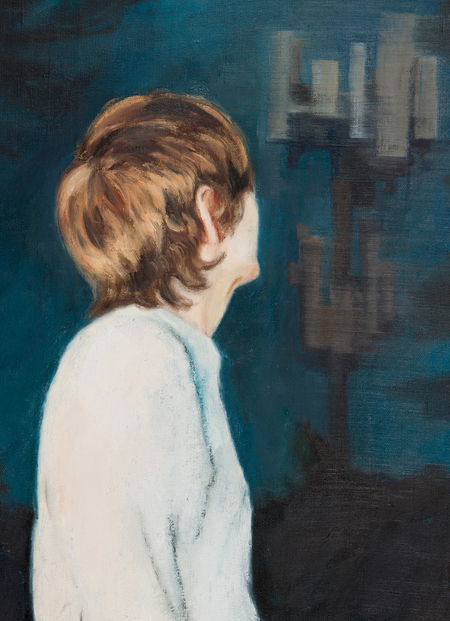
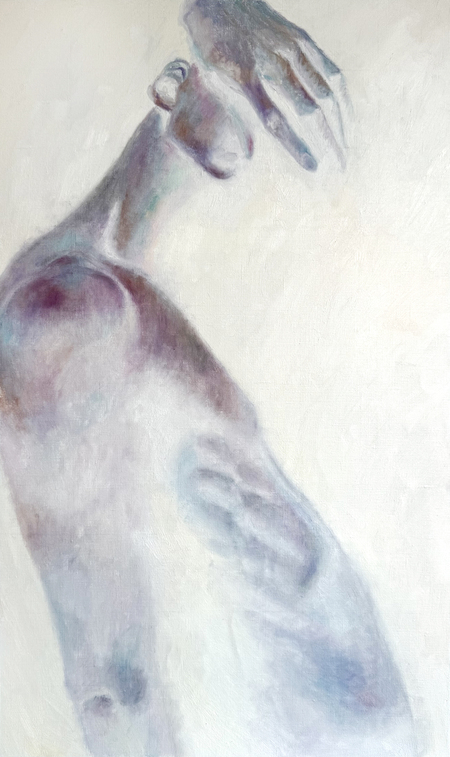
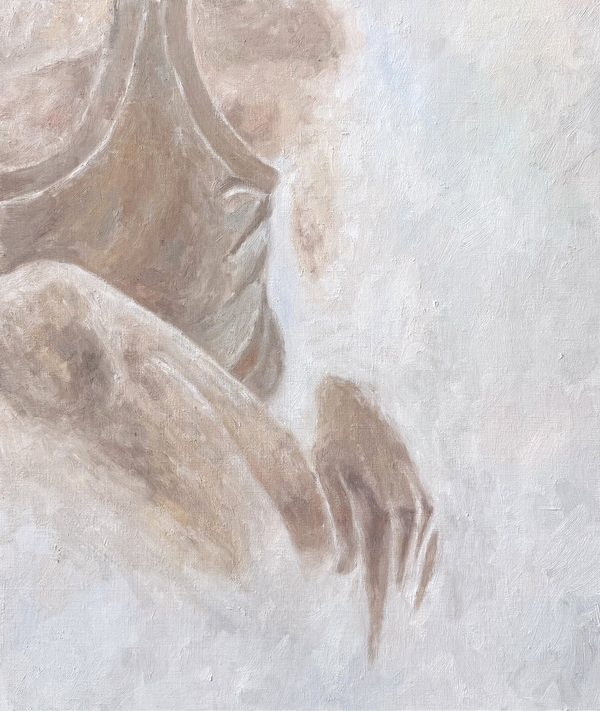
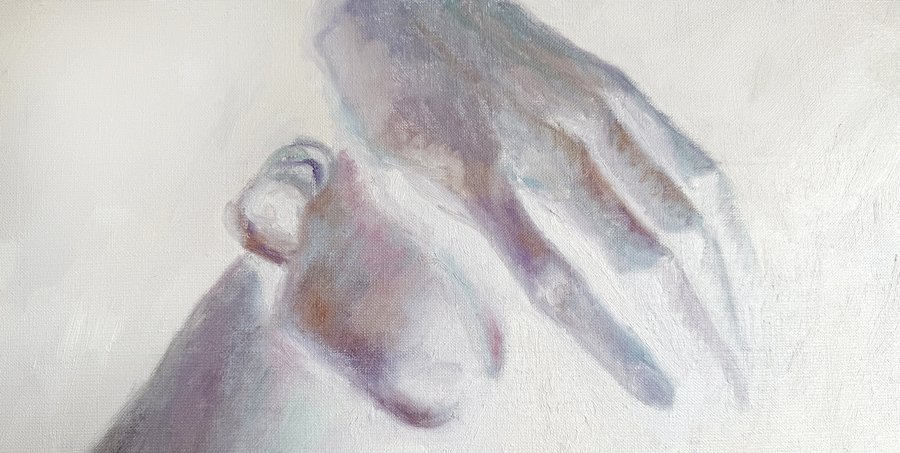
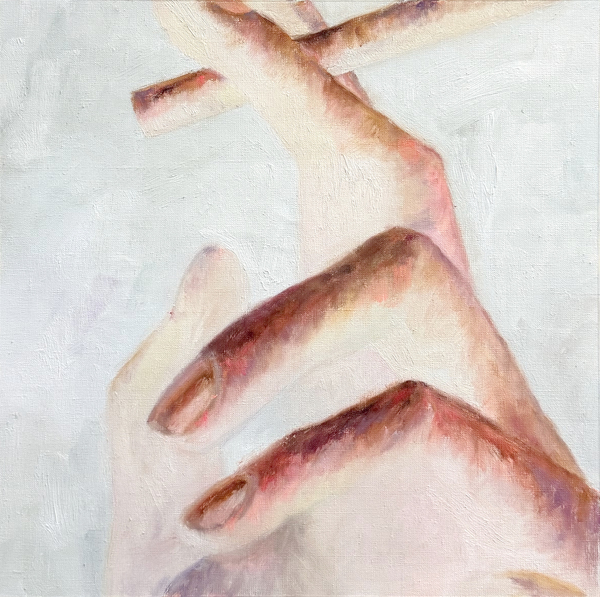
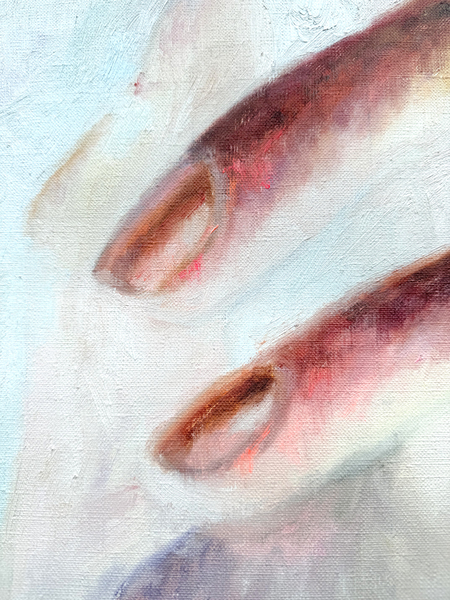
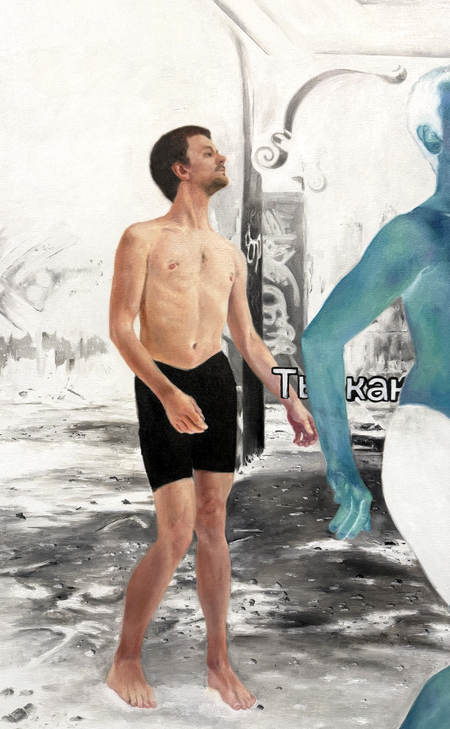
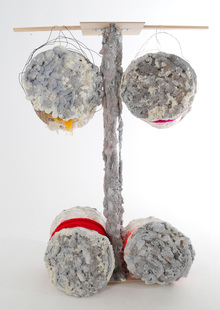
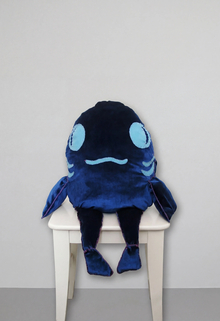
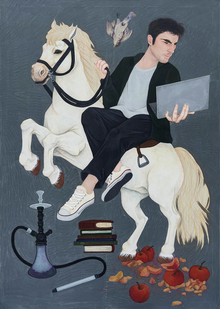
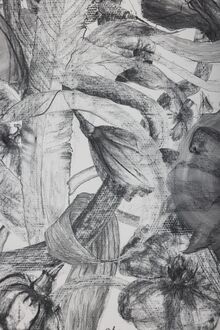
В третьем модуле первого курса работа в мастерской была сосредоточена на поиске идей и смыслов, которые становятся основой для дальнейших художественных высказываний. Через эксперименты в живописном и визуальном языке исследовались разные способы изображения и передачи настроения. Создавались эскизы на различные темы, позволяющие наметить направления будущих работ и расширить границы визуального поиска.
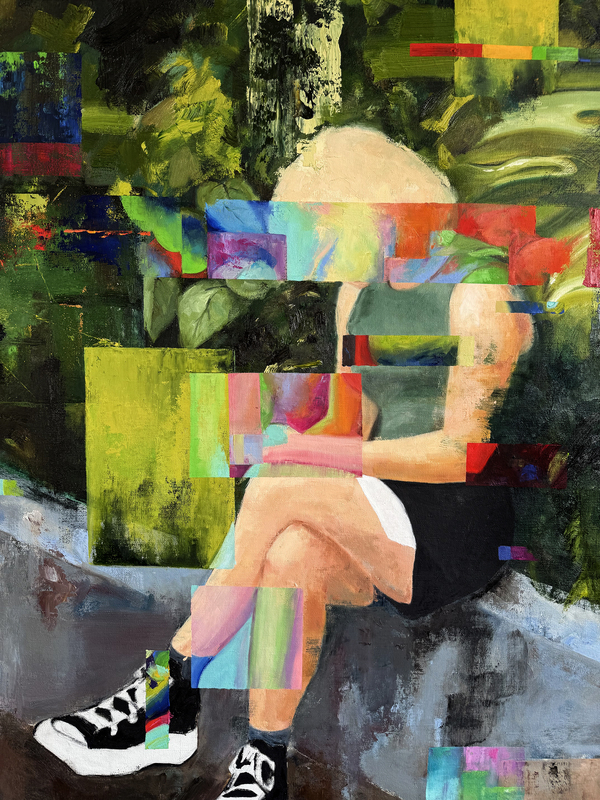
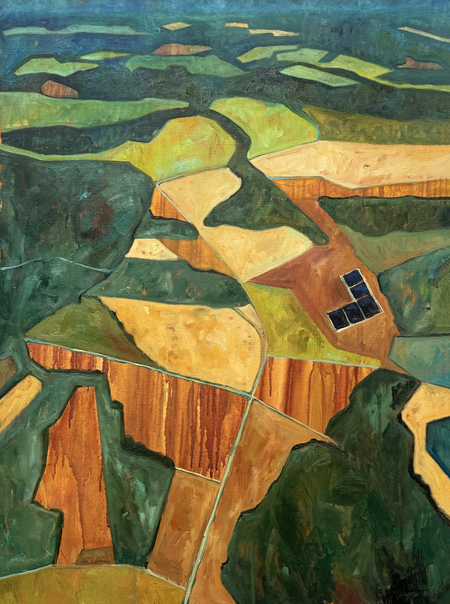
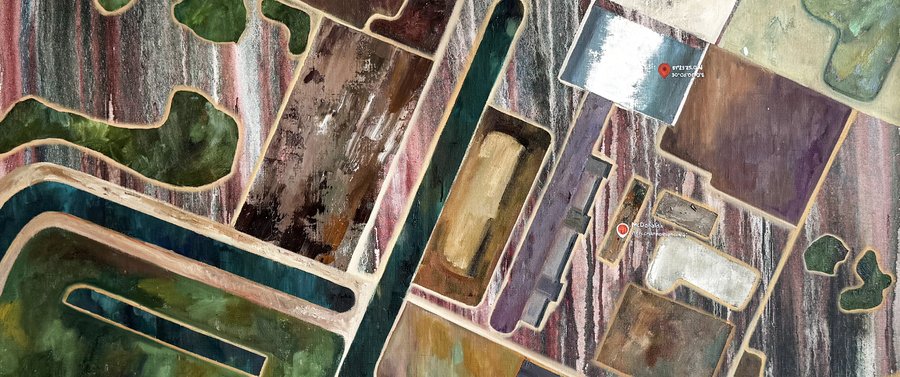
Мультивселенные, холст, масло, 110 на 97 см
Original size 3627x2577
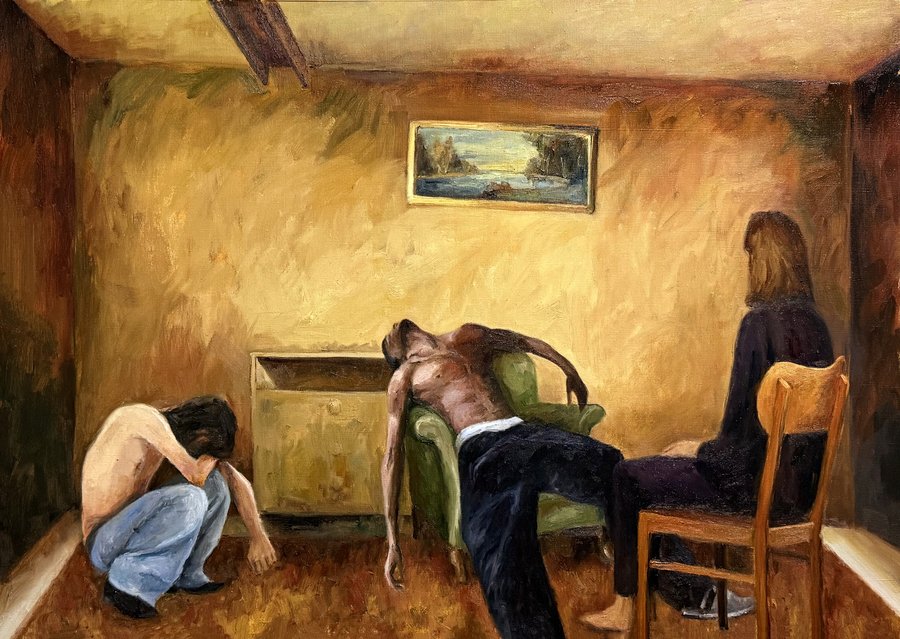
Ситуация, холст, масло, 69 на 99 см
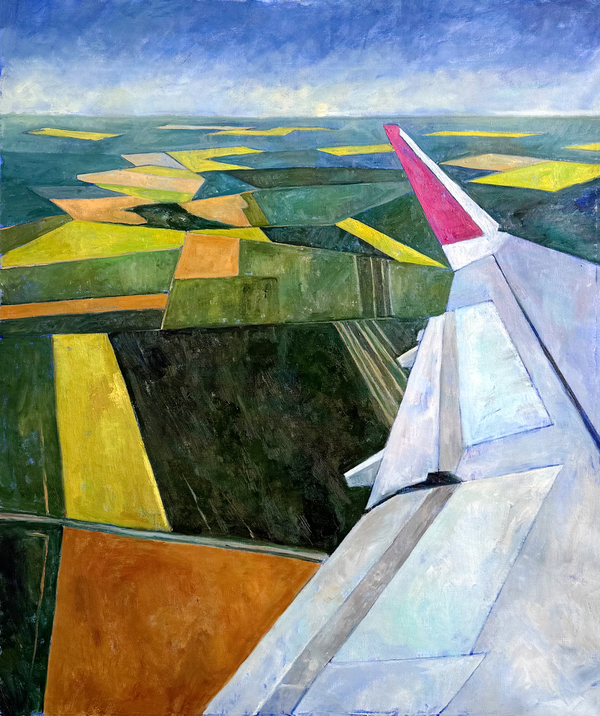
Левая: Пейзаж, холст, масло, 89 на 65 см, правая: Крыло, холст, масло, 110 на 93 см
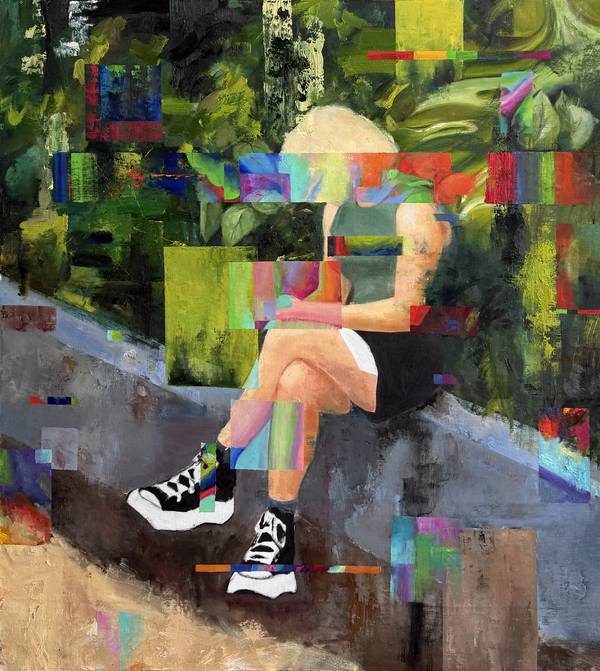
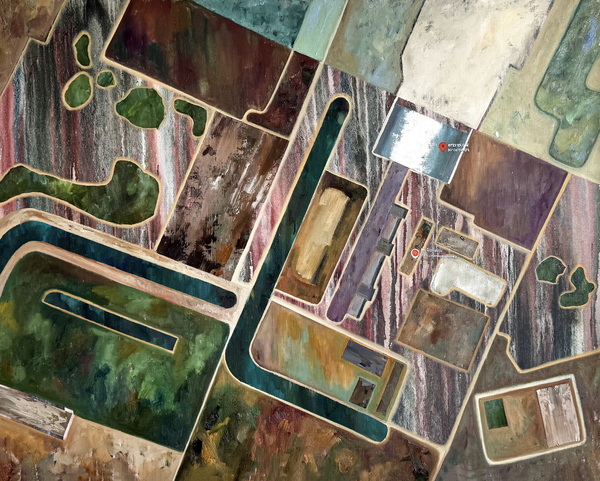
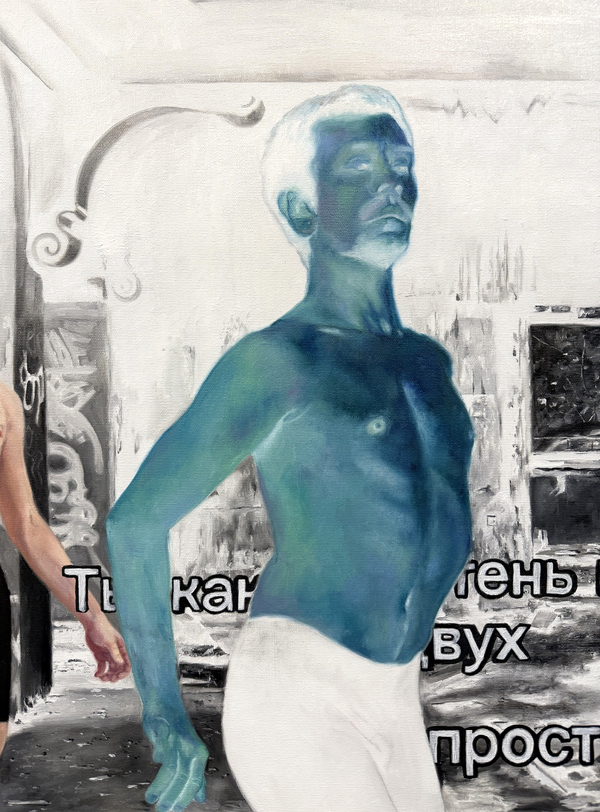
Метки, холст, масло, 81 на 100 см
Original size 3488x1460
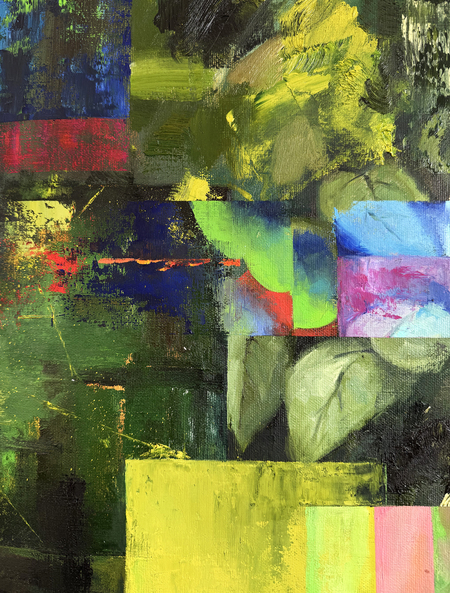
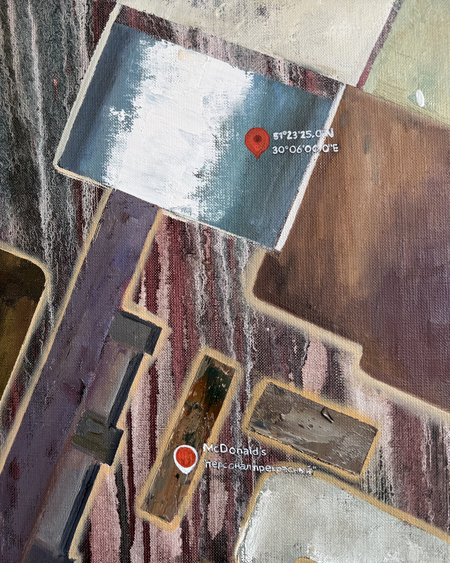
Метки, фрагмент
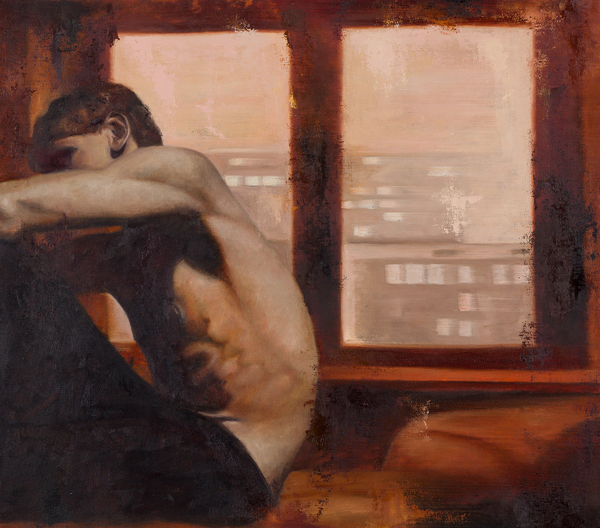
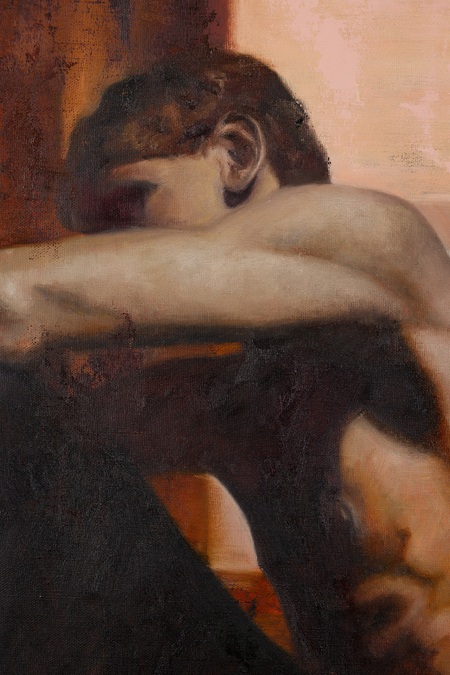
Бессонница, холст, масло, 65 на 73 см
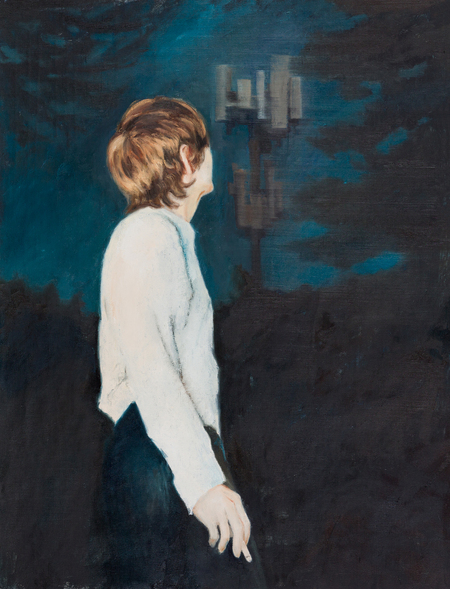
Прогулка, холст, масло, 84 на 65 см
Левая: Молчание, холст, масло, 90 на 55 см, правая: Пауза, холст, масло, 66 на 56 см
LPU — Lovely Professional University, India’s Best Private University in Punjab. A university with the infrastructure of global standards, internationally benchmarked curricula, rich diversity of students, innovative pedagogy for participative and experiential learning with focus on research, innovation and entrepreneurship
Press space bar to start a drag.
When dragging you can use the arrow keys to move the item around and escape to cancel.
Some screen readers may require you to be in focus mode or to use your pass through key
Press space bar to start a drag.
When dragging you can use the arrow keys to move the item around and escape to cancel.
Some screen readers may require you to be in focus mode or to use your pass through key
Press space bar to start a drag.
When dragging you can use the arrow keys to move the item around and escape to cancel.
Some screen readers may require you to be in focus mode or to use your pass through key
Press space bar to start a drag.
When dragging you can use the arrow keys to move the item around and escape to cancel.
Some screen readers may require you to be in focus mode or to use your pass through key
Press space bar to start a drag.
When dragging you can use the arrow keys to move the item around and escape to cancel.
Some screen readers may require you to be in focus mode or to use your pass through key
Press space bar to start a drag.
When dragging you can use the arrow keys to move the item around and escape to cancel.
Some screen readers may require you to be in focus mode or to use your pass through key
Press space bar to start a drag.
When dragging you can use the arrow keys to move the item around and escape to cancel.
Some screen readers may require you to be in focus mode or to use your pass through key
Press space bar to start a drag.
When dragging you can use the arrow keys to move the item around and escape to cancel.
Some screen readers may require you to be in focus mode or to use your pass through key