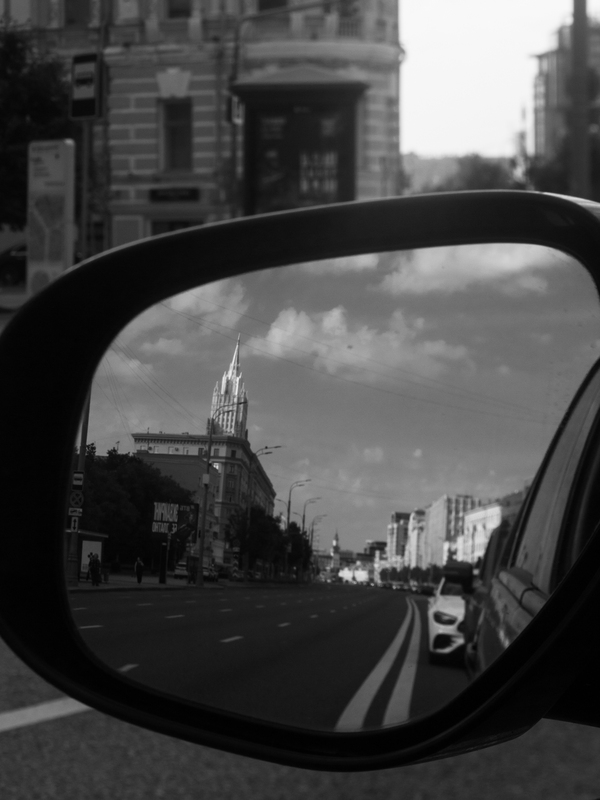
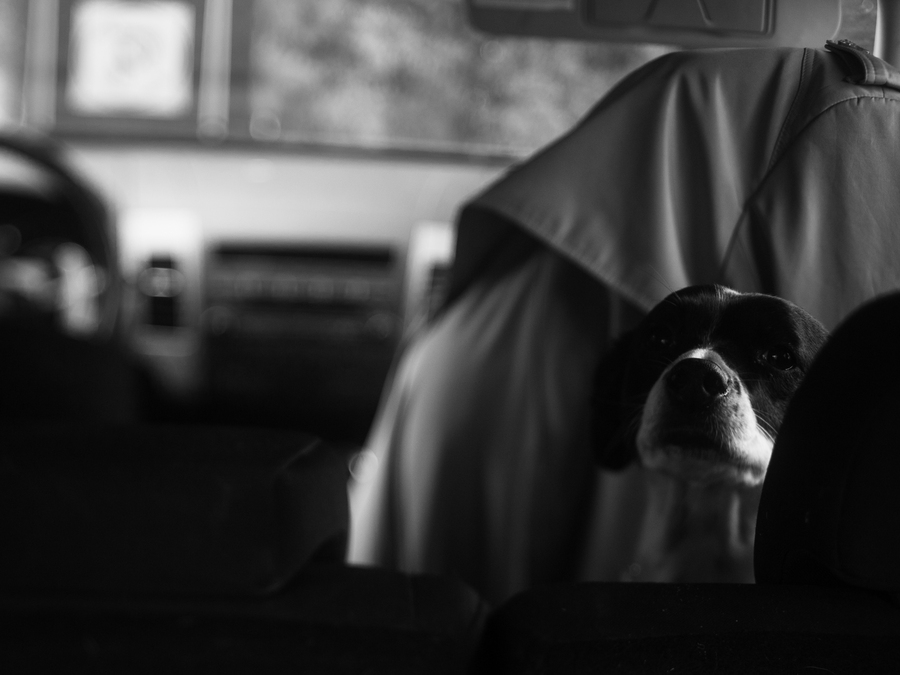
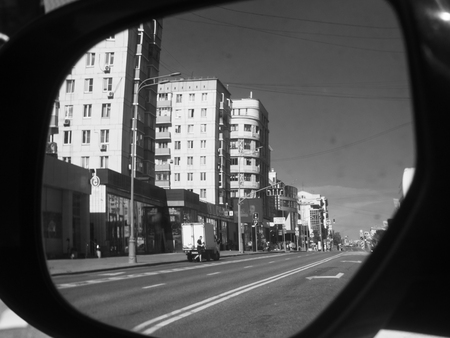
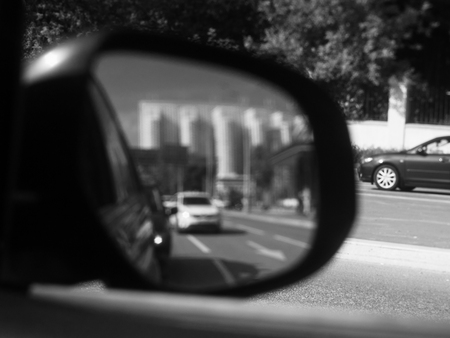
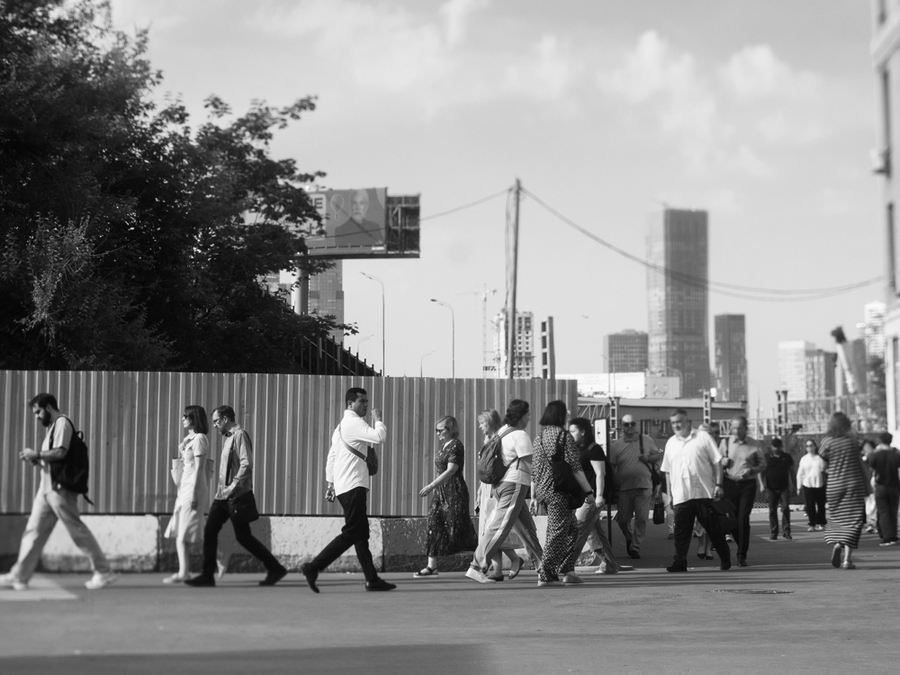
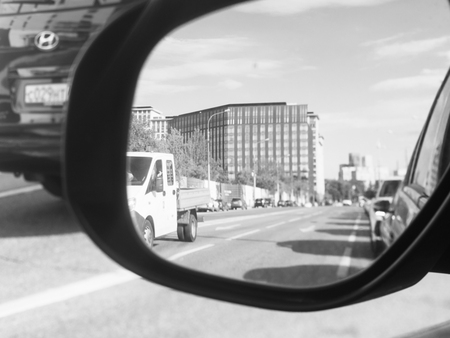
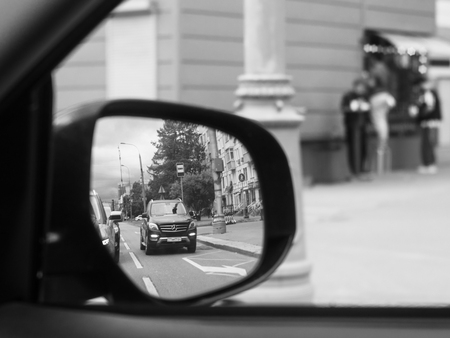
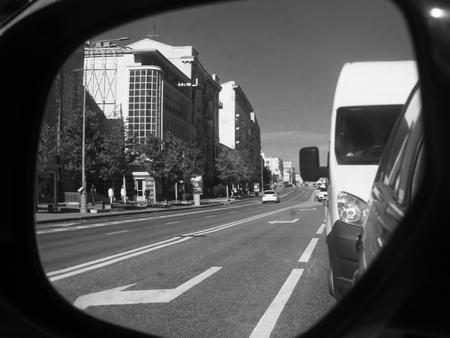
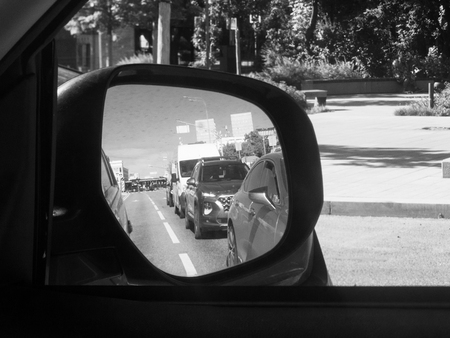
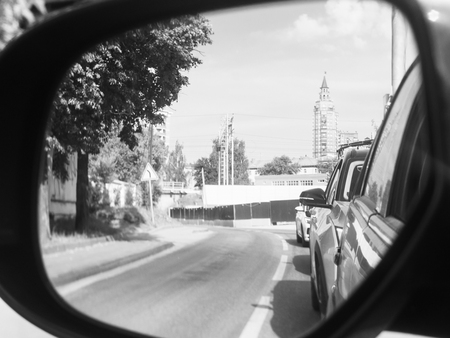
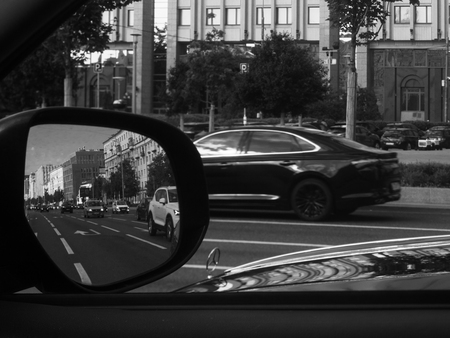
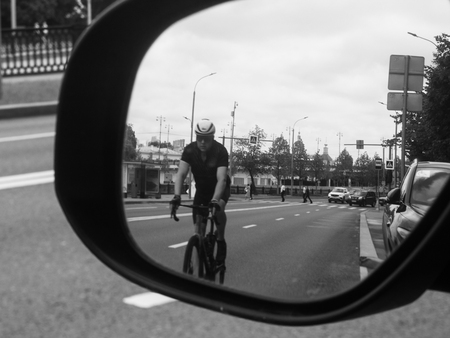
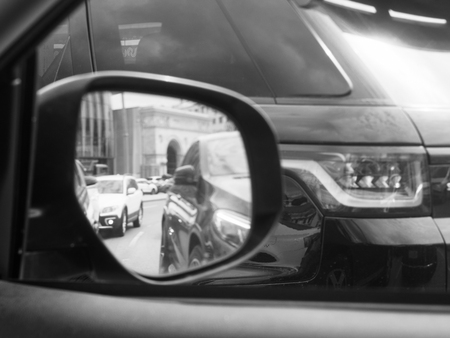
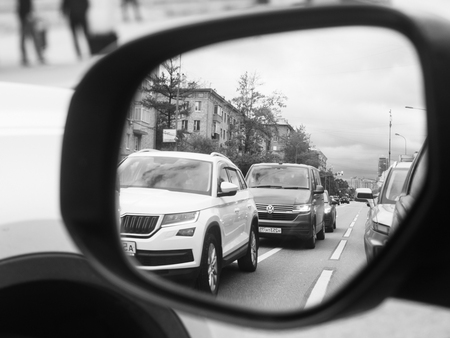
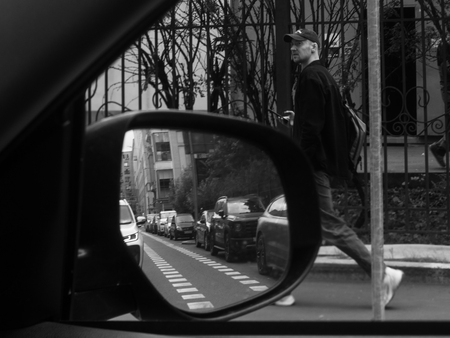
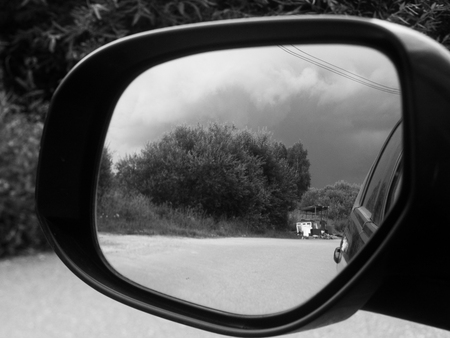
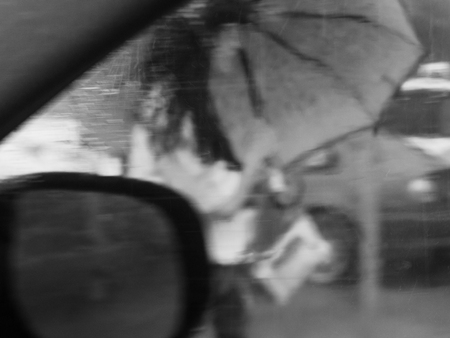
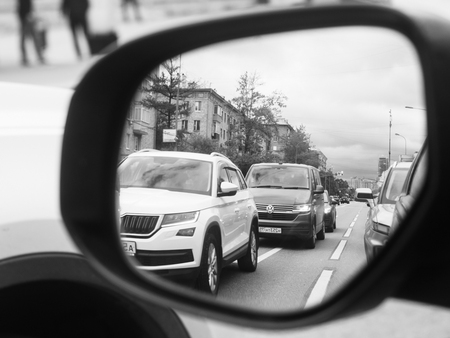
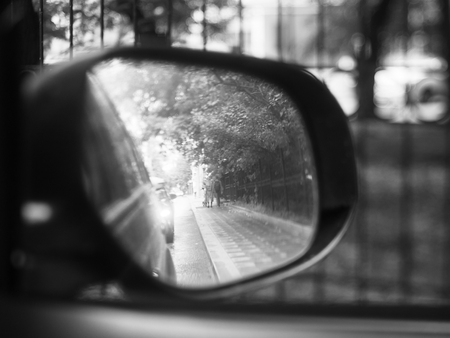
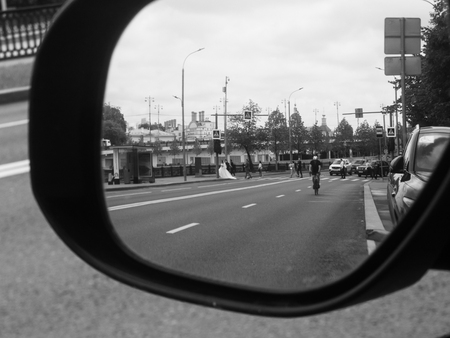
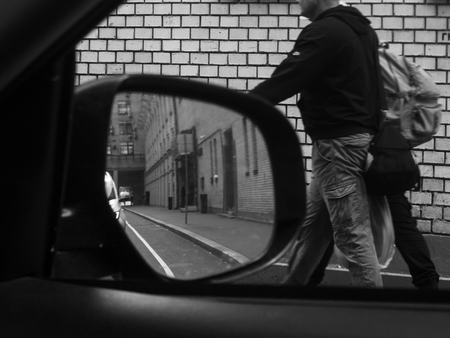
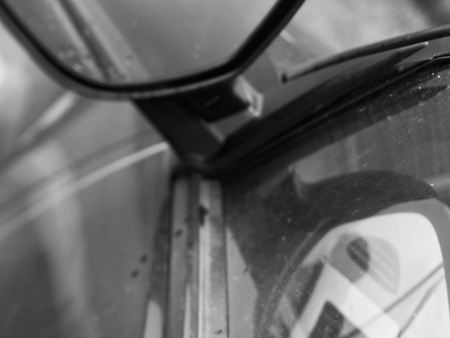
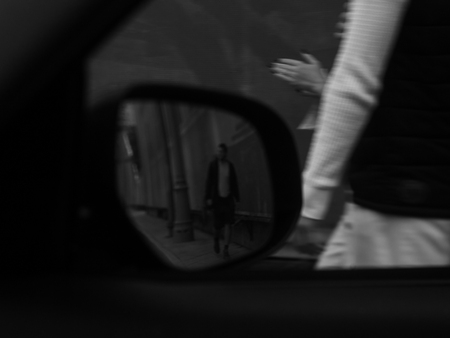
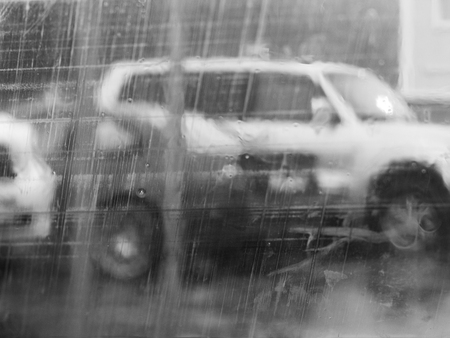
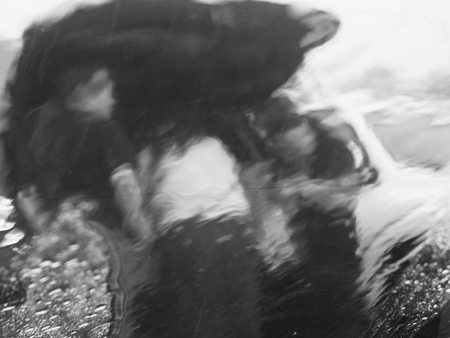
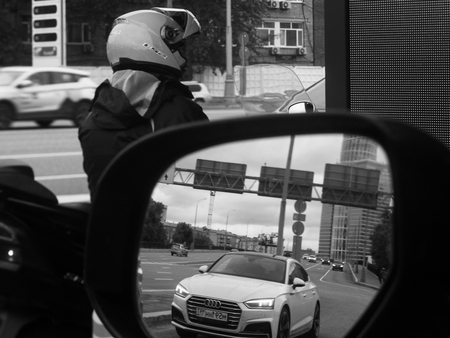
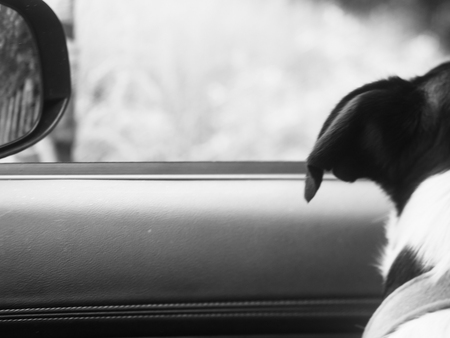
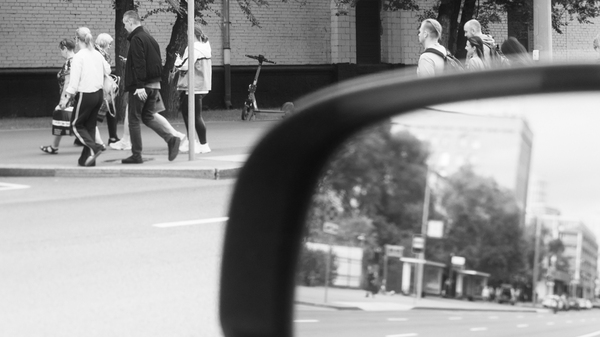
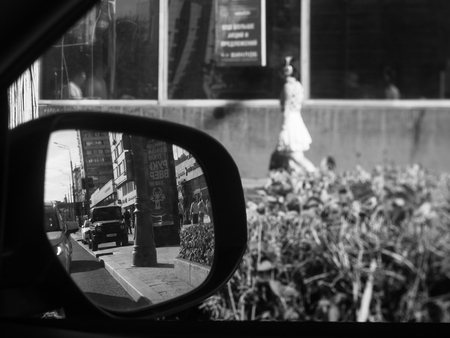
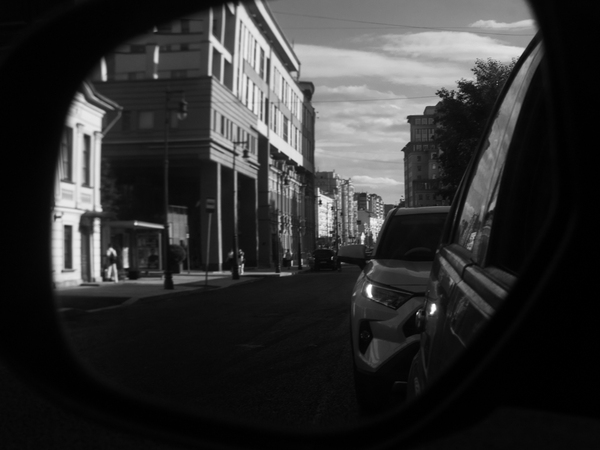
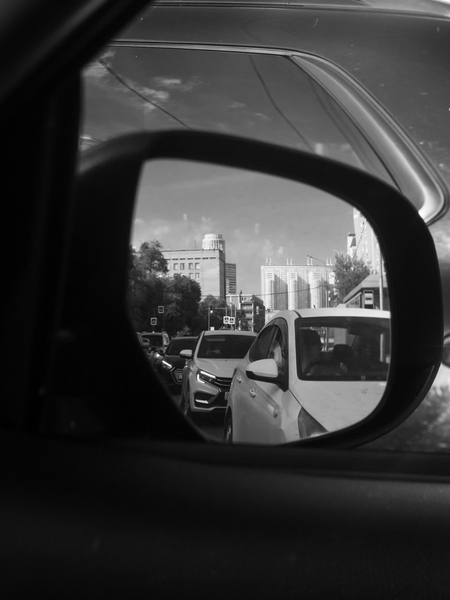
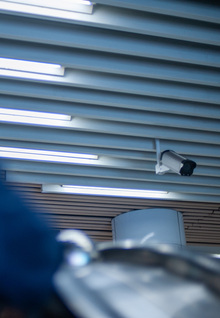
The city in the car’s mirror is a city that goes unseen. The driver doesn’t choose it; the passengers don’t gaze into it; they don’t form a relationship with it. It drifts alongside, like a backdrop to the traffic—a visual noise, a flow of indistinguishable facades, traffic lights, intersections, stops, and other cars. From inside the vehicle, it appears total, yet optional—a set that shifts as you move from one obligatory point to another: from home to work, from work to home. Through the entire metropolis, through traffic jams, through the same routes. The city outside the window transforms into a blur, a rapid succession, a mass of color devoid of detail. The reflection in the mirror merges with what is outside—optical noise becomes the norm of vision.
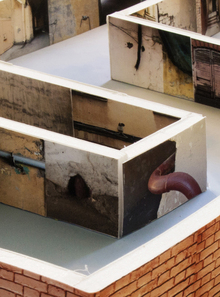
В своей работе «Выход в» я с помощью фотографии и инсталляции показываю фантастический мир Петроградского района — места, являющегося моим домом. Я представляю это пространство как тессеракт, или четырёхмерный гиперкуб. Для меня дворы Петроградки — это бесконечный, находящийся в движении, лабиринт, имеющий вход, но не имеющий выхода в доступное нам трехмерное измерение. Дворы-колодцы становятся в моем проекте метафорой раздвигающегося и живущего по иным физическим законам пространства.
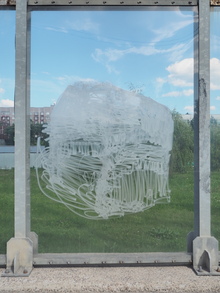
В моем проекте «104» я размышляю над сущностью реальности. Каждый день, выезжая из своего района к метро, я проезжаю участок со звукоизолирующими экранами вдоль дороги. Вглядываясь сквозь них, я вижу эффекты многомерности, каскады уровней реальности, наслаивающихся друг на друга.
Press space bar to start a drag.
When dragging you can use the arrow keys to move the item around and escape to cancel.
Some screen readers may require you to be in focus mode or to use your pass through key
Press space bar to start a drag.
When dragging you can use the arrow keys to move the item around and escape to cancel.
Some screen readers may require you to be in focus mode or to use your pass through key
Press space bar to start a drag.
When dragging you can use the arrow keys to move the item around and escape to cancel.
Some screen readers may require you to be in focus mode or to use your pass through key
Press space bar to start a drag.
When dragging you can use the arrow keys to move the item around and escape to cancel.
Some screen readers may require you to be in focus mode or to use your pass through key
Press space bar to start a drag.
When dragging you can use the arrow keys to move the item around and escape to cancel.
Some screen readers may require you to be in focus mode or to use your pass through key
Press space bar to start a drag.
When dragging you can use the arrow keys to move the item around and escape to cancel.
Some screen readers may require you to be in focus mode or to use your pass through key
Press space bar to start a drag.
When dragging you can use the arrow keys to move the item around and escape to cancel.
Some screen readers may require you to be in focus mode or to use your pass through key
Press space bar to start a drag.
When dragging you can use the arrow keys to move the item around and escape to cancel.
Some screen readers may require you to be in focus mode or to use your pass through key
Press space bar to start a drag.
When dragging you can use the arrow keys to move the item around and escape to cancel.
Some screen readers may require you to be in focus mode or to use your pass through key
Press space bar to start a drag.
When dragging you can use the arrow keys to move the item around and escape to cancel.
Some screen readers may require you to be in focus mode or to use your pass through key
Press space bar to start a drag.
When dragging you can use the arrow keys to move the item around and escape to cancel.
Some screen readers may require you to be in focus mode or to use your pass through key
Press space bar to start a drag.
When dragging you can use the arrow keys to move the item around and escape to cancel.
Some screen readers may require you to be in focus mode or to use your pass through key
Press space bar to start a drag.
When dragging you can use the arrow keys to move the item around and escape to cancel.
Some screen readers may require you to be in focus mode or to use your pass through key
Press space bar to start a drag.
When dragging you can use the arrow keys to move the item around and escape to cancel.
Some screen readers may require you to be in focus mode or to use your pass through key