1. Media Concept
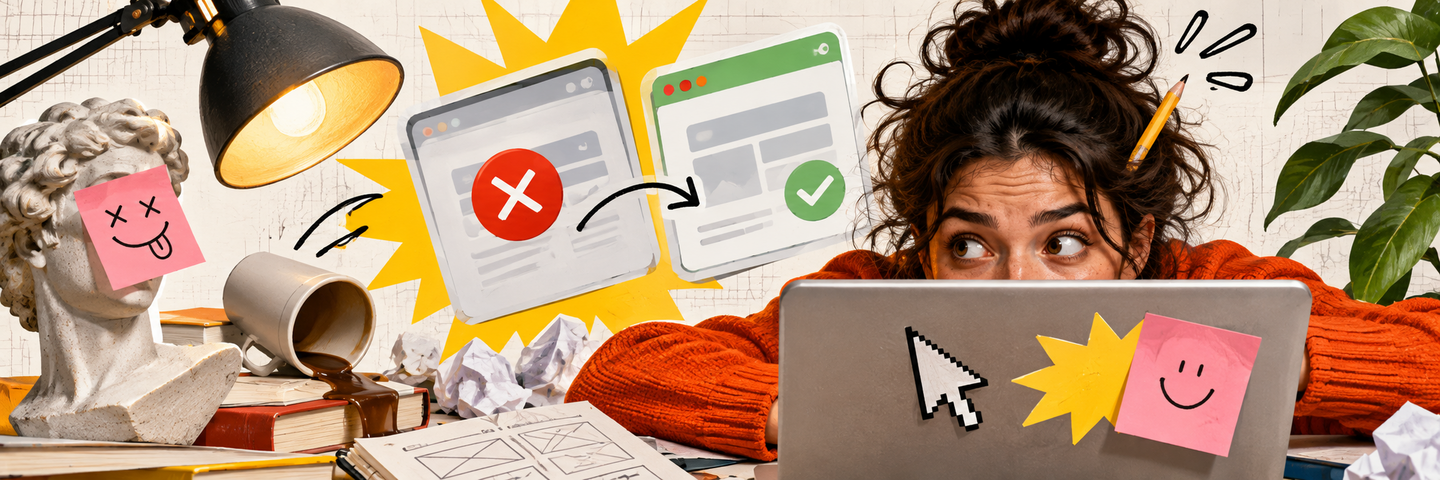
Media focused on design mistakes, strange decisions, and frustratingly unusable things.«Bad Design» is an infotainment media outlet that compiles examples of failed design from everyday life, explains the root causes of the errors, and demonstrates how things could have been improved.Clunky websites, confusing signage, bizarre packaging, and poorly conceived objects are constantly around us. Yet, people rarely stop to consider why these items are hard to use or which design choices are creating problems.This project helps users notice such errors and understand the principles of good design through real-world examples, humor, and visual comparisons.Core idea: good design is easier to understand by looking at bad design.Main platform: Telegram.Additional platforms: VKontakte and Pinterest.Target audience: students and aspiring designers aged 18–27, as well as individuals aged 20–35 interested in visual culture, and owners of small businesses.Format: short critiques, collections of design mistakes, comparative «before and after» cards, redesigns, polls, and submissions from subscribers.Main sections: «Who designed this?», «What’s wrong here?», «Then / Now», «Design vs. Human», and «Fix This».Goal: to teach people how to spot design flaws, understand their causes, and distinguish successful solutions from failures.
Artificial intelligence will be utilized to prepare materials. It will assist in analyzing examples, systematizing errors, drafting critiques, and generating alternative design options.
The editor, however, remains responsible for selecting examples, verifying conclusions, and ensuring the final quality of the publications.
2. Data Sources for Media
For the «Bad Design» publications, we will use real-life examples of inconvenient interfaces, objects, and visual solutions, as well as materials from professional design resources and suggestions from our audience.
The main goal is to identify interesting design errors, explain the reasons behind them, and propose more user-friendly alternatives.
Examples from followers.Photos of inconvenient objects, interface screenshots, strange signs, directional markers, and packaging sent in Telegram by users.These materials will form the foundation of the interactive feature «Fix This» and help identify real-world problems in everyday design.Design media and professional resources.Articles and breakdowns from Nielsen Norman Group, UX Collective, and other thematic platforms.They will be used to study the principles of interface usability, visual hierarchy, navigation, and user experience.Social networks and visual platforms.Pinterest, Behance, Reddit, and design communities.These platforms will help in discovering unusual examples, studying visual solutions, and tracking discussions about design flaws.Competitors and specialized media.Publications like «Infernal UX, ” Bored Panda, and Eleken Blog.The materials will be used to analyze popular formats, methods of explaining errors, and to find topics that can be examined from a different perspective.Personal observations.Photos of urban objects, signage, packaging, everyday items, and screenshots of inconvenient websites or apps.These examples will demonstrate how design decisions affect people’s daily actions.Comments and survey results.Discussions under posts, follower polls, and suggestions for design improvement.This data will help determine which errors the audience notices most often and which redesign options they deem most successful.The collected materials will be stored in a unified database. For each example, we plan to specify the source, the type of design, a description of the problem, the presumed cause of the error, and possible ways to improve it.This will allow the database to be used for creating new analyses, themed collections, and „before and after“ comparisons.
3. Data schema divided into human and machine processing
The process of creating a publication in the «Bad Design» media involves eight sequential stages. Artificial intelligence assists in analyzing examples, classifying design errors, generating drafts, and proposing redesign options. The editor is responsible for selecting materials, verifying conclusions, and making the final decision on publication.
- Gathering examples of poor designWho does it: A human collaborator + automated collection.What happens: Photographs, screenshots, subscriber suggestions, and examples of inconvenient design are gathered from open sources.Result: A database of design errors found in everyday life.02. Analysis and classification of examplesWho does it: AI.What happens: Artificial intelligence analyzes the collected materials and groups them by categories: UX/UI, graphic, product, and urban design.Result: A structured list of examples with a preliminary description of the issues.03. Selecting an example for publicationWho does it: Editor.What happens: The editor assesses the interest level and clarity of the examples, selects the most illustrative case, and determines the appropriate section.Result: An approved example for analysis.04. Analyzing the design errorWho does it: AI + Editor.What happens: The AI suggests possible causes for the inconvenience, analyzing the visual hierarchy, navigation, readability, and other features of the solution.The editor verifies the conclusions, identifies the core problem, and consults professional sources when necessary.Result: A description of the error and its potential consequences for the user.05. Drafting the analysisWho does it: AI.What happens: Artificial intelligence generates a short text explaining what is wrong with the design, why the problem arises, and how it can be fixed.Result: The initial draft of the publication.06. Creating alternative designWho does it: AI + Designer.What happens: The AI offers options for improving the original solution and assists in creating visual concepts for redesign.The designer evaluates the proposed options, corrects the errors, and selects the most user-friendly solution.Result: A visual comparison of the original design and the improved version.
- Fact-Checking and Final EditingWho does it: Editor.What happens: The editor verifies the accuracy of the analysis, the clarity of the explanations, and the alignment of the redesign with the identified problem.The text is adapted to a light and humorous media style, avoiding complex professional terminology.Result: A polished text and verified visual materials.08. Publication and Feedback AnalysisWho does it: Editor + Automated Analytics.What happens: The editor publishes the material on Telegram. After publication, data on views, reactions, comments, and poll results are collected.Result: The published analysis and insights into audience interests.The gathered data is fed back into the database to help select new examples for analysis.Outcome: A finished publication that highlights a design error, explains its causes, and proposes a more user-friendly solution.
4. Guidelines for Automated Services
Automated «Bad Design» services must adhere to unified requirements for information processing, analysis of design errors, text generation, and redesign generation. The primary goal of the AI is to assist the editor in identifying and explaining design problems, as well as proposing improvement options without distorting the original materials.
Working with Information.Use real-world examples of design decisions.Keep links to sources and material authors if known.Group examples by design type and error characteristics.Distinguish between objective usability problems and subjective aesthetic preferences.Do not invent user complaints, research, or statistics.Analyzing Design Errors.Explain the specific problem the user is encountering.Consider the intended purpose of the object, interface, or visual solution.Analyze readability, navigation, accessibility, and usability.Do not assume an unusual look is automatically a sign of poor design.Do not draw sweeping conclusions without sufficient information.Submit controversial assessments to the editor for review.Content Generation.Use simple and clear language.Explain professional terminology using everyday examples.Structure the content as follows: example → error → explanation → improvement.Maintain a light and humorous tone.Do not use insults toward designers, companies, or users.Avoid overly complex phrasing, repetition, and unwarranted criticism.Conclude the analysis with a clear takeaway or a question for the audience.Redesign Generation.Preserve the core purpose of the original object or interface.Fix a specific problem, rather than simply changing the appearance.Consider the usability and comprehensibility of the solution.Do not add features unrelated to the identified problem.Retain important information and functional elements.Do not present a conceptual redesign as an existing product.Check AI-generated images for errors and inconsistencies.Submit final options to the designer or editor for review.Data and Copyright Compliance.Do not publish users’ personal data without permission.Remove confidential information from screenshots.Adhere to rules regarding the use of others' photographs and images.Cite authorship and sources when necessary.Do not alter original examples in a way that creates a false impression of the initial design.
If there is insufficient information.
State that the data is inadequate for a reliable analysis.
Do not fabricate reasons for design decisions.
Do not assert that an interface is inconvenient for all users without confirmation.
Suggest additional methods of verification, including user testing.
Submit controversial materials to the editor before publication.
All texts, images, and redesign options created with the help of AI undergo human review.
The core principle is: artificial intelligence helps in finding and correcting design errors, but it does not replace professional judgment. A good redesign must solve a user’s problem, not simply look better.