Abstract and Course Uniqueness
Practical Course for Beginners, where the student creates a single subject object in Autodesk Maya.The work begins with software setup and reference selection, then progresses through polygonal modeling, UV unwrapping, material creation in Hypershade, lighting, and rendering in Arnold.The outcome is a completed academic project, including the source scene and a presentation of the stages.
Unique Selling Proposition
All assignments are completed on a single object (which you can choose yourself). The student will see how geometric decisions affect UV mapping, materials, and the final rendered image.Checks after blocking, modeling, and unwrapping help correct errors before moving to the next stage.The preparatory module allows you to verify the setup and run a test render before starting the main course.Students proceed through the course at their own pace. The estimated time is one week per assignment, but the pace may vary. Progression to the next block occurs after successful review.
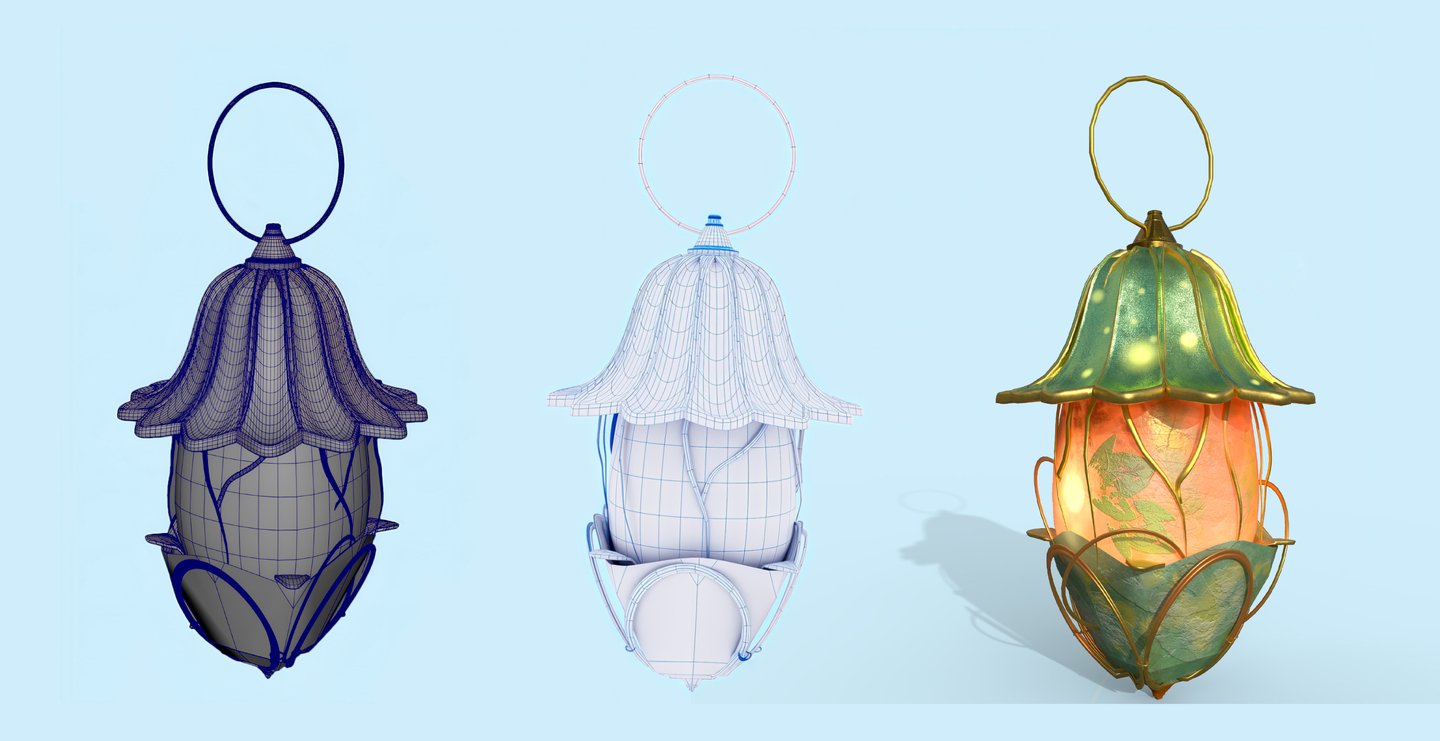
Who is this course for?
— Beginners in 3D
— Design and CGI Students
— 2D Artists seeking their first experience creating 3D models
Prerequisites
Proficiency with computers and files, and readiness to complete weekly assignments. Drawing skills and knowledge of 3D editors are not required.The object is selected from a limited set of briefs: a small device, lantern, or container without complex organic forms.
Experience with Maya (or other software) and a portfolio model for admission are not required.
What will you be able to do at the end of the course?
— Set up the Maya project, units of measurement, and folder structure
— Create a subject model based on references
— Prepare and verify the UV unwrapping
— Set up 2–3 materials in Hypershade, using color, roughness, and metallic properties
— Position the lighting, select the camera, and generate three renders in Arnold
— Compile the case study, demonstrating the model, UVs, and final image
Format and Tools
The course is a longread featuring sequential opening lectures, video lessons, images with examples, and an interactive interface.
Online, Asynchronous. Every week, video lectures, text instructions, and assignments are released. The curator checks the work against a checklist and provides written feedback.The Student Refines the object and uses it in the next module. The final submission includes one review and revisions.
8 weeks, 6–8 hours per week: 1–2 hours for course materials and 5–6 hours for practice. Total workload (48–64 hours). Pre-launch: a preparatory module of 1–2 hours.
How does the practicum work?
The listener will develop one project through all stages. After each block, they will submit a scene file and a brief demonstration of the result. Evaluation is based on the criteria for the current stage, and revisions are incorporated into the next assignment.
Thematic Plan
Outcome: a completed academic case study for an introductory portfolio that demonstrates modeling and shading skills in Maya.