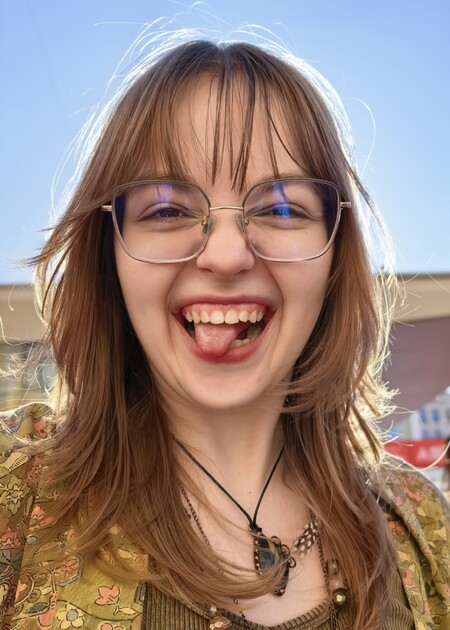
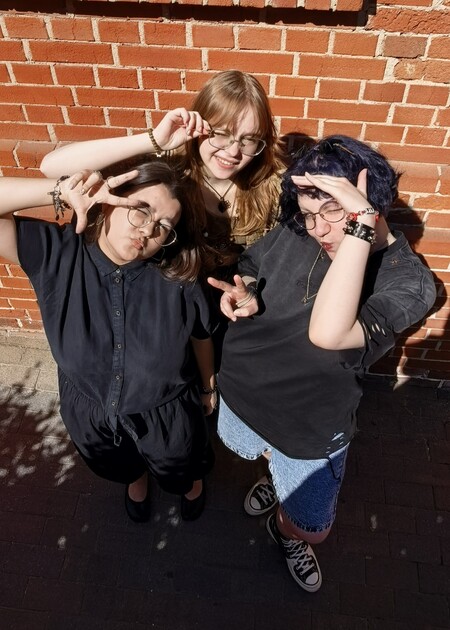
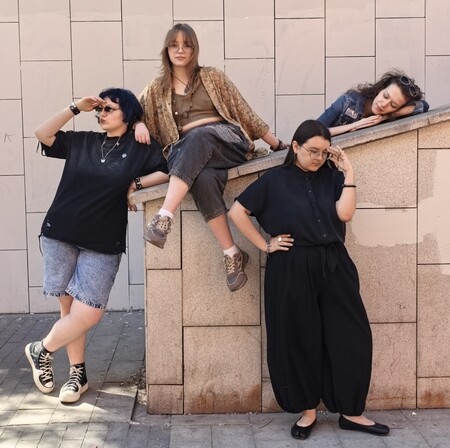
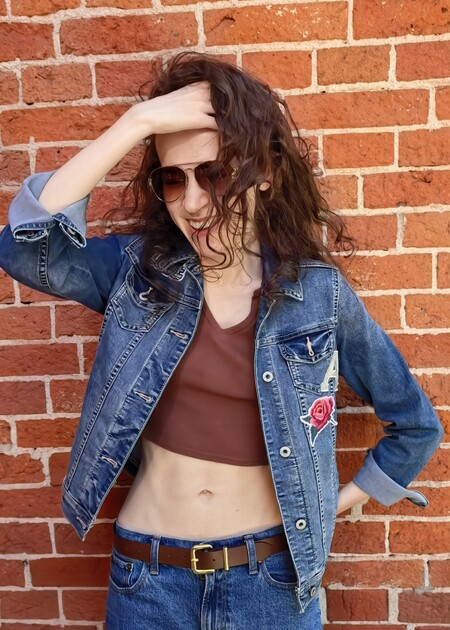
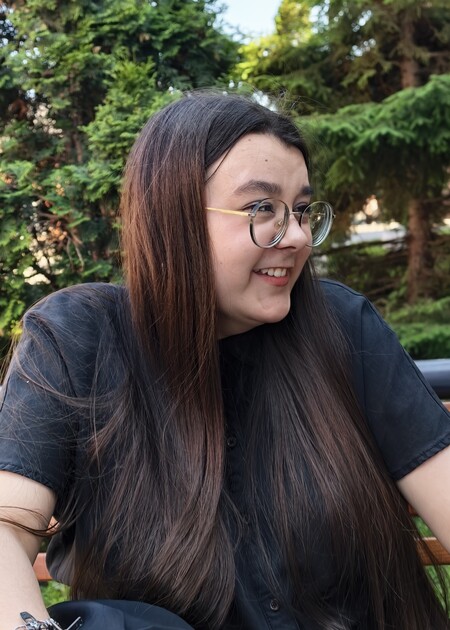
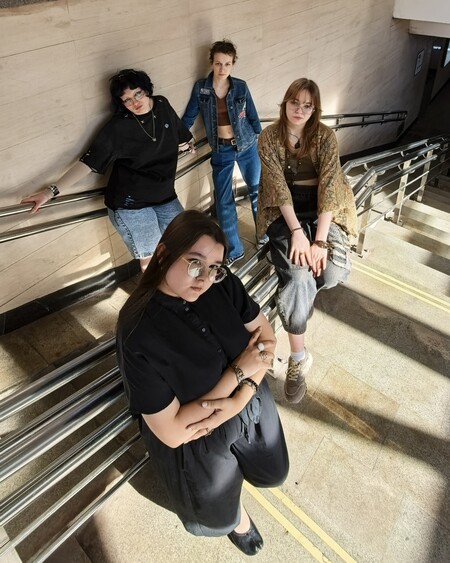
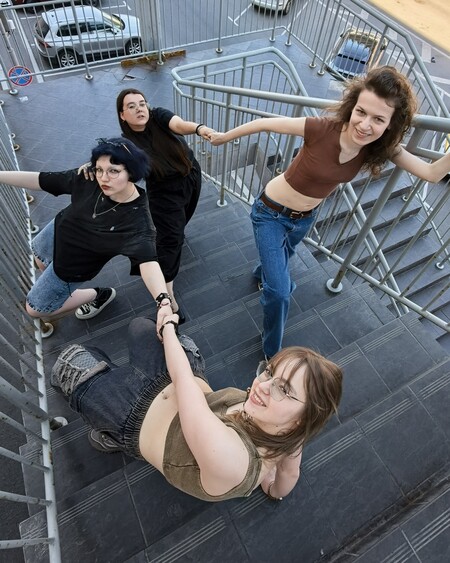
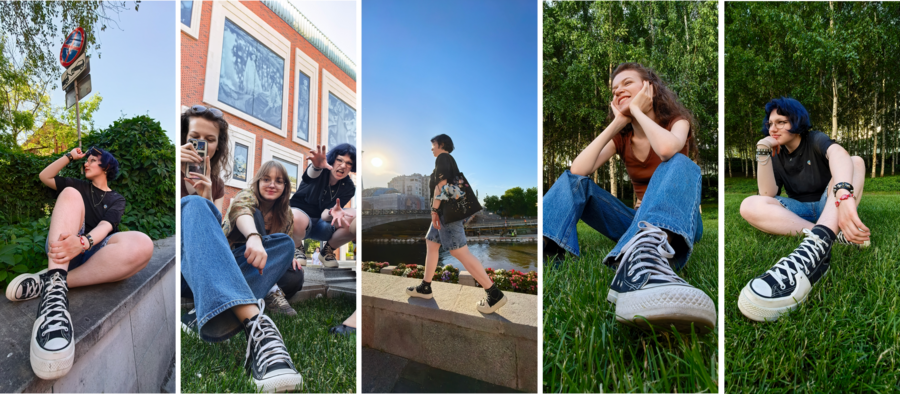
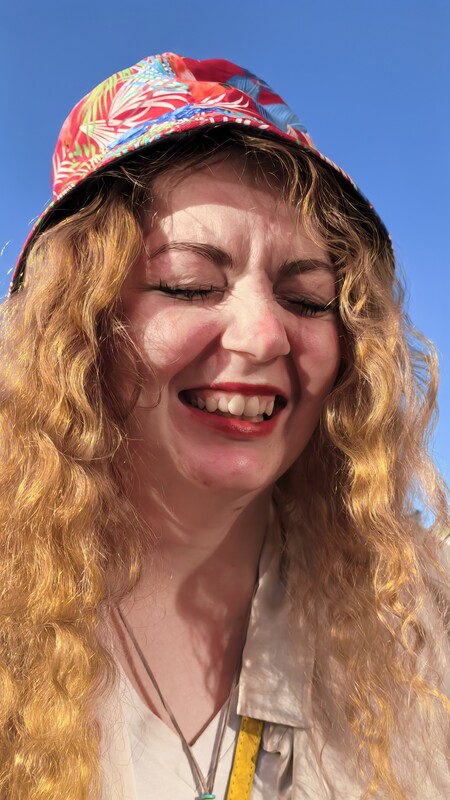
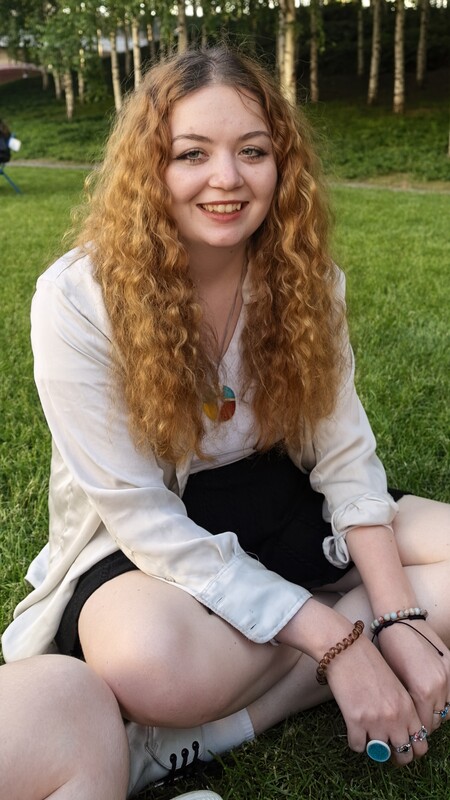
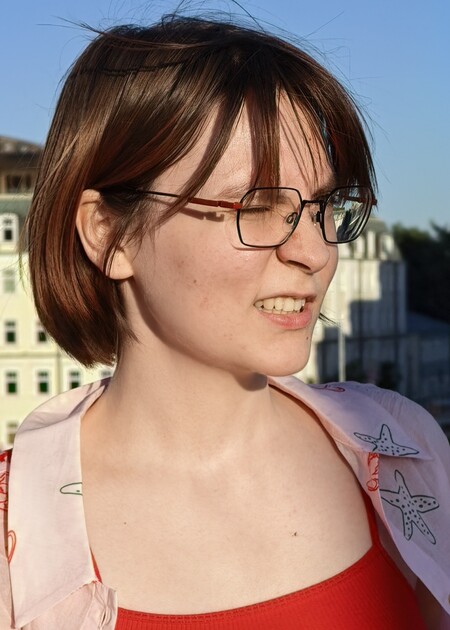
Каждый современный человек стремится запечатлеть хорошие моменты своей жизни с помощью того, что всегда под рукой — своего смартфона. В этом проекте я представляю фотоальбом, собранный из фотографий одного летнего денька, проведённого с друзьями.
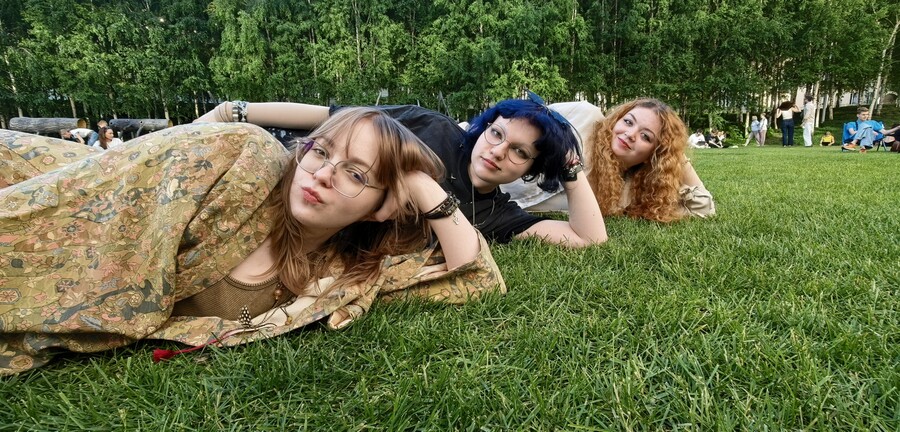
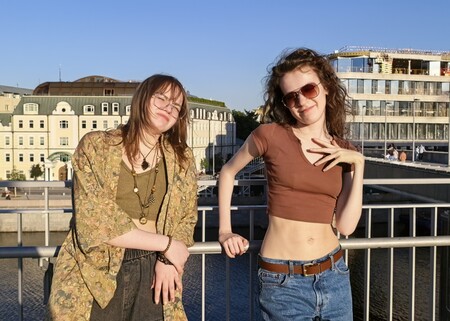
Вася, Полина и Даша приехали на прогулку быстрее всех
Original size 2291x1637
Лена, Вася, Даша и Полина
— Я могу вас сфотографировать со всеми, хотите?
— Нет, спасибо! Я фотограф!
Солнечным субботним днём я собрала подруг в центре города и мы начали своё путешествие.
Природа, люди, городское пространство, солнце и голубое небо — всё это служило вдоховением для создания креативных фотокарточек и поднимало нам настроение.
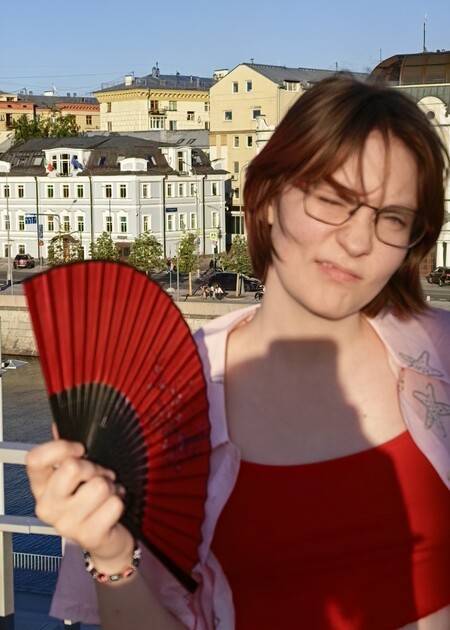
Реакция на Дашины анекдоты
Метро мы тоже не оставили без внимания
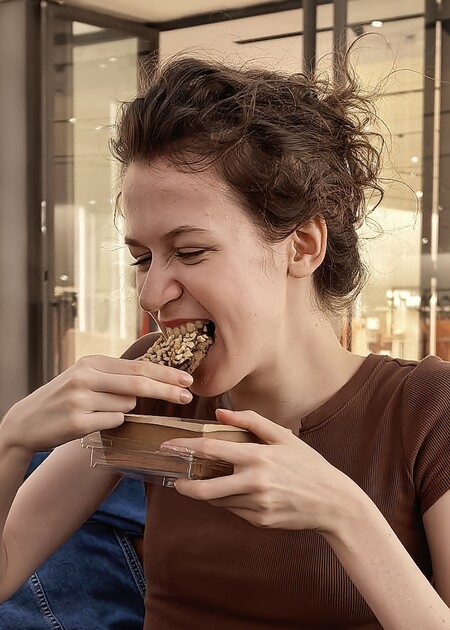
Какая же прогулка без продовольственной остановки!
Original size 4802x2101
Курская — Третьяковская — ГЭС
На середине прогулки к нам присоединилась Катя!
0
0
0
0
0
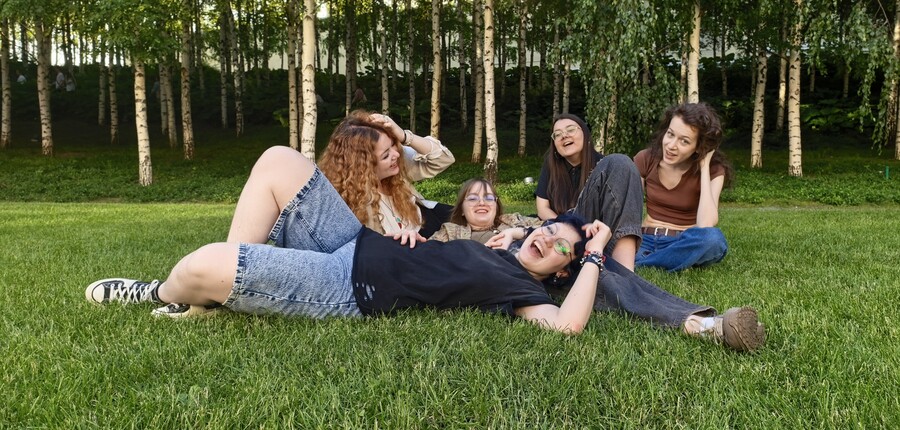
Свежевырощенный газон у ГЭСа
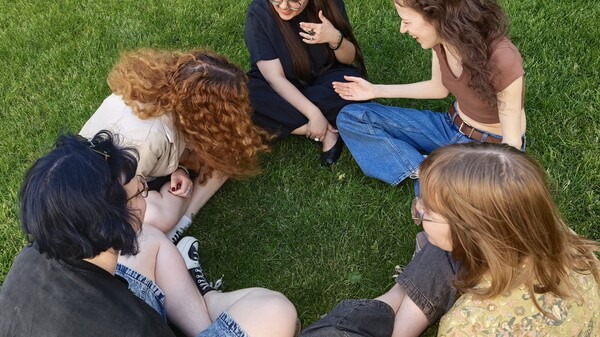
Круг сестринства
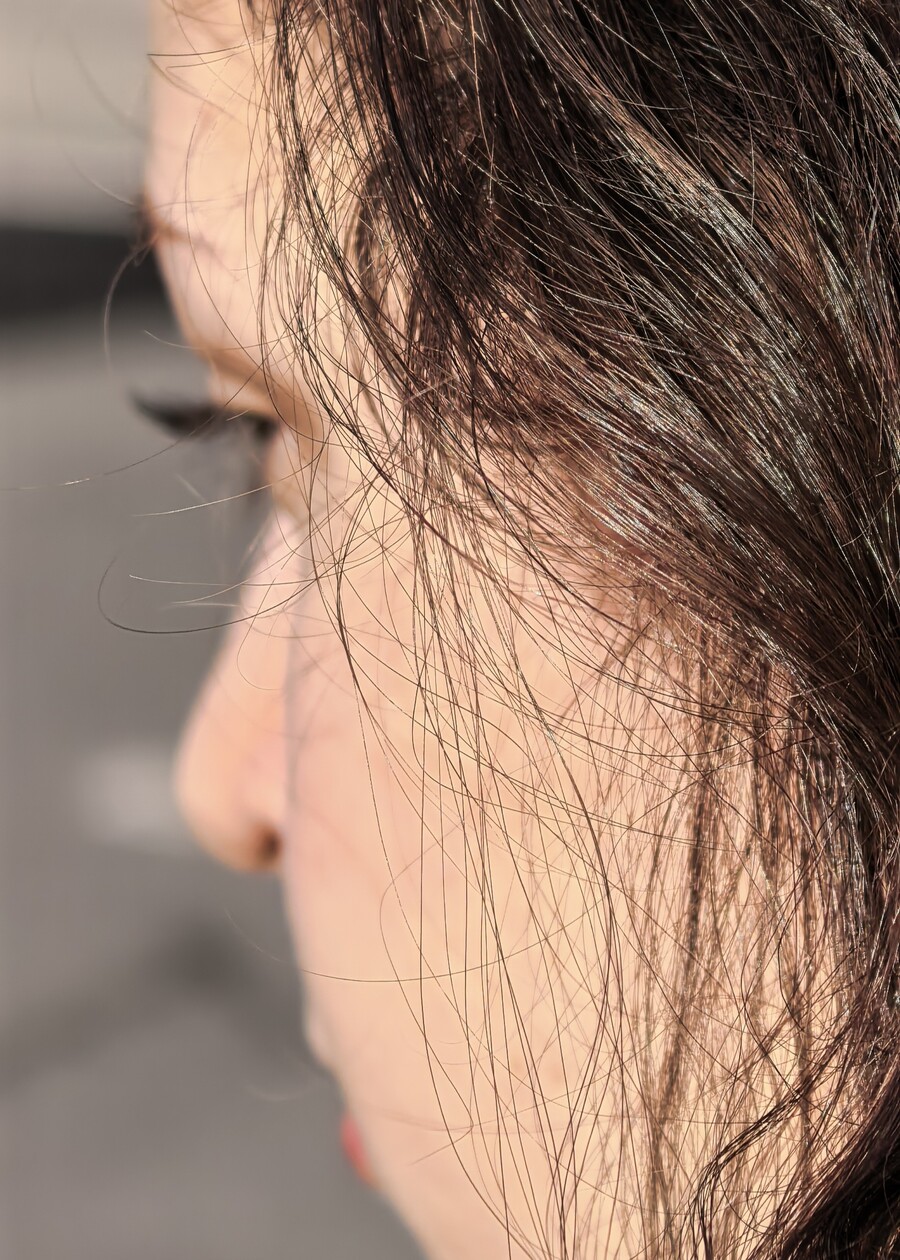
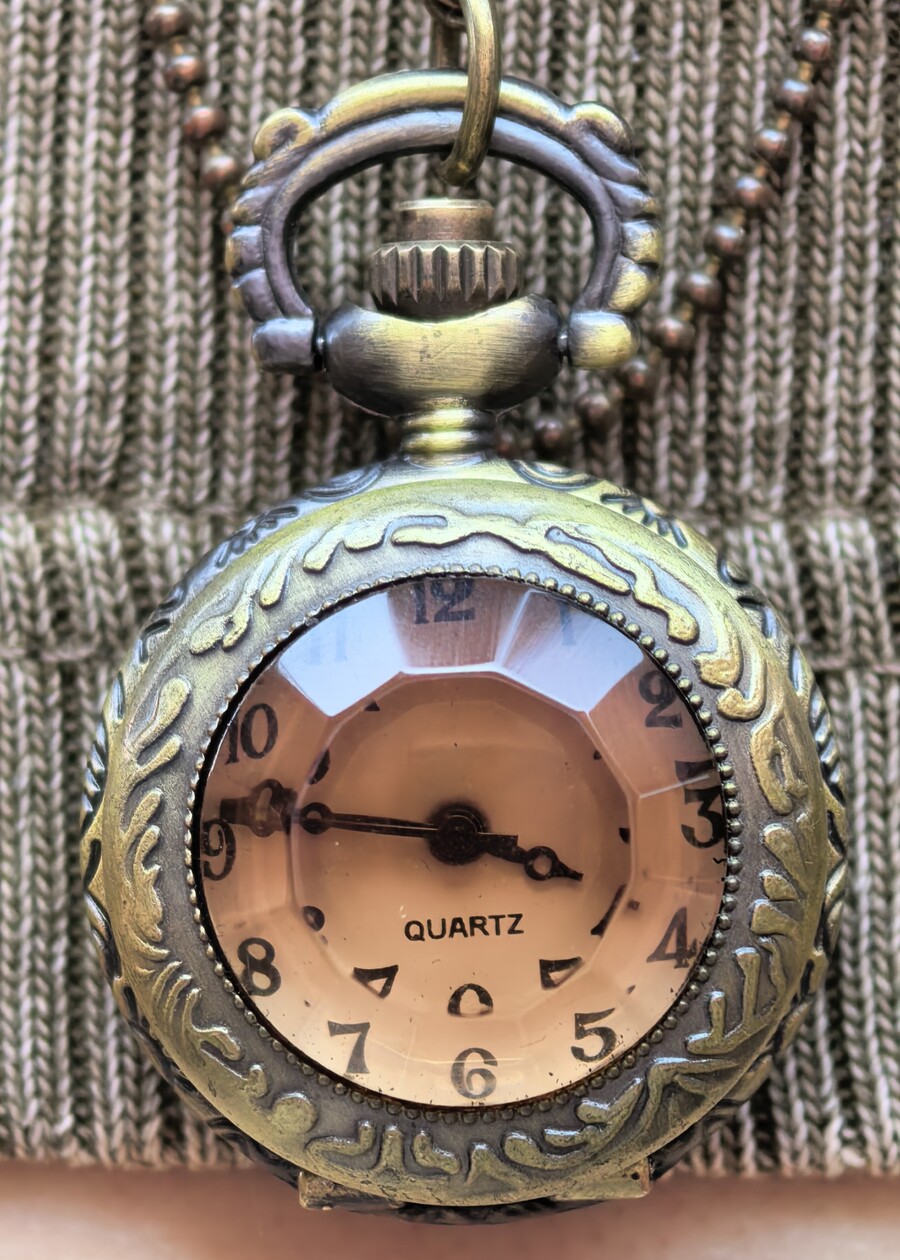
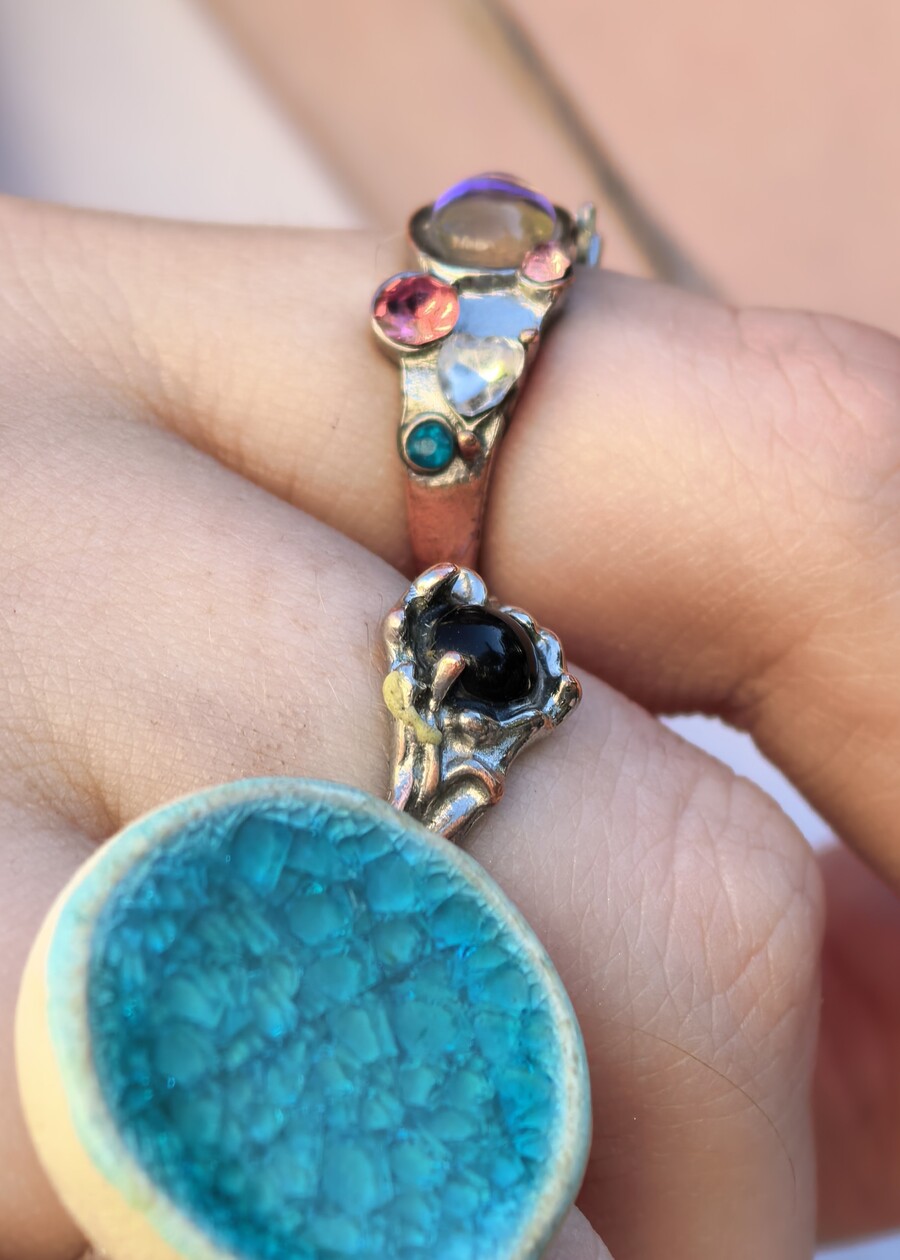
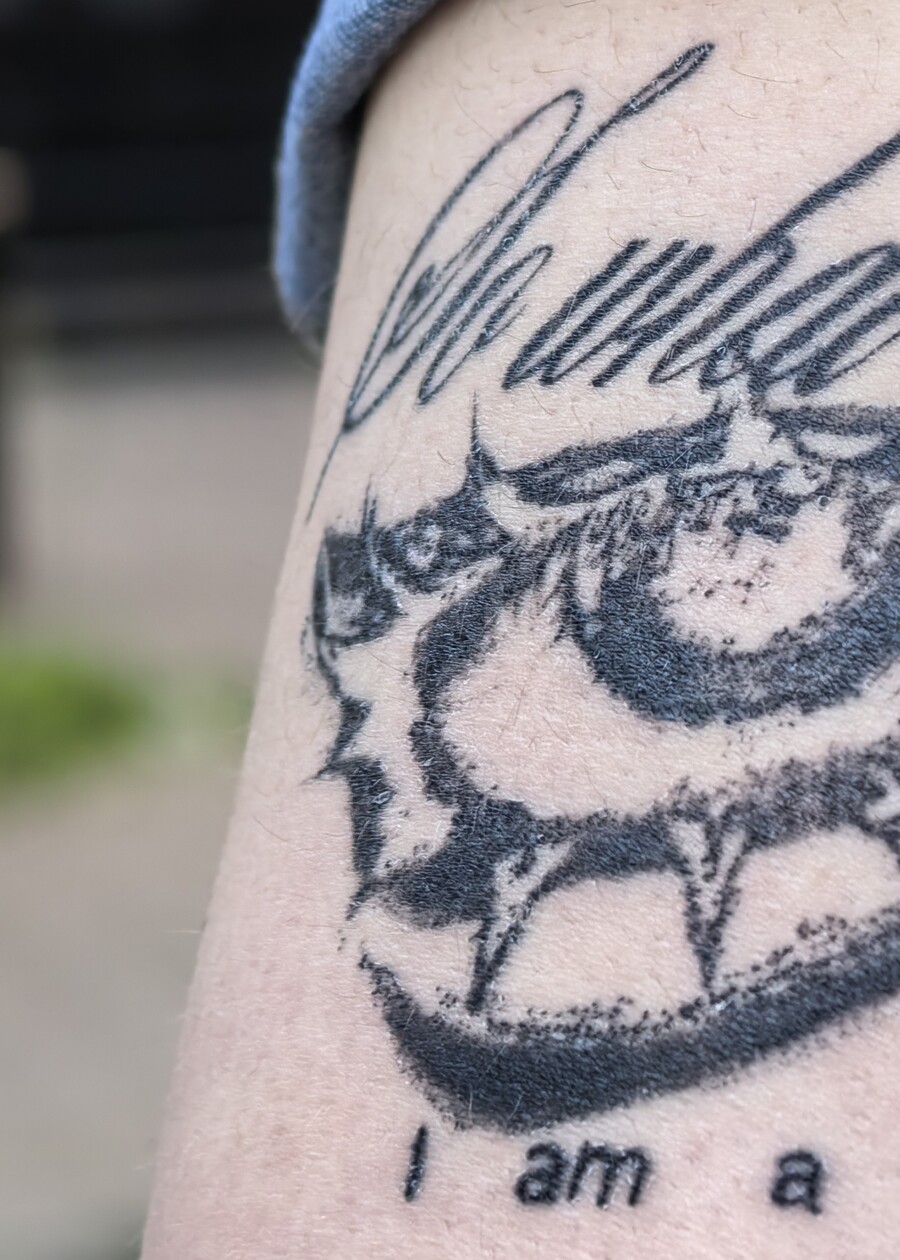
Для меня, как для любителя фотографий, камера nova стала глазами, способными запомнить всё до мелочей и поделиться эмоциями и атмосферой с другими.
Original size 1832x1031
Я смотрю, я вижу
0
0
0
0
0
0
0
0
0
0
0
0
0
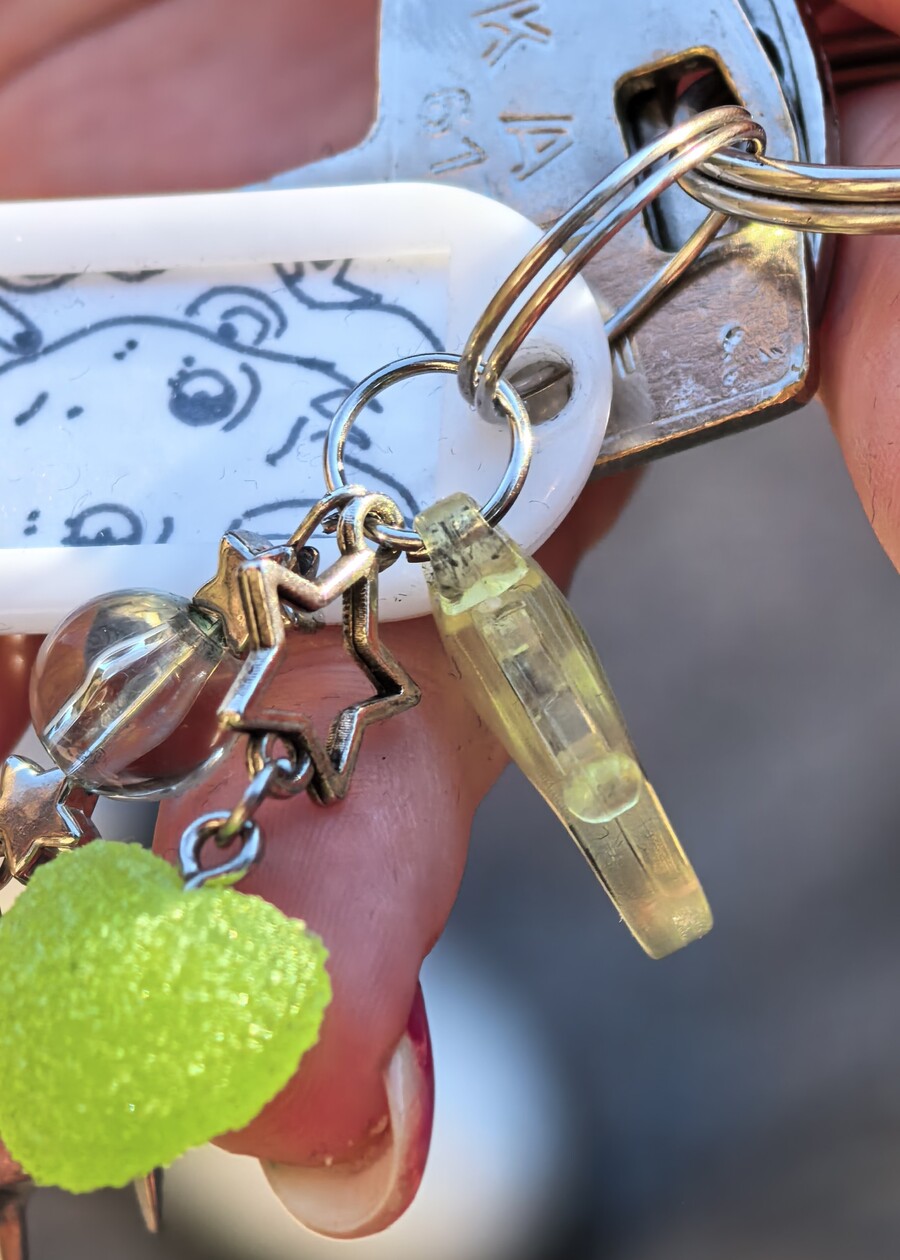
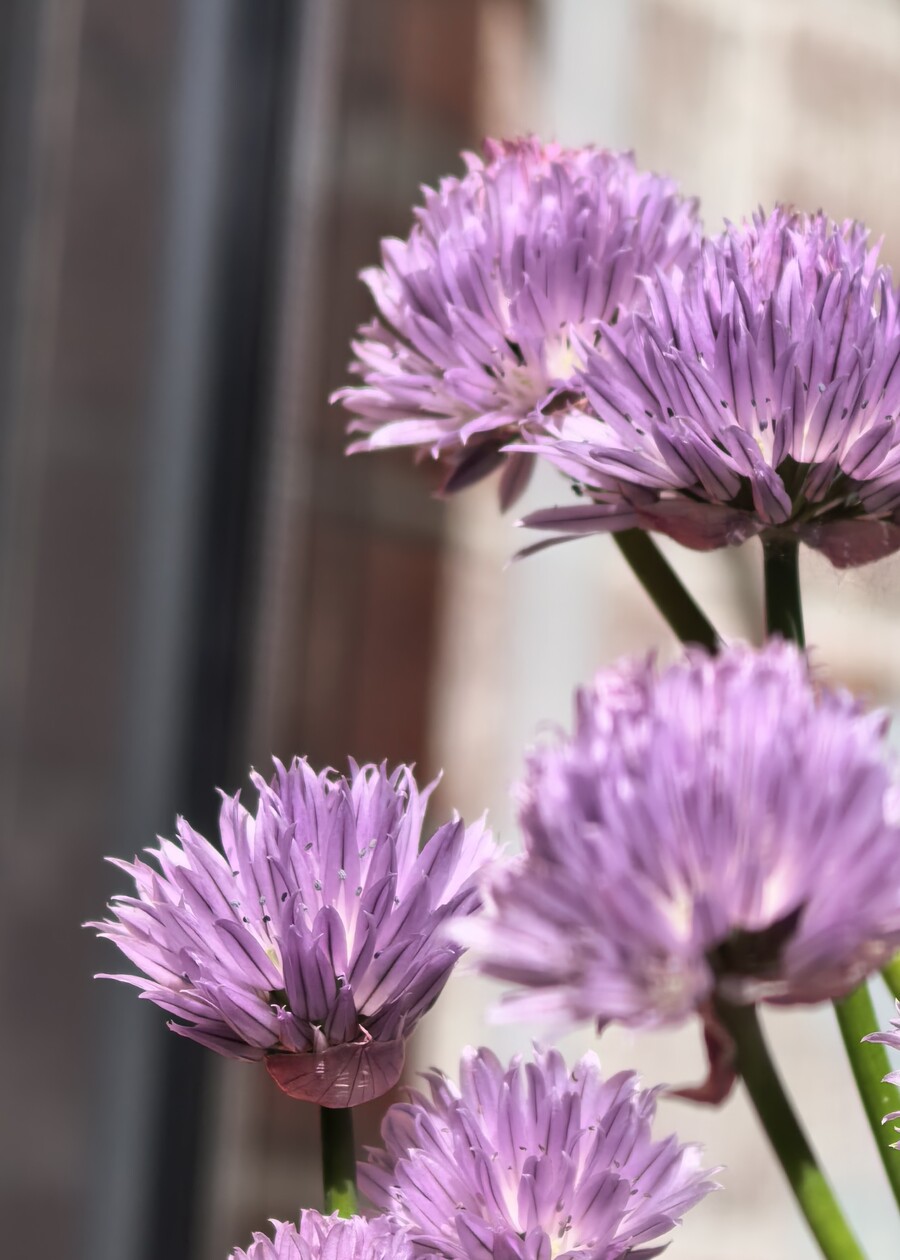
Красота в деталях
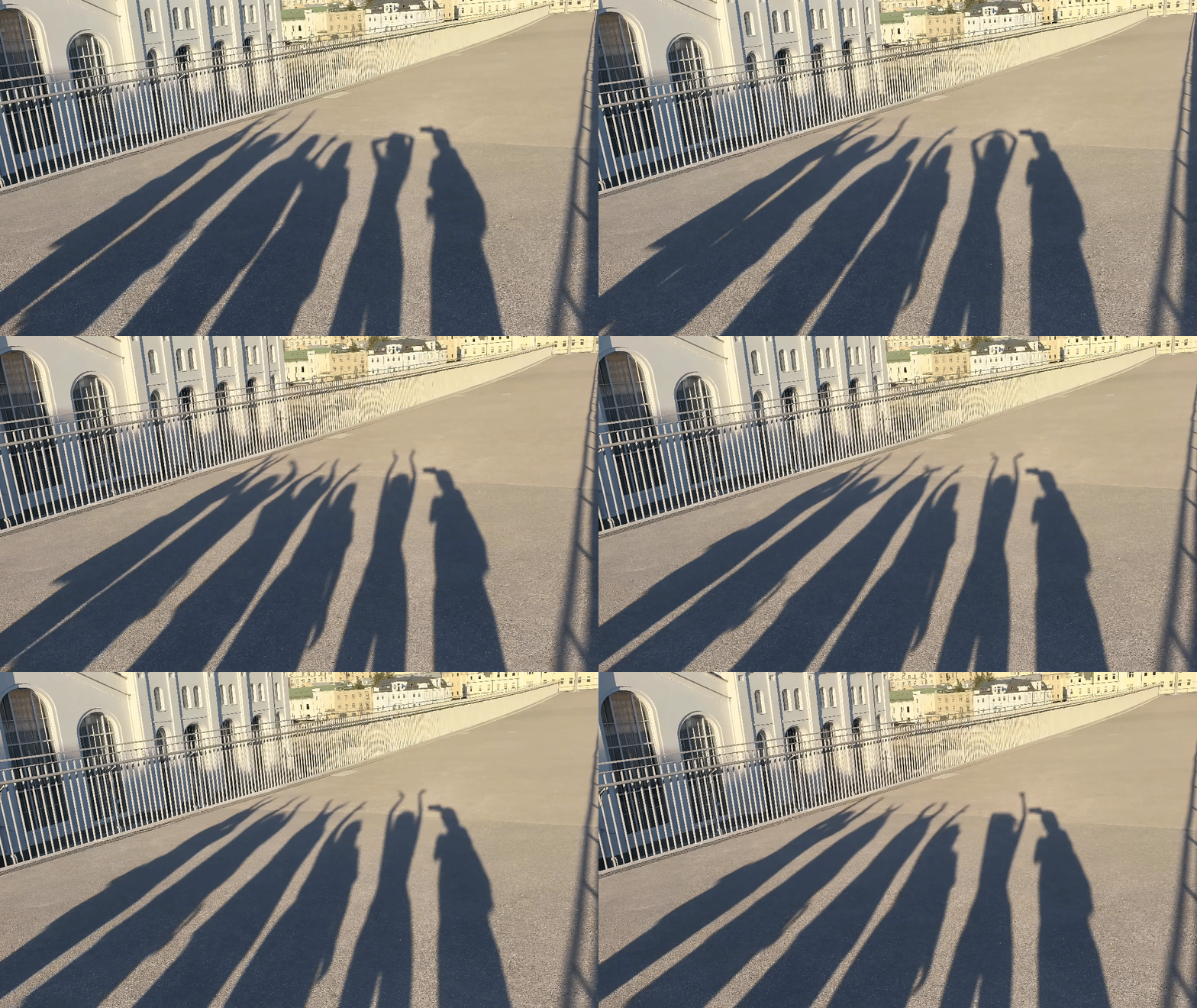
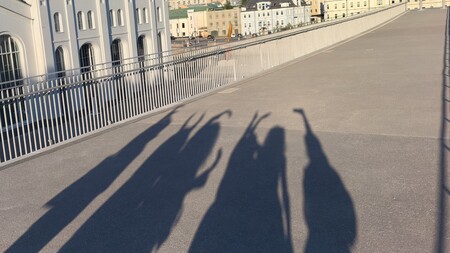
Театр теней
Original size 4796x2099
Купаются в солнечных лучах
Я
Солнце село, ноги устали, и наша встреча подошла к концу, но воспоминания о ней останутся с нами.
Press space bar to start a drag.
When dragging you can use the arrow keys to move the item around and escape to cancel.
Some screen readers may require you to be in focus mode or to use your pass through key
Press space bar to start a drag.
When dragging you can use the arrow keys to move the item around and escape to cancel.
Some screen readers may require you to be in focus mode or to use your pass through key
Press space bar to start a drag.
When dragging you can use the arrow keys to move the item around and escape to cancel.
Some screen readers may require you to be in focus mode or to use your pass through key
Press space bar to start a drag.
When dragging you can use the arrow keys to move the item around and escape to cancel.
Some screen readers may require you to be in focus mode or to use your pass through key
Press space bar to start a drag.
When dragging you can use the arrow keys to move the item around and escape to cancel.
Some screen readers may require you to be in focus mode or to use your pass through key
Press space bar to start a drag.
When dragging you can use the arrow keys to move the item around and escape to cancel.
Some screen readers may require you to be in focus mode or to use your pass through key
Press space bar to start a drag.
When dragging you can use the arrow keys to move the item around and escape to cancel.
Some screen readers may require you to be in focus mode or to use your pass through key
Press space bar to start a drag.
When dragging you can use the arrow keys to move the item around and escape to cancel.
Some screen readers may require you to be in focus mode or to use your pass through key
Press space bar to start a drag.
When dragging you can use the arrow keys to move the item around and escape to cancel.
Some screen readers may require you to be in focus mode or to use your pass through key
Press space bar to start a drag.
When dragging you can use the arrow keys to move the item around and escape to cancel.
Some screen readers may require you to be in focus mode or to use your pass through key
Press space bar to start a drag.
When dragging you can use the arrow keys to move the item around and escape to cancel.
Some screen readers may require you to be in focus mode or to use your pass through key