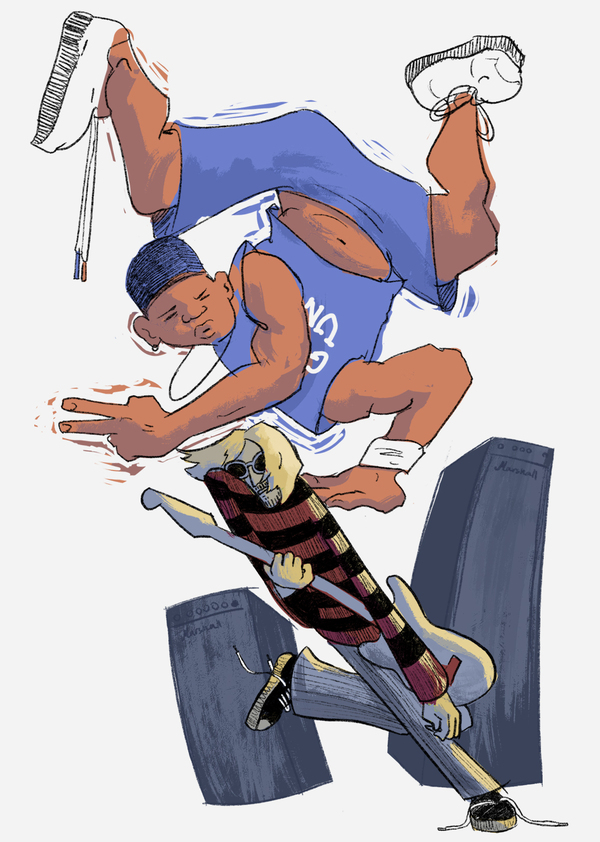
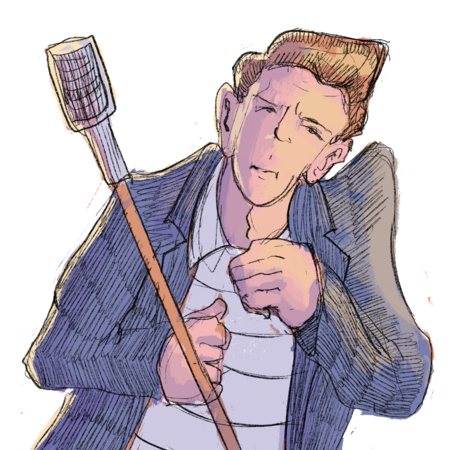
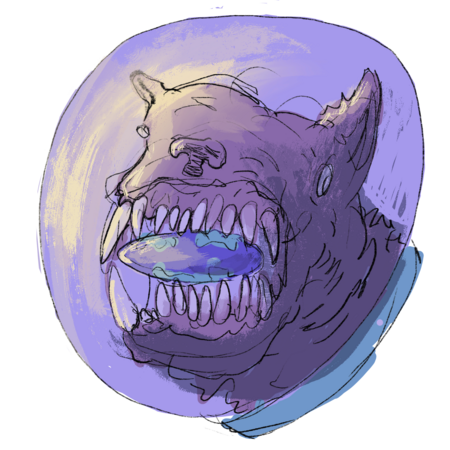
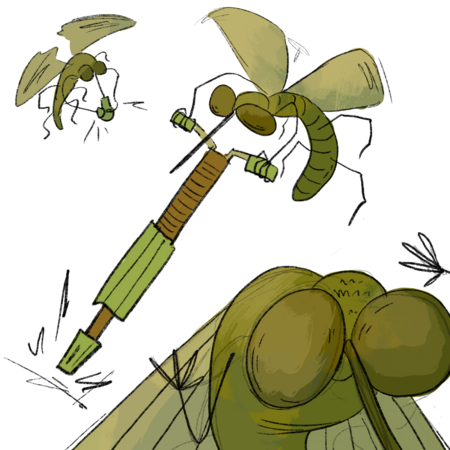
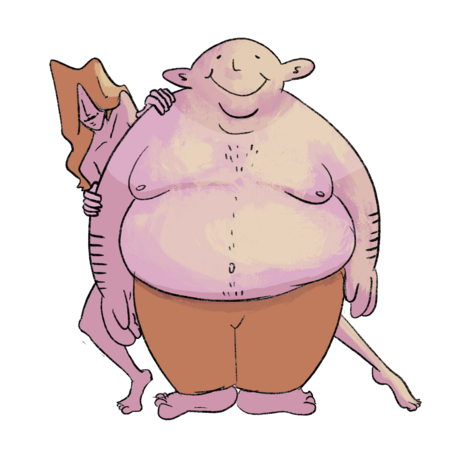
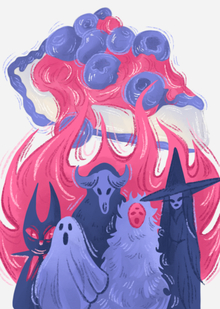
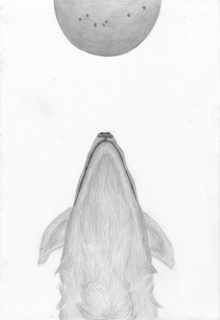
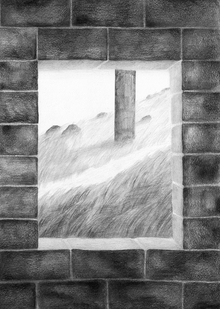
Серия из 21 иллюстрации, встроенных в календарь и последовательно распределённых по его структуре. Каждая работа посвящена одному из дней года и может существовать как самостоятельная открытка. Даты распределены между студентами случайным образом, каждый работает со своим интервалом. Главная задача проекта — поддержать серийность, находя лёгкую и точную метафорическую интонацию для каждого образа.
Открытки.
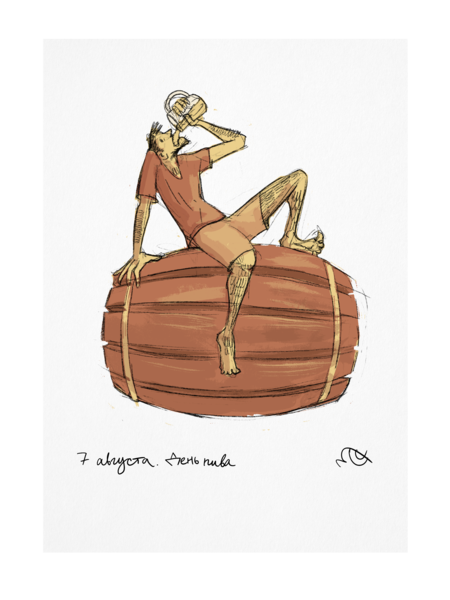
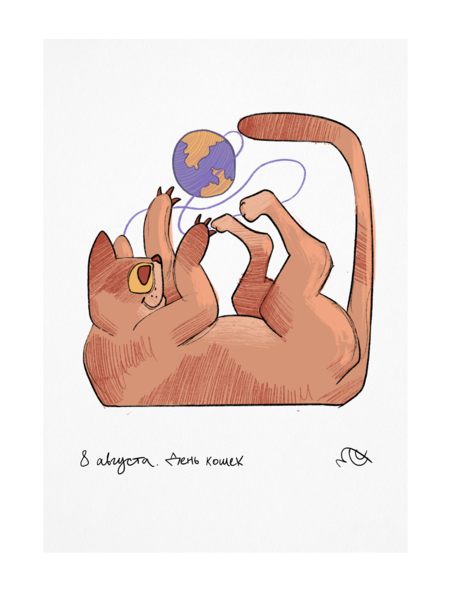
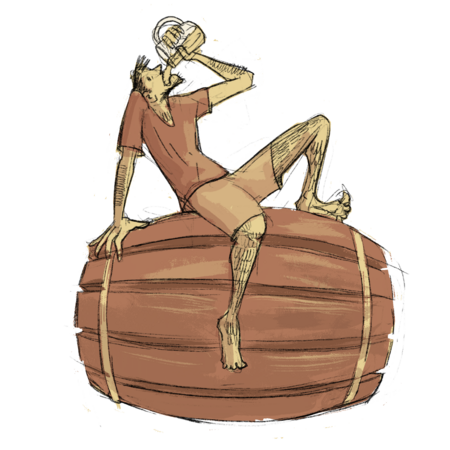
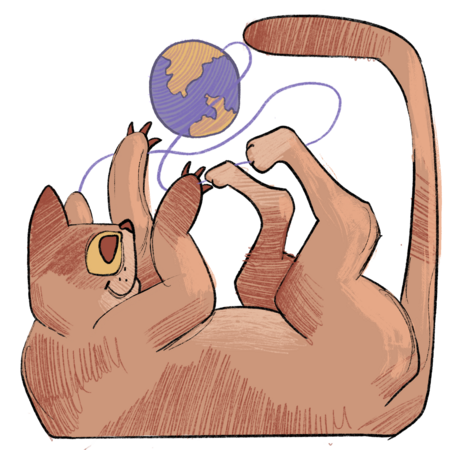
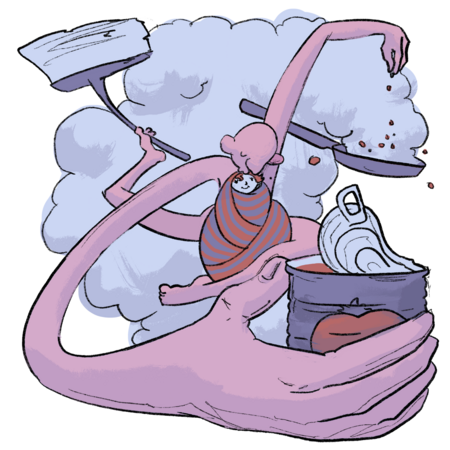
7 августа. День пива. 8 августа. День кошек.
Открытки.
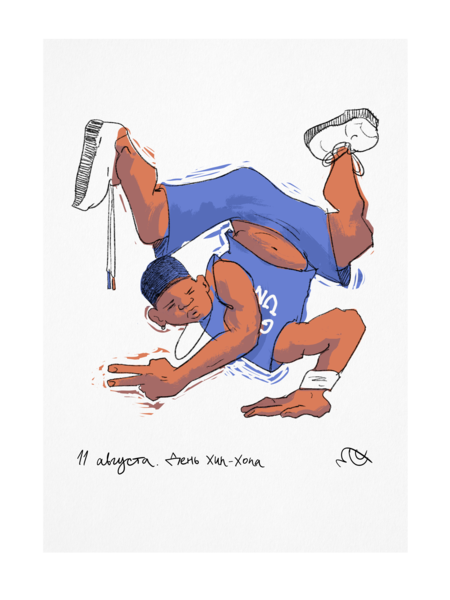
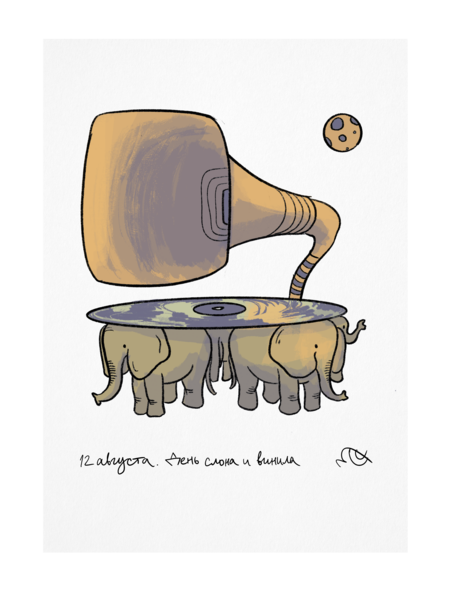
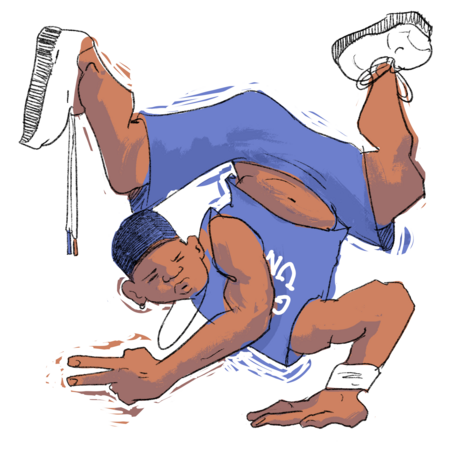
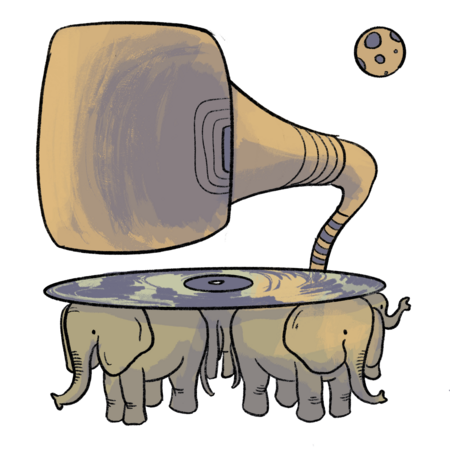
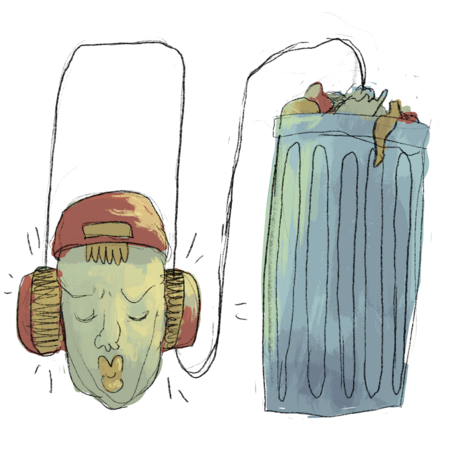
11 августа. День хип-хопа. 12 августа. День слонов и день виниловых пластинок.
7 августа. День пива. 8 августа. День кошек.
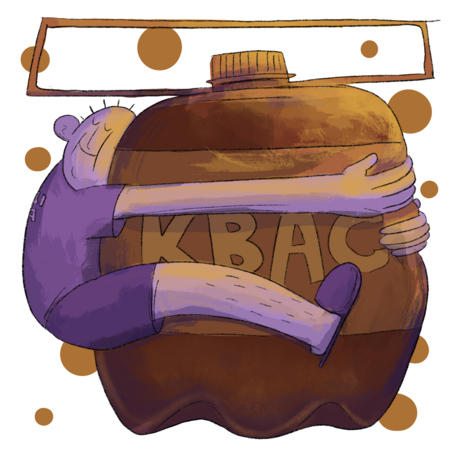
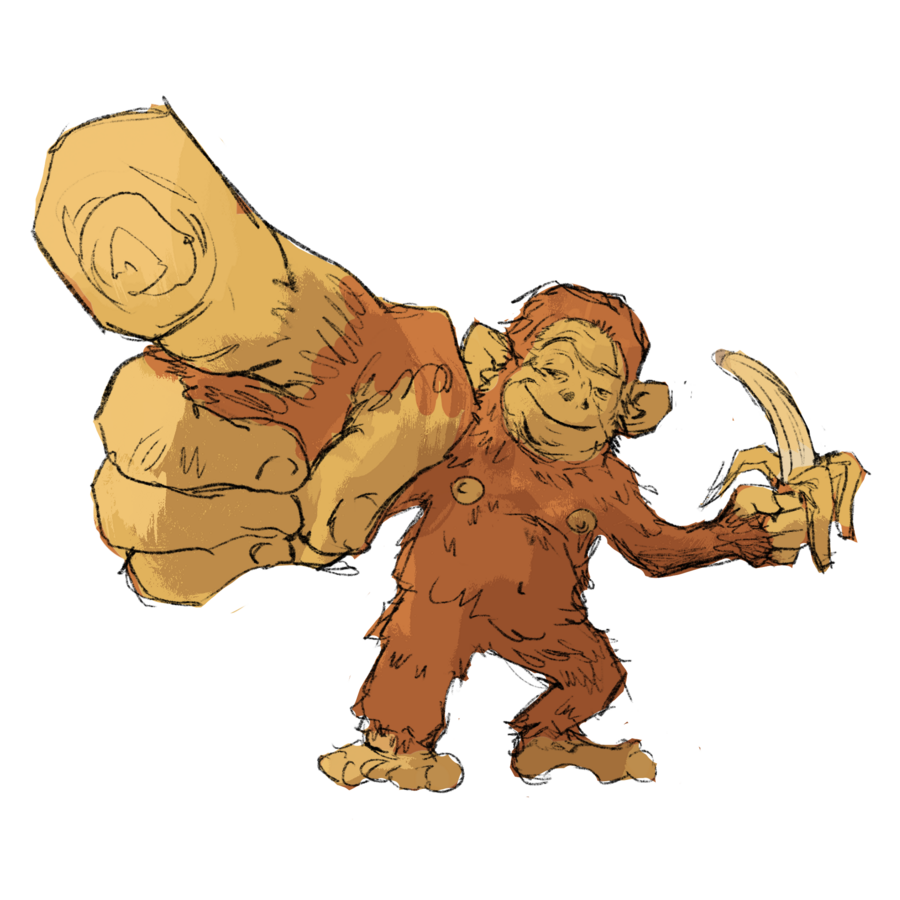
9 августа. День квасного патриота. 10 августа. День заботливого мужа и день лени.
11 августа. День хип-хопа. 12 августа. День слонов и день виниловых пластинок.
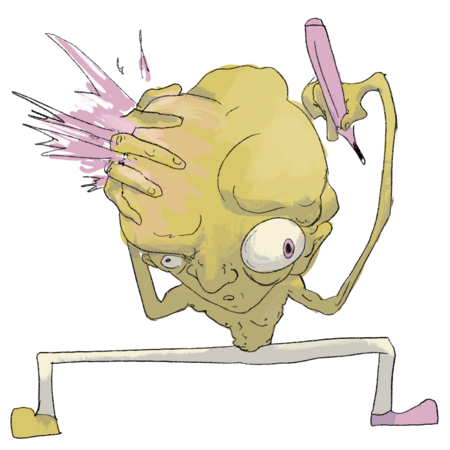
13 августа. День левшей. 14 августа. День воспалённого воображения.
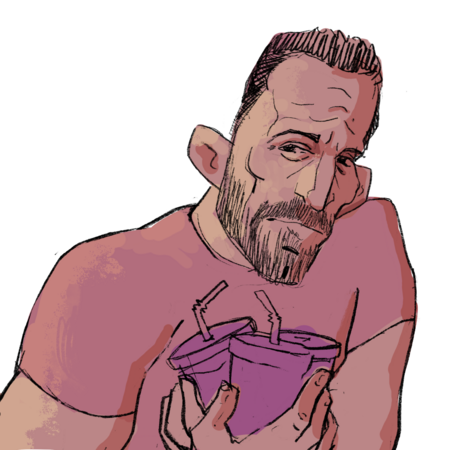
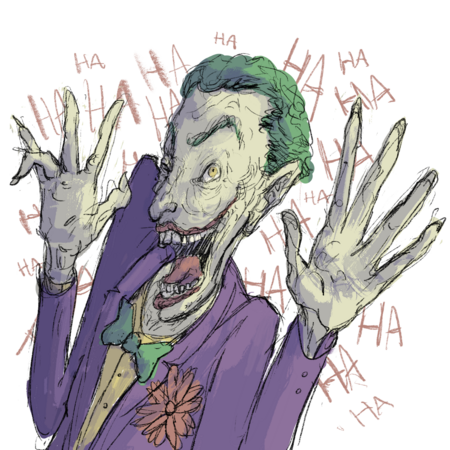
15 августа. День рождения Бена Аффлека. 16 августа. День «расскажи шутку».
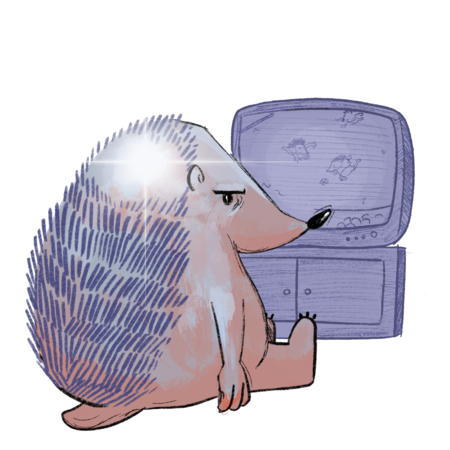
17 августа. День лысого ёжика. 18 августа. День «Never Give Up».
19 августа. День космической собаки. 20 августа. День комара.
21 августа. День рождения Сержа Танкяна. 22 августа. День топлес.
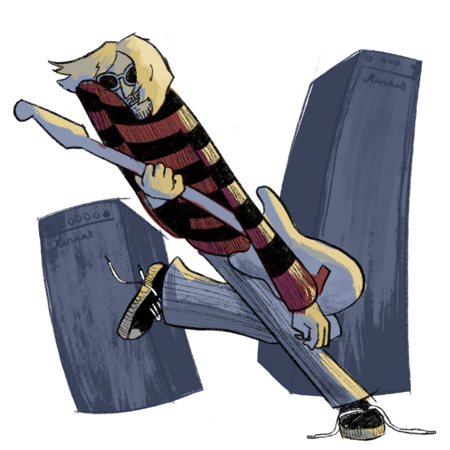
23 августа. День рождения Джулиана Касабланкаса. 24 августа. День странной музыки.
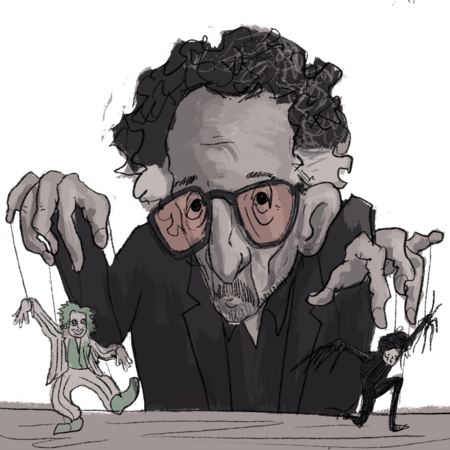
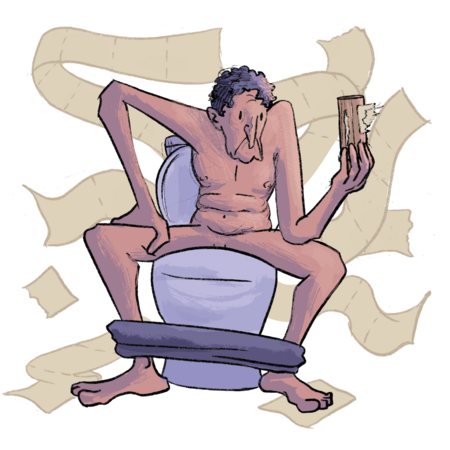
25 августа. День рождения Тима Бёртона. 26 августа. День туалетной бумаги.
Главная героиня — принцесса волшебного Мира Сладостей. Несмотря на красивую жизнь среди конфетных дворцов и ярких праздников, она чувствует усталость от постоянных обязанностей и ожиданий окружающих. Желая хотя бы ненадолго сбежать от своей роли, принцесса случайно попадает в реальный мир. Здесь ей предстоит познакомиться с обычной жизнью, найти новых друзей и понять, чего она действительно хочет. Это история о поиске себя, свободе выбора и о том, что даже в самом сказочном мире не всегда всё бывает сладко.
Press space bar to start a drag.
When dragging you can use the arrow keys to move the item around and escape to cancel.
Some screen readers may require you to be in focus mode or to use your pass through key
Press space bar to start a drag.
When dragging you can use the arrow keys to move the item around and escape to cancel.
Some screen readers may require you to be in focus mode or to use your pass through key
Press space bar to start a drag.
When dragging you can use the arrow keys to move the item around and escape to cancel.
Some screen readers may require you to be in focus mode or to use your pass through key
Press space bar to start a drag.
When dragging you can use the arrow keys to move the item around and escape to cancel.
Some screen readers may require you to be in focus mode or to use your pass through key
Press space bar to start a drag.
When dragging you can use the arrow keys to move the item around and escape to cancel.
Some screen readers may require you to be in focus mode or to use your pass through key
Press space bar to start a drag.
When dragging you can use the arrow keys to move the item around and escape to cancel.
Some screen readers may require you to be in focus mode or to use your pass through key
Press space bar to start a drag.
When dragging you can use the arrow keys to move the item around and escape to cancel.
Some screen readers may require you to be in focus mode or to use your pass through key
Press space bar to start a drag.
When dragging you can use the arrow keys to move the item around and escape to cancel.
Some screen readers may require you to be in focus mode or to use your pass through key
Press space bar to start a drag.
When dragging you can use the arrow keys to move the item around and escape to cancel.
Some screen readers may require you to be in focus mode or to use your pass through key
Press space bar to start a drag.
When dragging you can use the arrow keys to move the item around and escape to cancel.
Some screen readers may require you to be in focus mode or to use your pass through key
Press space bar to start a drag.
When dragging you can use the arrow keys to move the item around and escape to cancel.
Some screen readers may require you to be in focus mode or to use your pass through key
Press space bar to start a drag.
When dragging you can use the arrow keys to move the item around and escape to cancel.
Some screen readers may require you to be in focus mode or to use your pass through key