
HSE.CG × «Фабрика»
Навигатор по модульному заданию «Фабрики» для студентов CGI
From Digital Concept to Production Result
This longread complements the general «Factory» program guide.The general guide explains the program rules, available media, submission format, competition, grants, and further production. Here, we have compiled recommendations for CGI students: how to locate an object to be produced in a digital design, adapt it to the chosen technology, and prepare materials for submission.The «Factory» project is one of the special requirements of the academic module, affecting the grade by 1 point. Students are not required to win the «Factory» competition or execute the production (exception: the prototype in some technical specifications). Receiving a grant is not part of the academic grading and is not guaranteed by completing the assignment.Important: If the recommendations in this longread differ from the technical specifications (TS) of the chosen medium, please refer to the TS.
TICO — Daria Khilko
The production outcome differs across various mediums, but to complete the «Factories» assignment, you must prepare two mandatory digital deliverables.1. Platform ProjectThe project should be formatted as a longread on the mediiia.com platform and published with the correct tag corresponding to the «Factories» medium.2. Production FilesThese files must meet the technical specifications sufficiently so that the materials can be handed over to production.In most cases, this includes:• the final mockup;
• editable source files;
• vector file;
• blueprint;
• patterns;
• flat layout;
• 3D model.Important: for certain mediums, a completed physical object serving as a prototype becomes a required deliverable.
Select Medium
The medium is the format through which your project will become a physical realization—for example, sculpture, collectible toy, book, ceramic object, packaging, textile, or an item made of wood and metal.Choose your medium not only based on visual impact but also on its connection to the core project and technological possibilities.
- Connection to the ProjectThe medium must develop the idea, character, visual world, research, or another element of your modular work.
- Realistic OutcomeSelect a format for which you can prepare all the materials specified in the technical assignment by the end of the module.
You can find relevant resources, project examples, and technical assignments on the «Fabrika» platform.
Resources for 2nd Year Students
Resources for 3rd–4th Year Students
Examples of Native Speakers
2nd Year• T-shirt
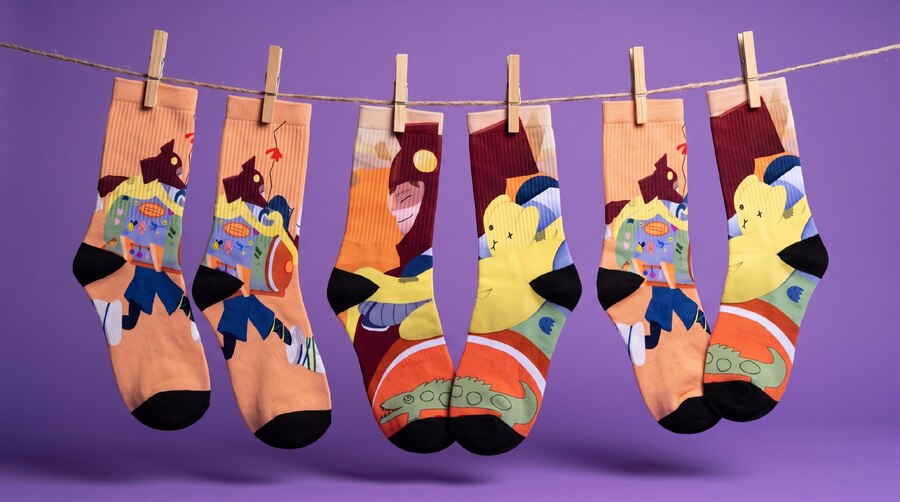
• Socks
• Screen printing on paper
• Screen printing on T-shirt
• Neon art object
• Lenticular printing postcard
• Calendar
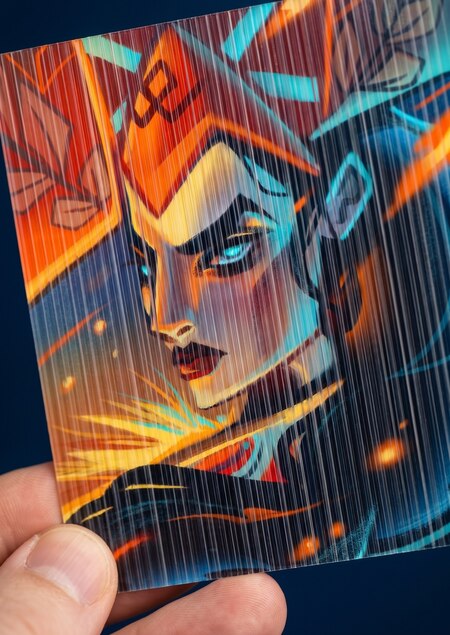
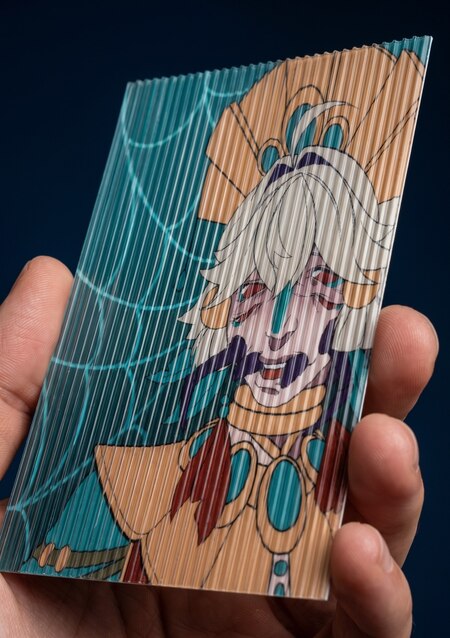
Lenticular Print Cards: Maslenitsa — Daria Rodionova // Lucas — Albina Yakushina
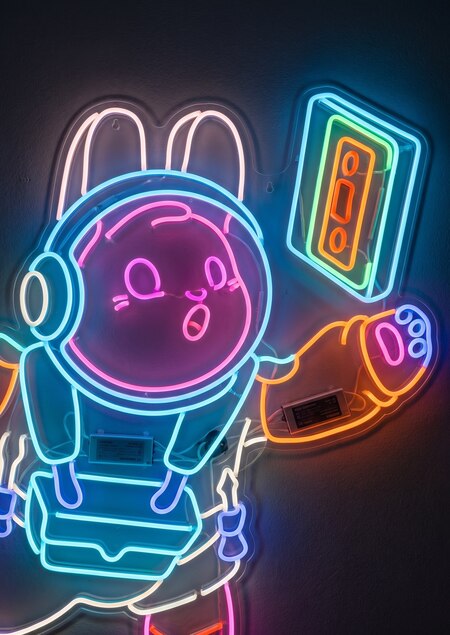
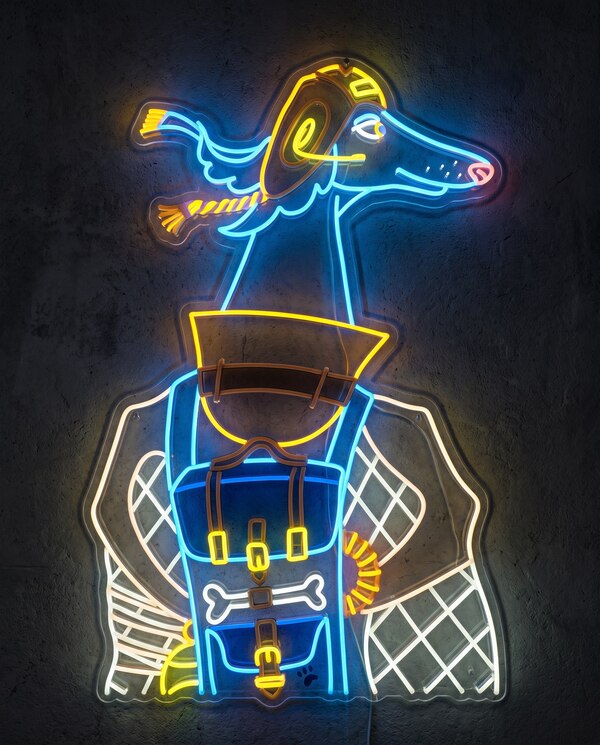
NEON Object: Binyl — My Early World // Sirius — Alexandra Shevchenko
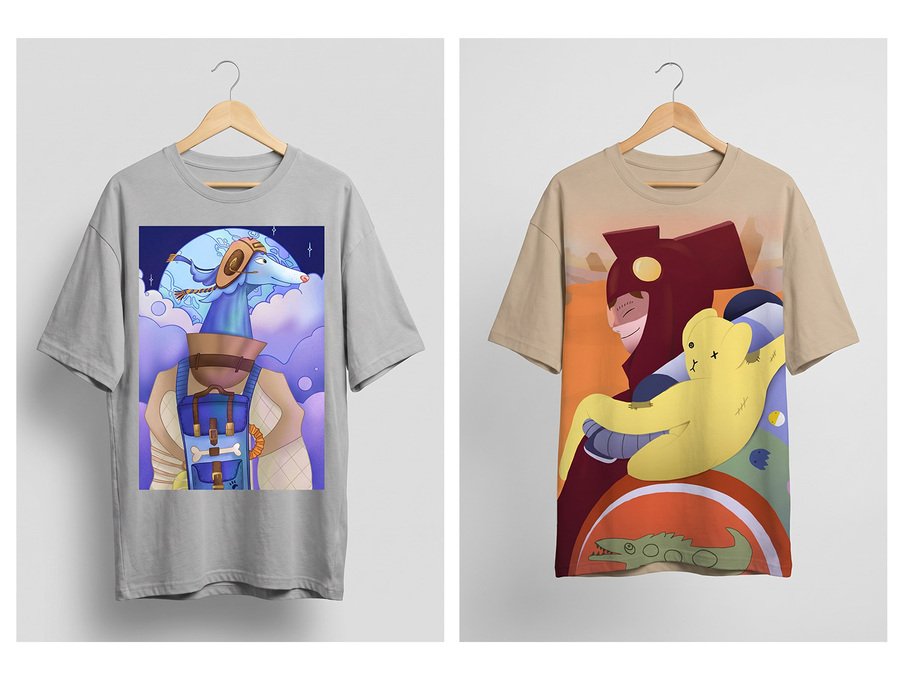
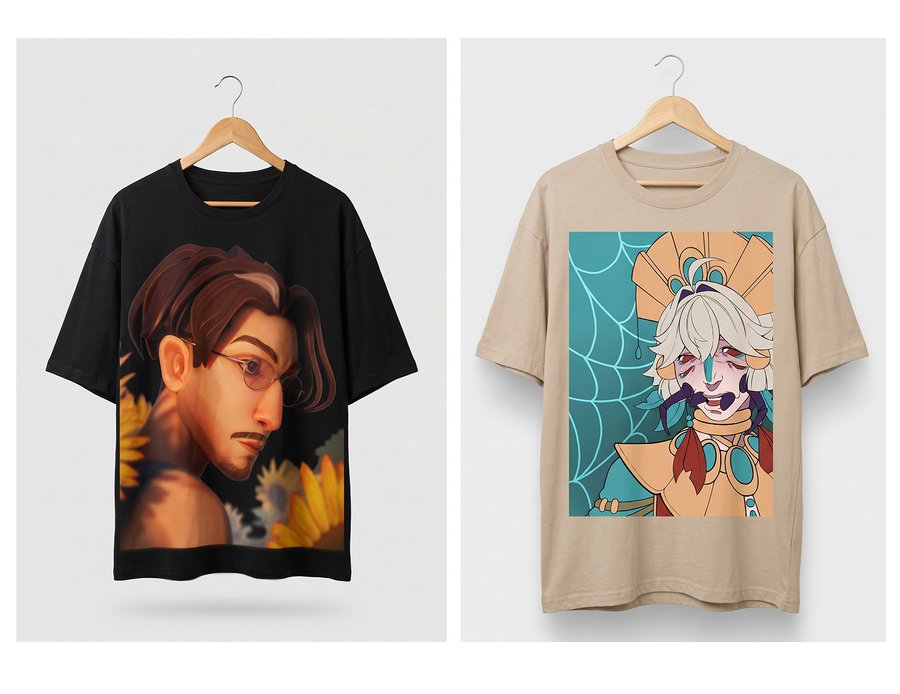
T-SHIRTS: BBNOS — Valentina Gubina, Ekaterina Bublikova // Lucas — Albina Yakushina // Sirius — Alexandra Shevchenko // TICO — Daria Khilko
3rd–4th Year Students• Children’s Book
• Vinyl Record
• Tapestry
• Bag. Free Format
• Fashion. Free Format
• Ceramics. Free Form
• Ceramics. Artist Edition
• Ceramics. Production Prototype
• Photo Laminating
• Sculpture. Free Format
• Jewelry Design
• Collectible Toy
• Product Design. Metal and Wood
• Product Design. Free Form
• Packaging
• Book. Visual Research
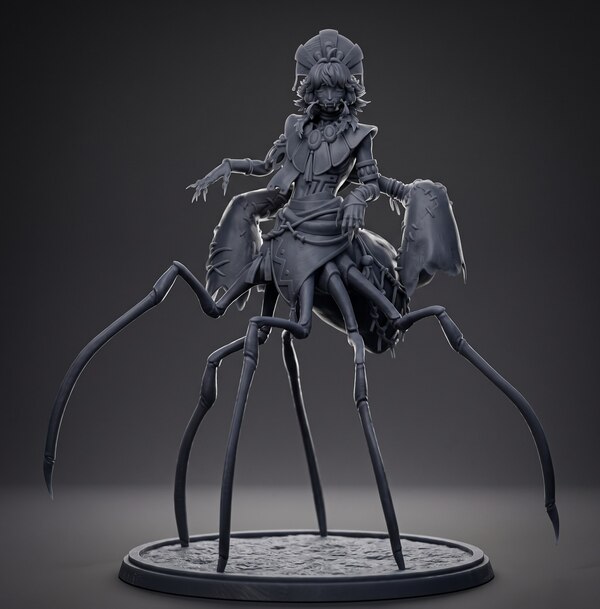
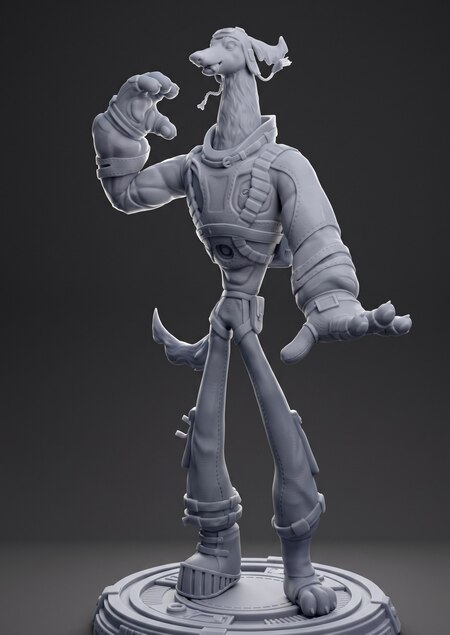
3D-Printed Sculpture: Lukas — Albina Yakushina // Sirius — Alexandra Shevchenko
Find the object in your project
You do not need to invent a separate project specifically for the «Factory.» Find an idea, image, or element from your current modular coursework that can be translated into a physical medium.
- Select a core elementThis could be a character, a digital sculpture, a game artifact, an environmental element, a visual pattern, a graphic system, a material, a texture, or an object from the explored world.
- Define the object’s roleConsider why it exists outside the screen: is it a collectible item, a game element, a home object, a print medium, a gift, an exhibition piece, or a product for sale?
- Connect the object to the carrierFor example, a character could become a collectible toy, a digital sculpture could be realized as a ceramic or 3D-printed object, and a visual system could be translated into textiles, packaging, or a print series.
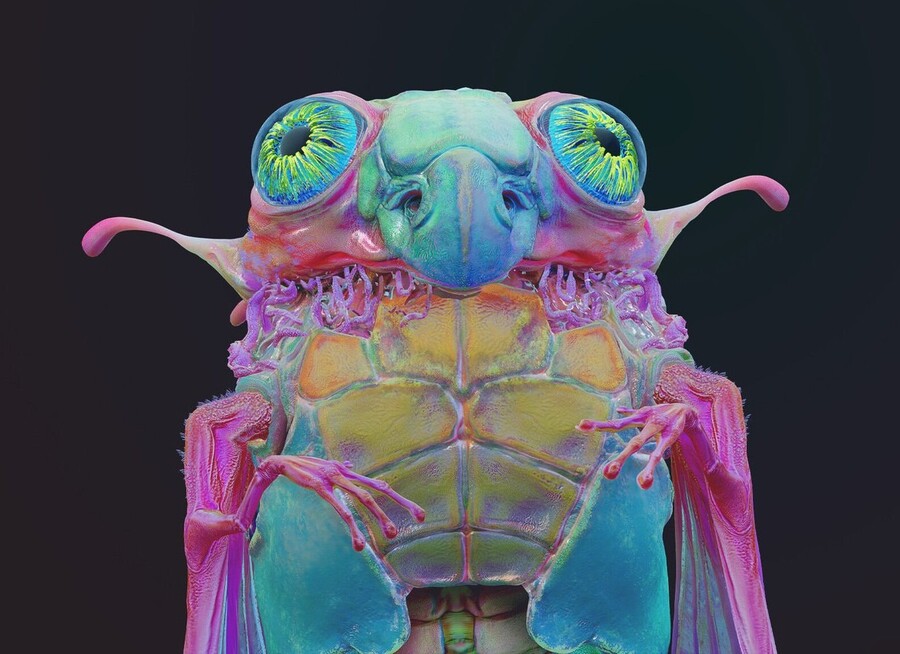
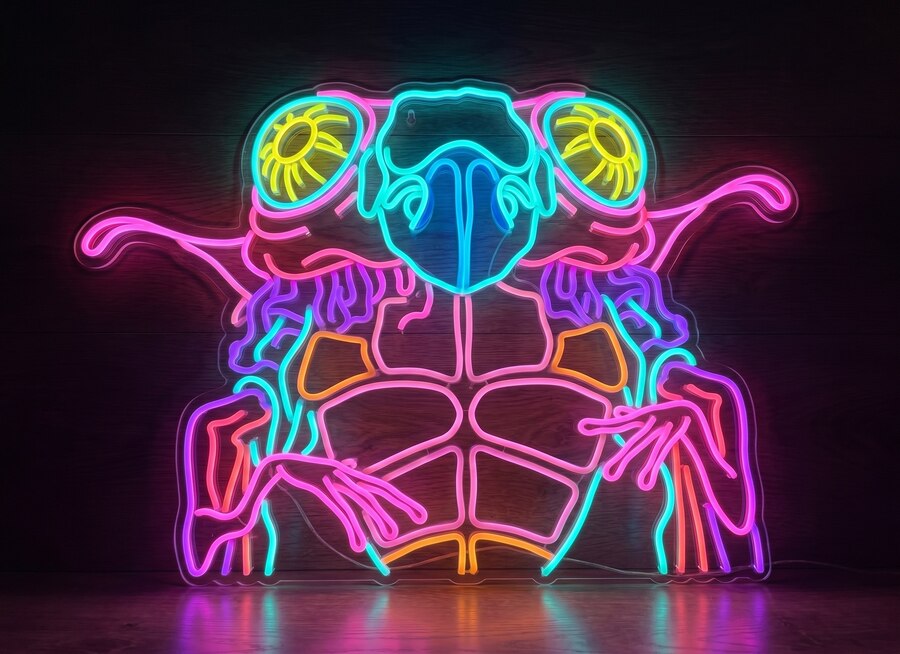
TOI-700d — Valeria Veziko
Adapt the Concept for Production
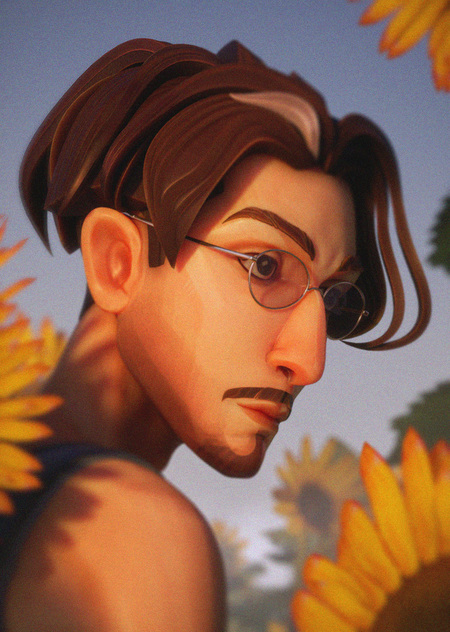
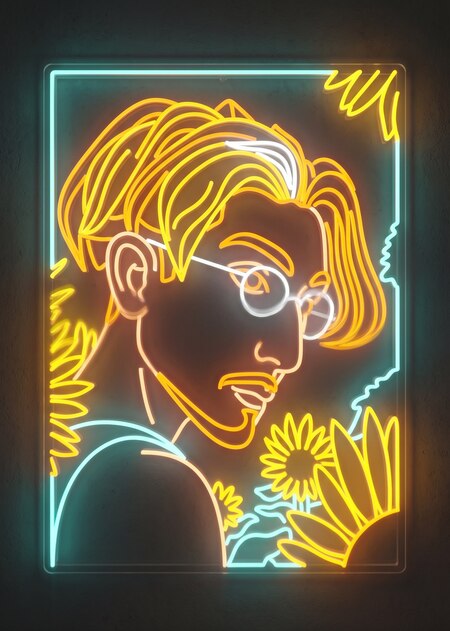
BBNOS — Ekaterina Bublikova, Valentina Gubina
A digital concept must be adapted to real materials and technologies. An object that looks great in a render cannot always be manufactured without changes.
- Check Scale
Indicate the actual dimensions of the object. Consider how it will look in someone’s hand, on a shelf, in an interior space, or within packaging. - Simplify Complex Details
Overly thin, fragile, or small elements may not be feasible in production. Preserve the object’s character while omitting details that won’t be visible or might break. - Design the Structure
If the object is made of multiple parts, illustrate how they will connect. Check the stability, fasteners, stand, and any vulnerable components.
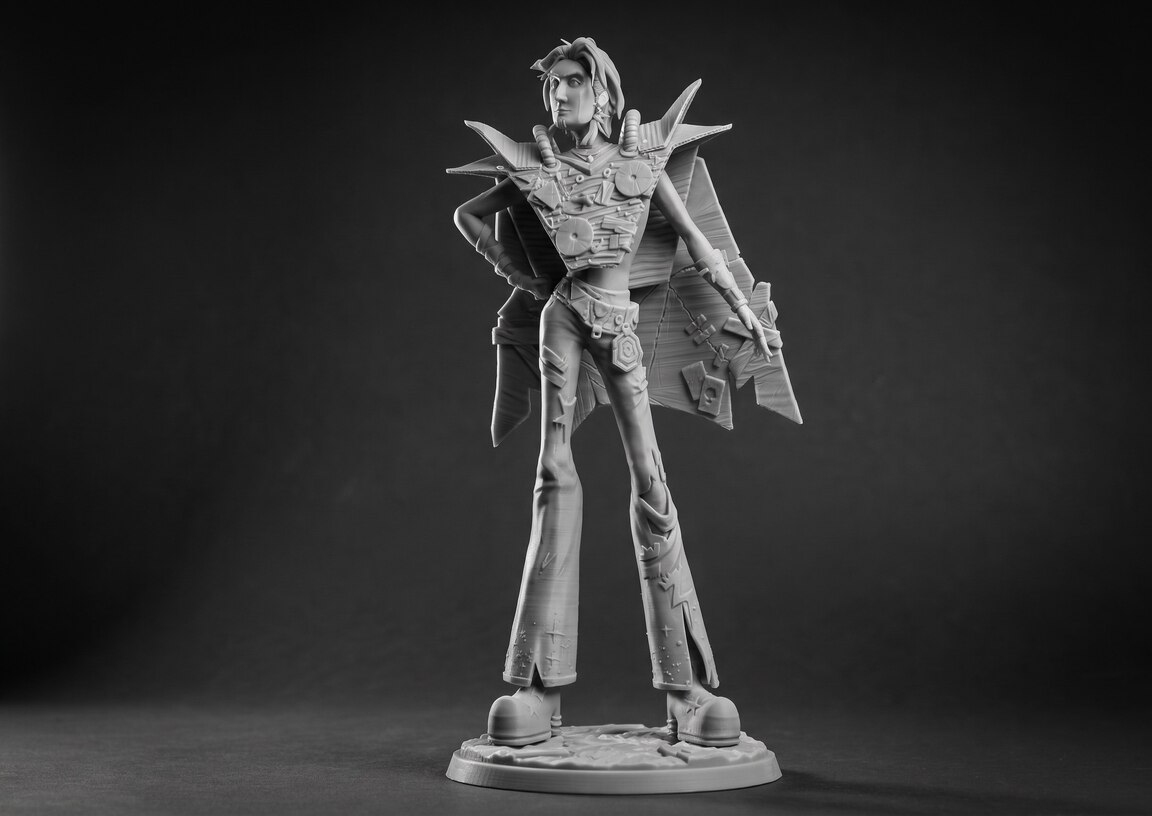
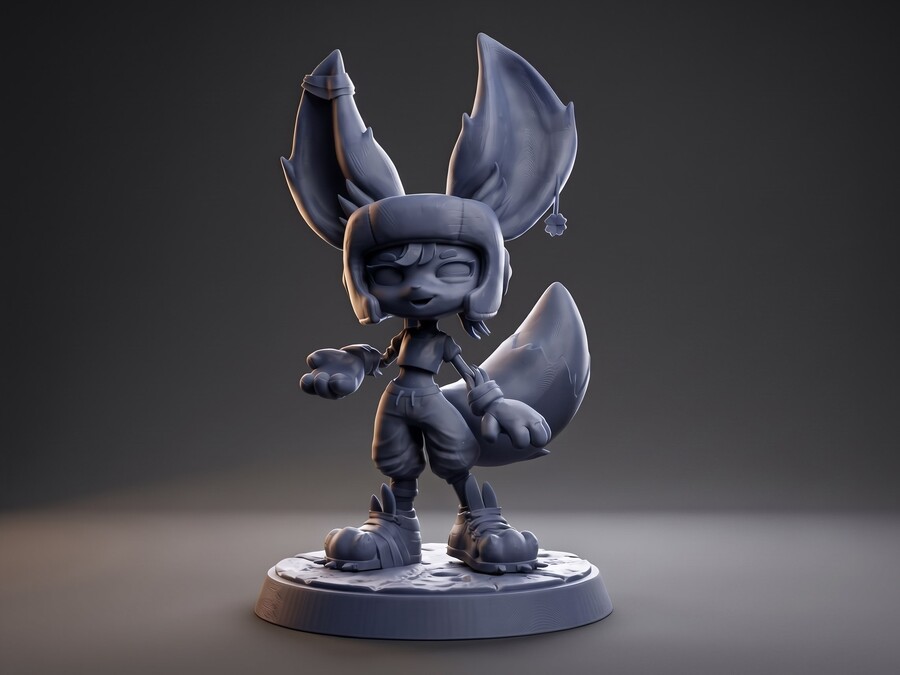
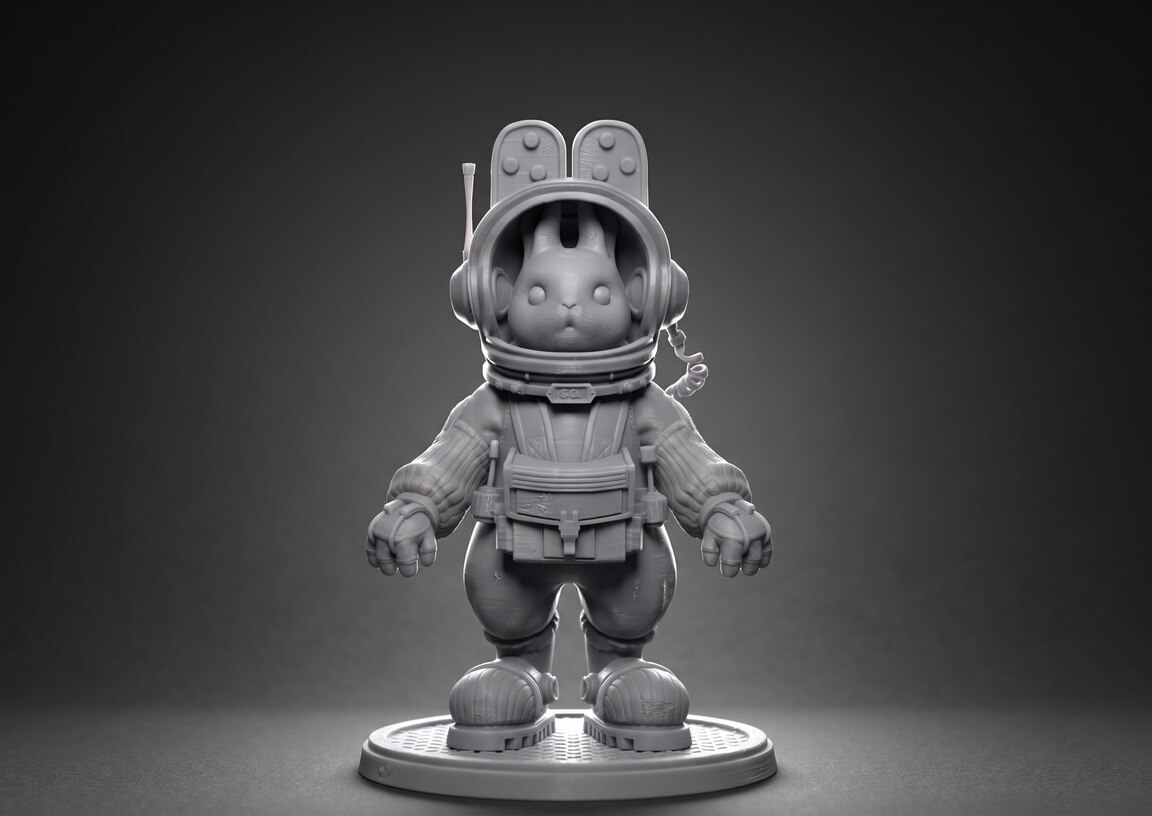
Clever — Artem Rozhkov // Binyl — Mi Ran Sek // Loud — Maria Semak
Prepare CGI materials
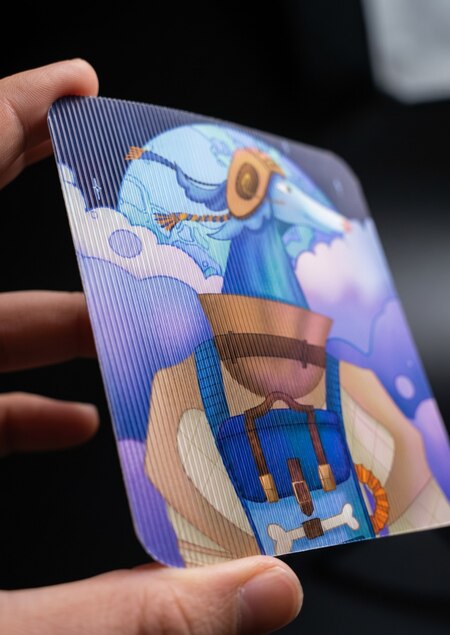
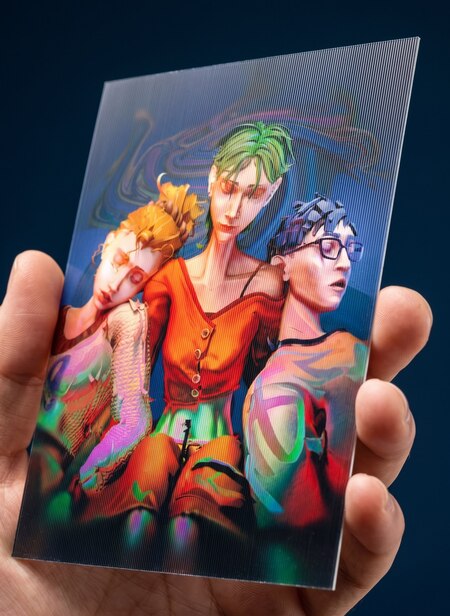
Sirius — Aleksandra Shevchenko // SLEEPMODE — Alina Plishkina, Igor Gorinin, Marina Aterekova
Prepare materials that allow the object to be understood and to assess its readiness for production.
- Show the Object
Provide an overall view, perspectives from different sides, close-ups of details, and the object alongside a clear scale reference.
- Show the Construction
For a volumetric or composite object, include orthographic views, assembly diagrams, supports, fasteners, and other structural elements.
- Prepare the Model
Check the scale, geometry, part thickness, surface intersections, and stability. If necessary, divide the model into separate components.
Important: The specific material composition depends on the technical specifications of the chosen medium.
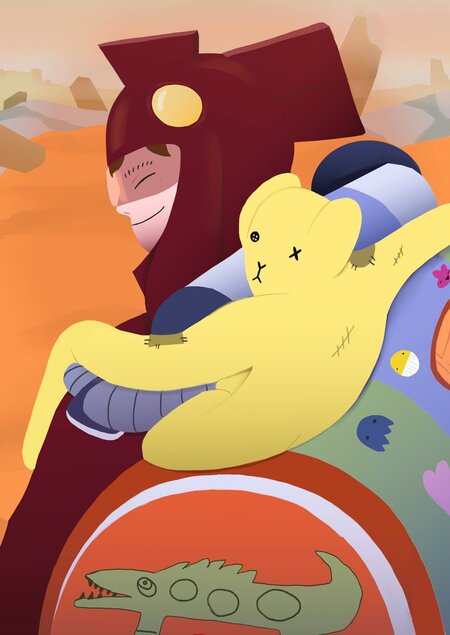
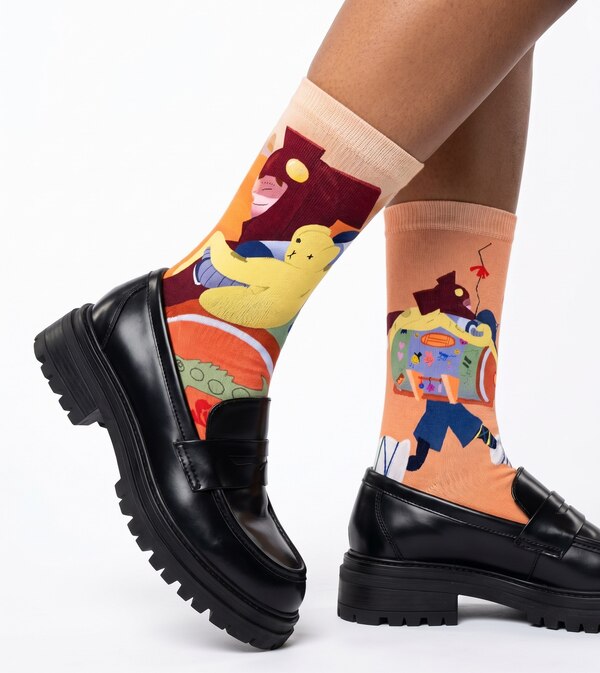
TICO // Daria Khilko
Format the Longread
Longread is a public project presentation on the platform. It showcases your concept, visual solution, and the final outcome of the work utilizing a chosen medium.
- Explain the ConceptDescribe how the object relates to the module’s core project and why the chosen medium suits your task.
- Showcase the DevelopmentInclude references, sketches, work stages, final renders, or mockups, details, angles, and the object within its context.
- Specify ParametersAdd material, technology, dimensions, construction, and other characteristics specified in the technical assignment.
- Apply the TagPublish the project using the correct tag for the chosen medium: «Factory.»
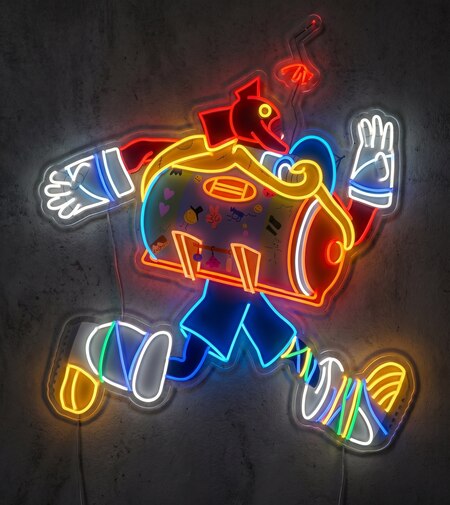
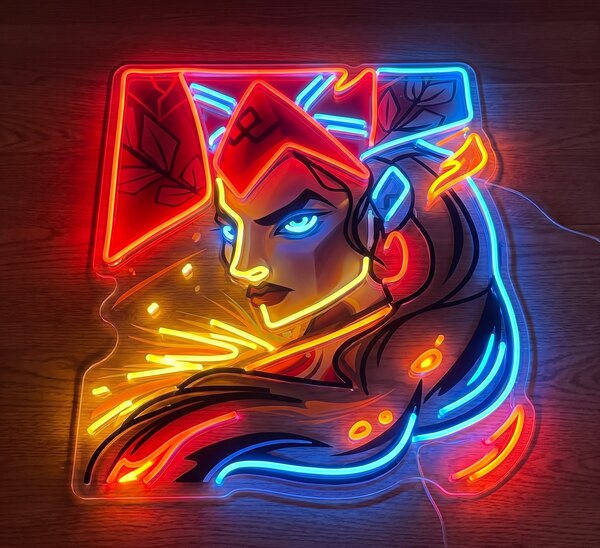
TICO — Darya Khilko // Maslenitsa — Darya Rodionova