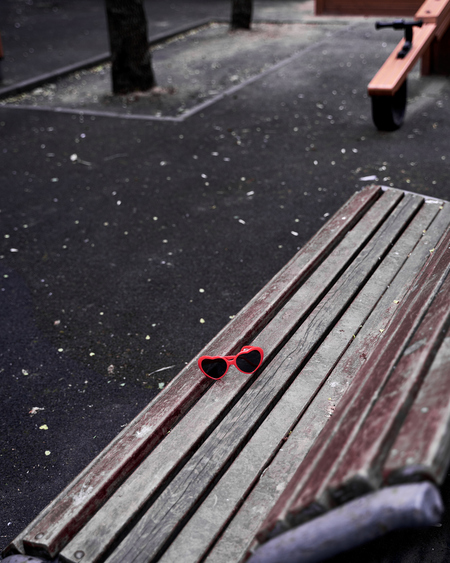
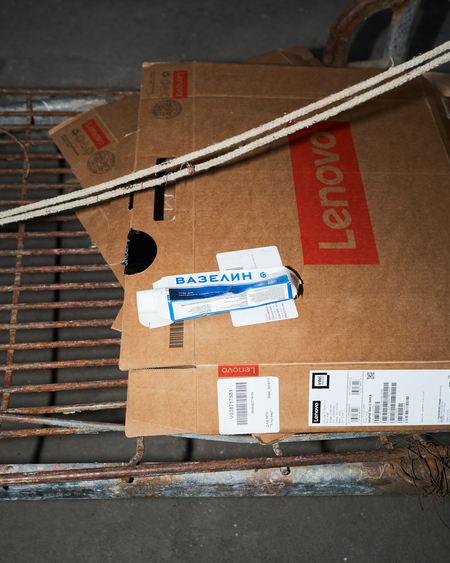
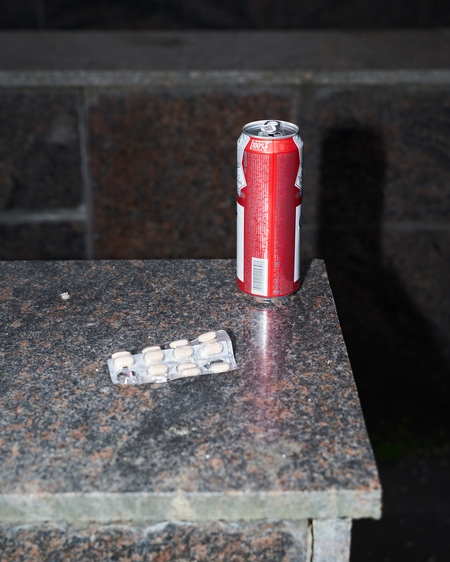
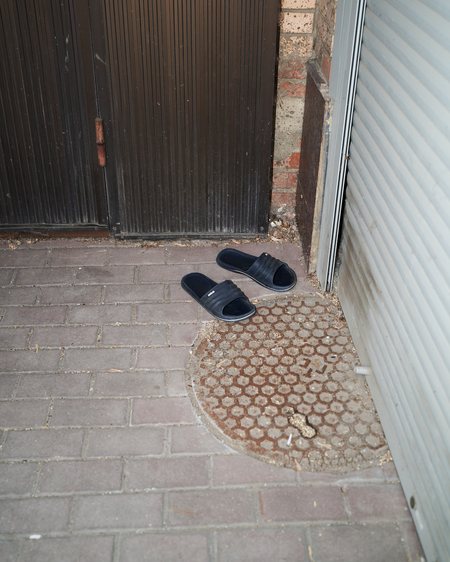
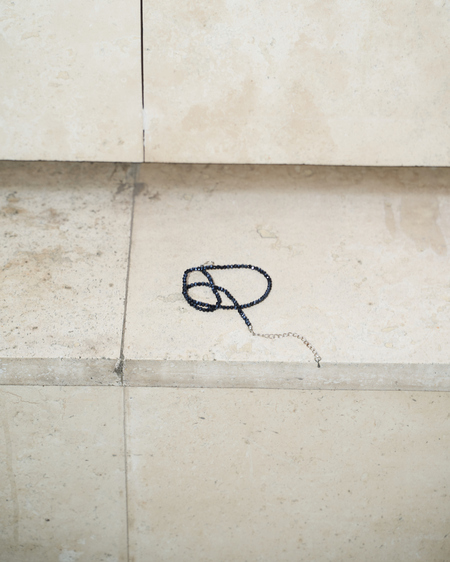
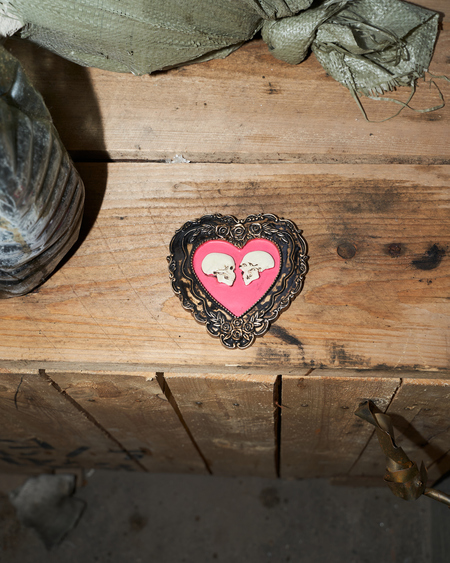
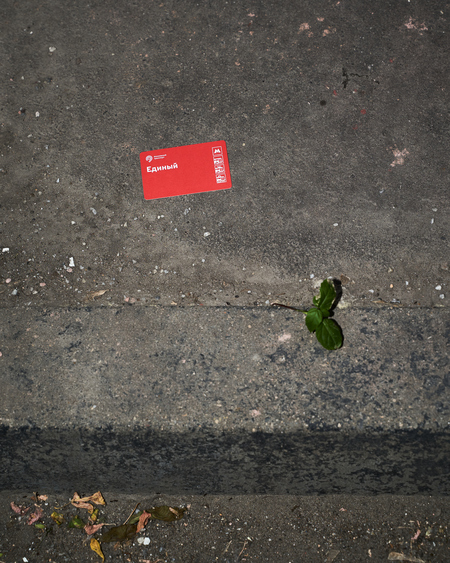
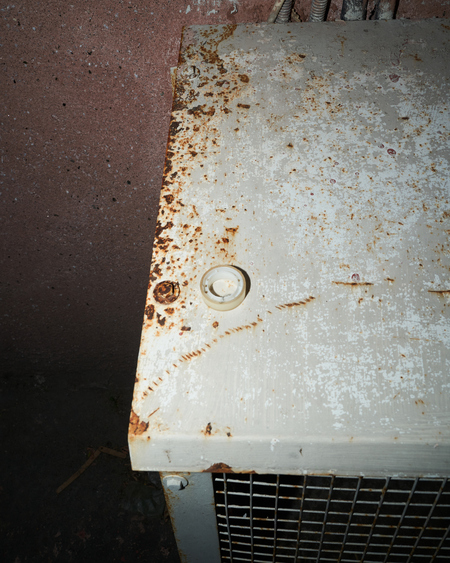
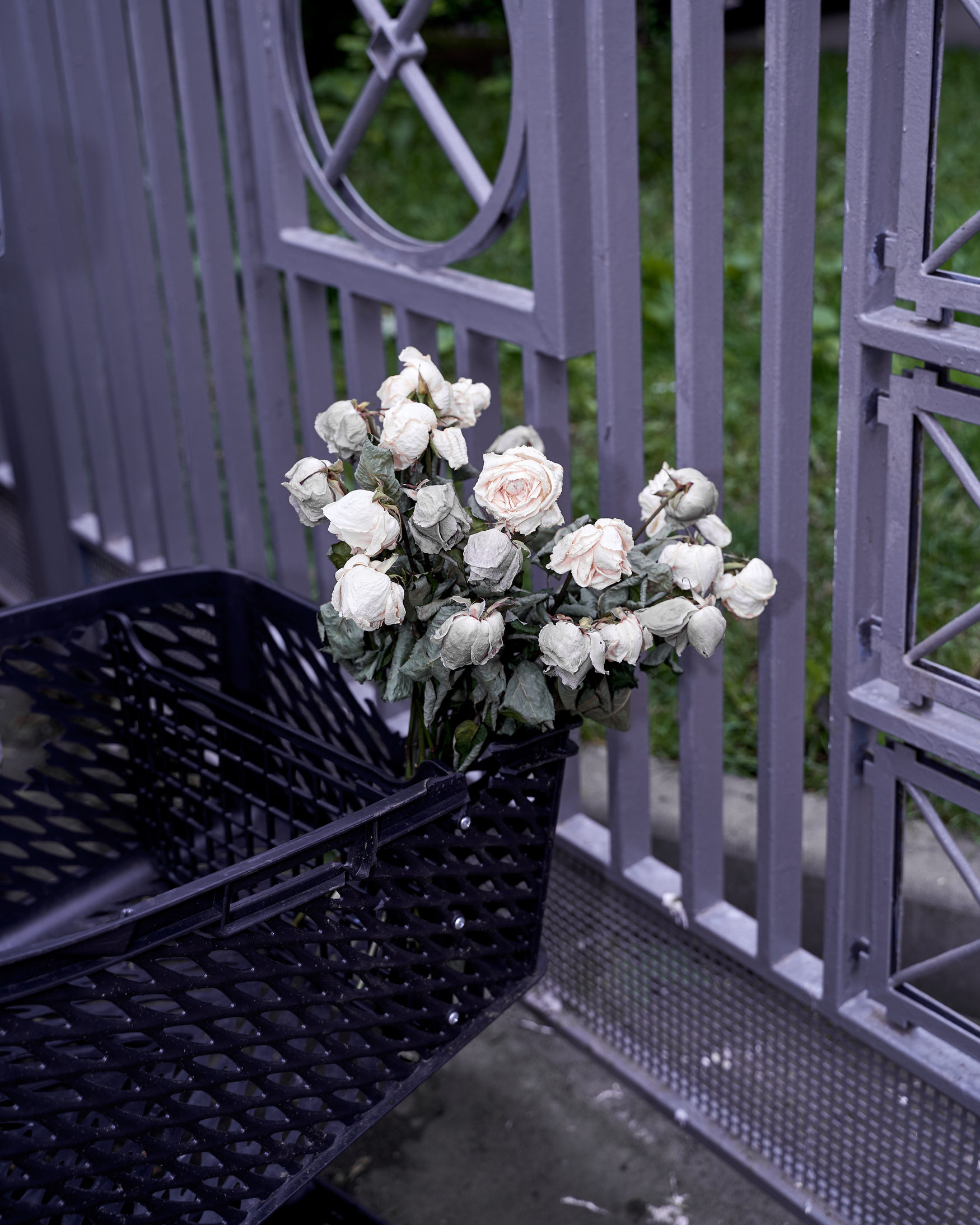
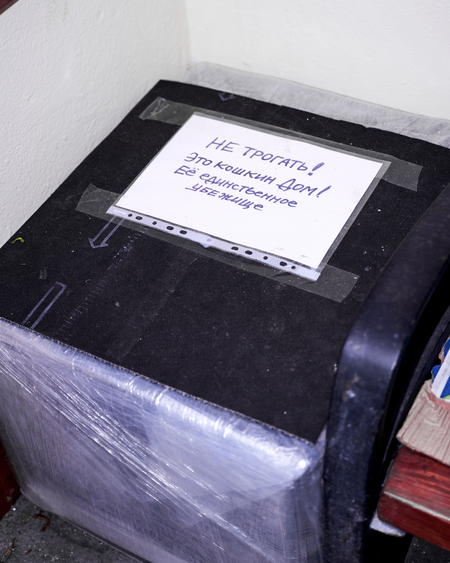
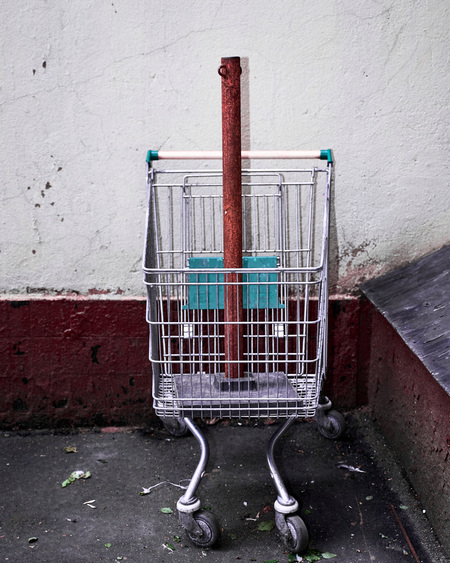
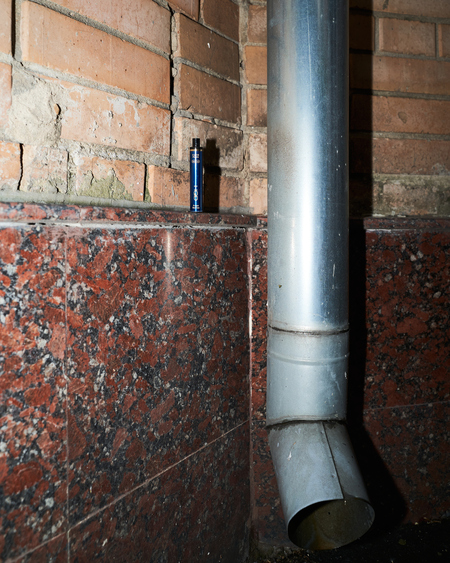
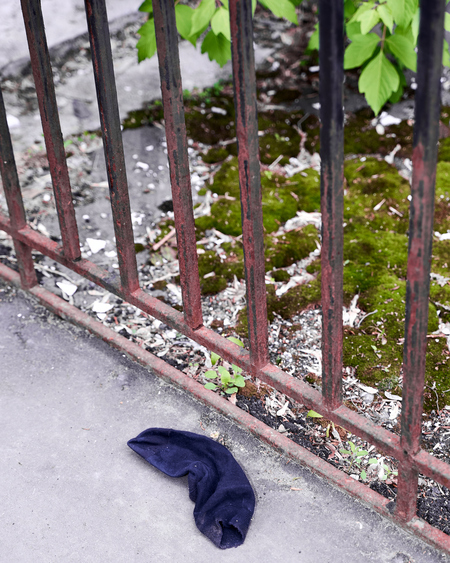
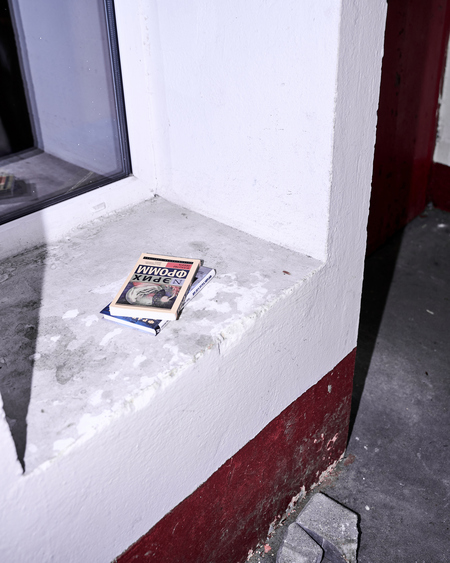
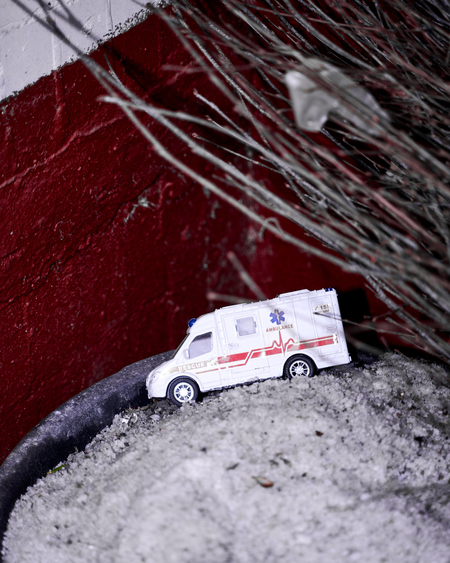
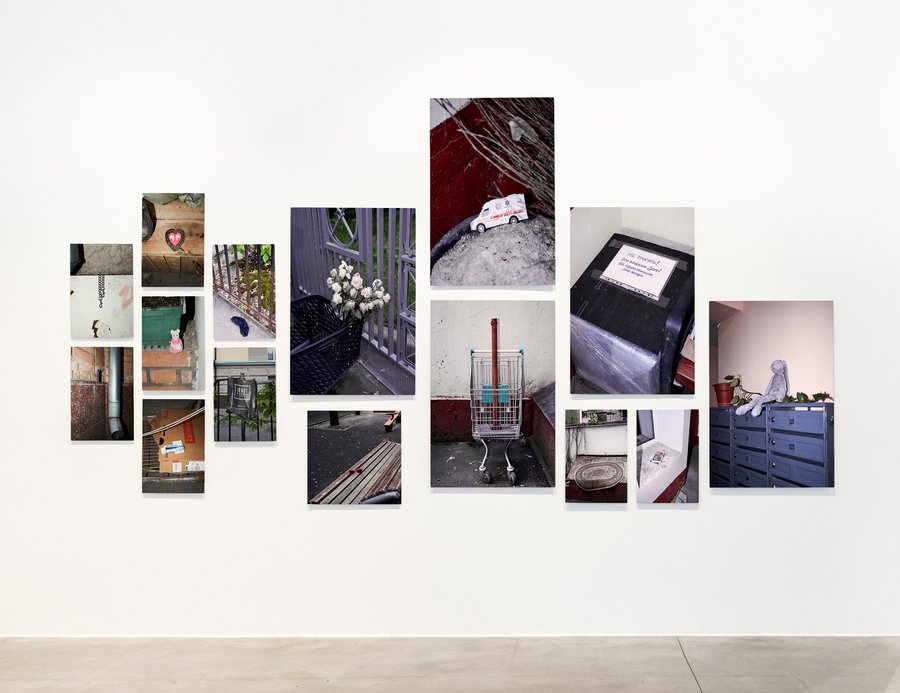
Мой проект обращает внимание на жизнь, которая находится прямо у нас под носом. Ведь очень часто мы живём неосознанно, машинально, смотря в телефон.
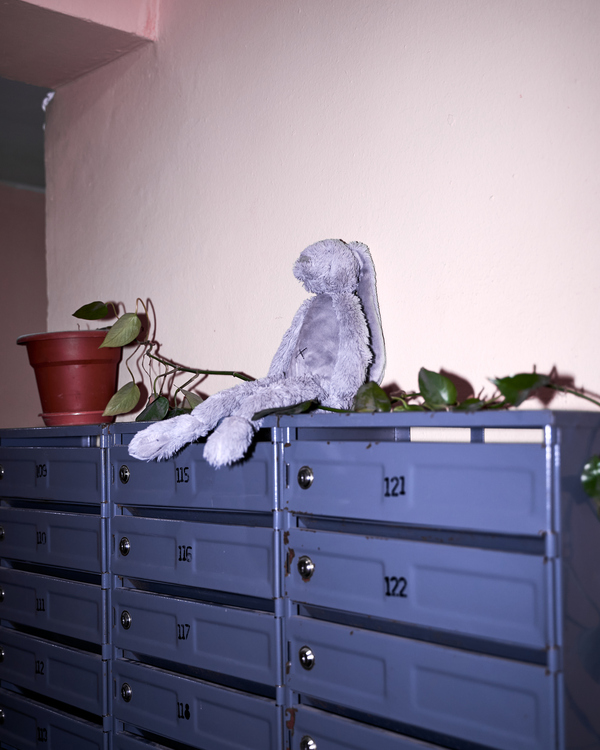
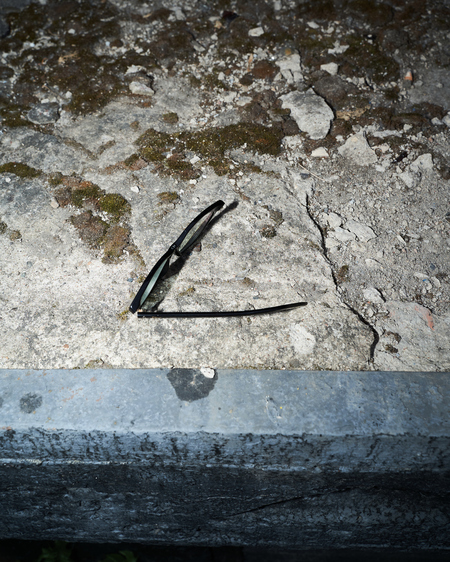
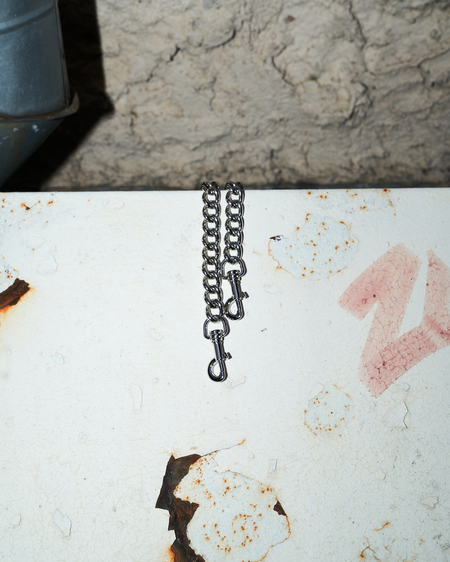
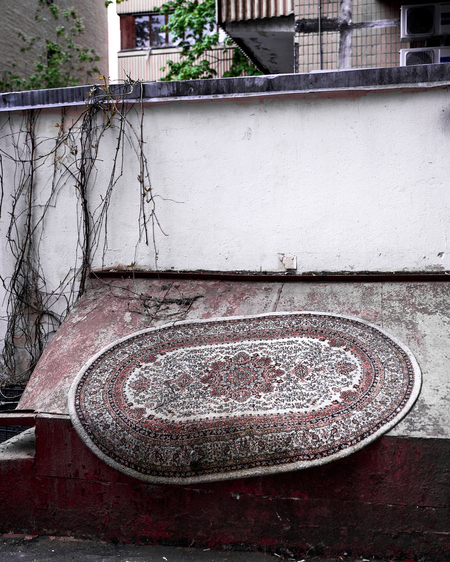
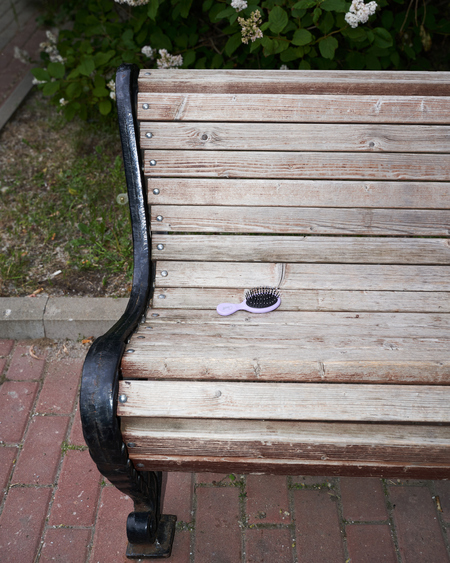
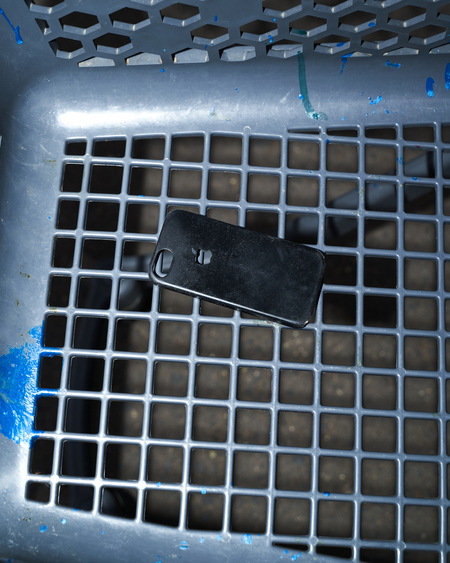
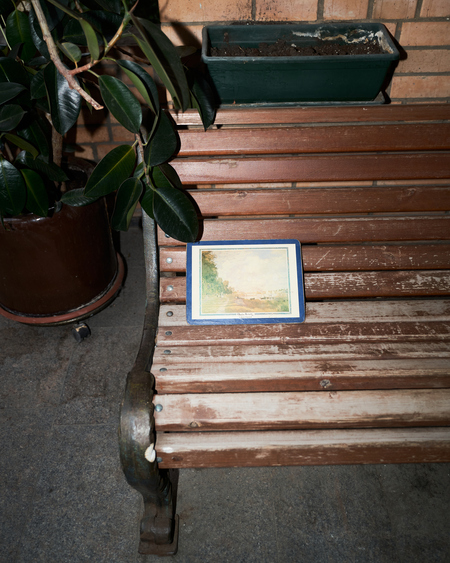
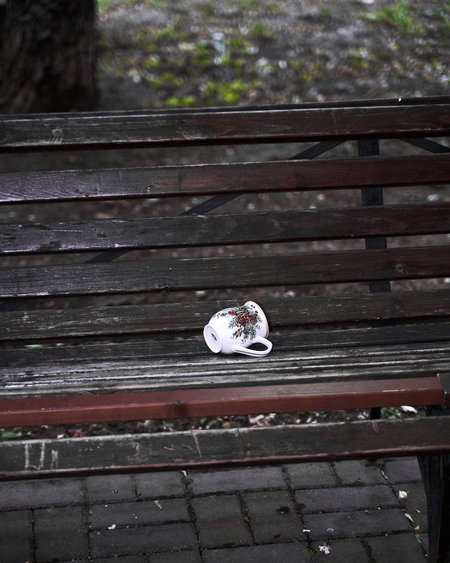
Я решила проанализировать жизнь в своём дворе, где живу уже три года. Когда я сказала маме, что хочу поснимать забытые вещи или что-то красивое и необычное, чего раньше не замечала во дворе, она ответила, что там не может быть ничего интересного.
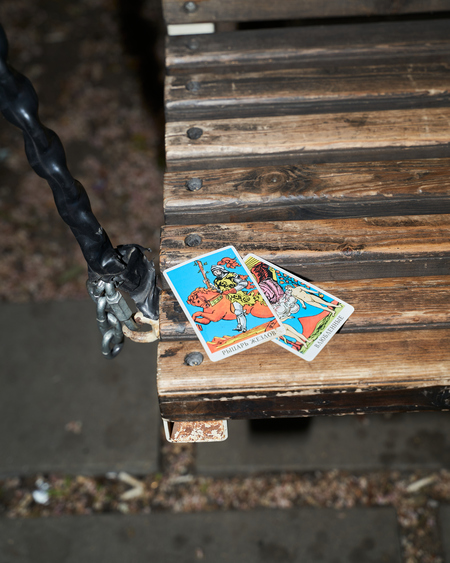
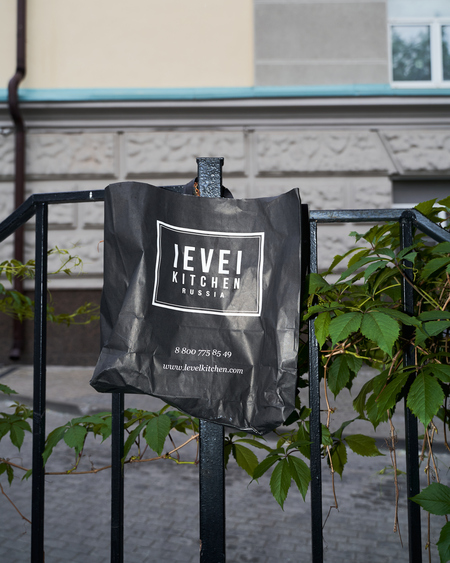
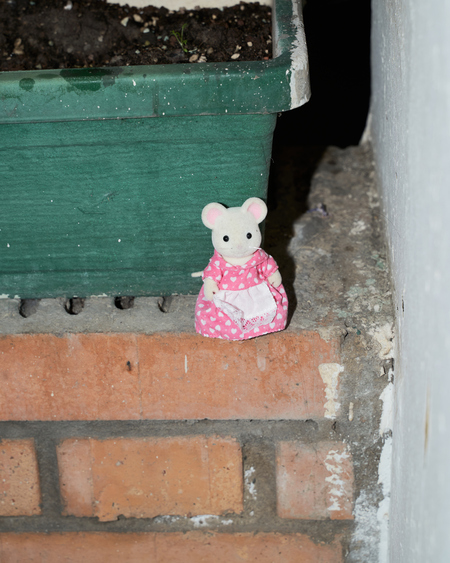
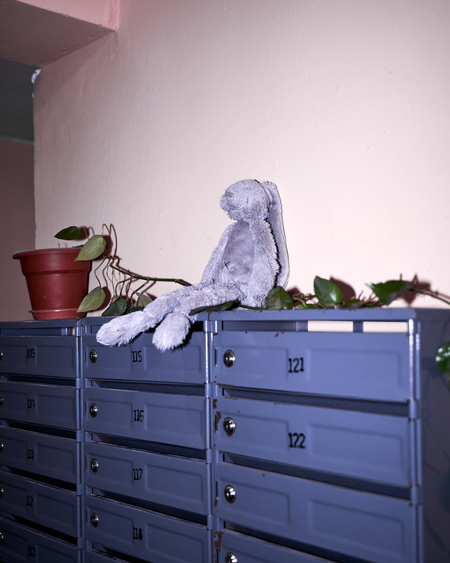
Однако, выйдя снимать, я обнаружила множество предметов и деталей, которые раньше не замечала.
В своём проекте я хочу показать зрителям, что, когда мы постоянно заняты своими делами и мыслями, вся жизнь, важные детали и целый мир вокруг нас могут остаться незамеченными.
А что, если книга, оставленная кем-то у вашего подъезда, изменит вас или подскажет ответ на волнующий вопрос? Или кот, живущий в соседнем подъезде, станет вам верным другом и любимым домашним питомцем? А может, оставленная кем-то машинка или плюшевая игрушка порадует вашего младшего брата?
Андрей Пунин подготовил проект «Quarengi. Nose.», посвящённый архитектору Гiacомо Кваренги и его влиянию на Петербург. Проект включает в себя описание его зданий и легенды о его знаменитом носе, основанной на воспоминаниях Филиппа Вигеля.
LPU — Lovely Professional University, India’s Best Private University in Punjab. A university with the infrastructure of global standards, internationally benchmarked curricula, rich diversity of students, innovative pedagogy for participative and experiential learning with focus on research, innovation and entrepreneurship
design
object design
art
fashion
environment
game design
illustration
animation
cgi
sound
Press space bar to start a drag.
When dragging you can use the arrow keys to move the item around and escape to cancel.
Some screen readers may require you to be in focus mode or to use your pass through key
Press space bar to start a drag.
When dragging you can use the arrow keys to move the item around and escape to cancel.
Some screen readers may require you to be in focus mode or to use your pass through key
Press space bar to start a drag.
When dragging you can use the arrow keys to move the item around and escape to cancel.
Some screen readers may require you to be in focus mode or to use your pass through key
Press space bar to start a drag.
When dragging you can use the arrow keys to move the item around and escape to cancel.
Some screen readers may require you to be in focus mode or to use your pass through key
Press space bar to start a drag.
When dragging you can use the arrow keys to move the item around and escape to cancel.
Some screen readers may require you to be in focus mode or to use your pass through key
Press space bar to start a drag.
When dragging you can use the arrow keys to move the item around and escape to cancel.
Some screen readers may require you to be in focus mode or to use your pass through key
Press space bar to start a drag.
When dragging you can use the arrow keys to move the item around and escape to cancel.
Some screen readers may require you to be in focus mode or to use your pass through key
Press space bar to start a drag.
When dragging you can use the arrow keys to move the item around and escape to cancel.
Some screen readers may require you to be in focus mode or to use your pass through key
Press space bar to start a drag.
When dragging you can use the arrow keys to move the item around and escape to cancel.
Some screen readers may require you to be in focus mode or to use your pass through key
Press space bar to start a drag.
When dragging you can use the arrow keys to move the item around and escape to cancel.
Some screen readers may require you to be in focus mode or to use your pass through key
Press space bar to start a drag.
When dragging you can use the arrow keys to move the item around and escape to cancel.
Some screen readers may require you to be in focus mode or to use your pass through key
Press space bar to start a drag.
When dragging you can use the arrow keys to move the item around and escape to cancel.
Some screen readers may require you to be in focus mode or to use your pass through key
Press space bar to start a drag.
When dragging you can use the arrow keys to move the item around and escape to cancel.
Some screen readers may require you to be in focus mode or to use your pass through key