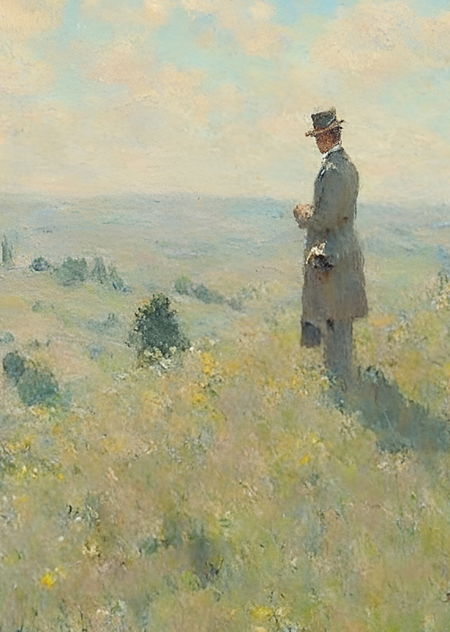
Concept
Have you ever looked at a famous painting and wished you could see what the artist would draw—say, a basket of apples or a streetlamp—if they were a portrait artist?
I deeply admire the work of Claude Monet, so I wrote generative code that creates images based on a written prompt, rendered in the style of a famous artist. It captures the entire atmosphere of delicate brushstrokes and lightness, as if the drawing just came from the artist’s hand.
We would like to specifically note that the works of Claude Monet are in the public domain and may be freely used for both personal and commercial purposes.
Examples of source images
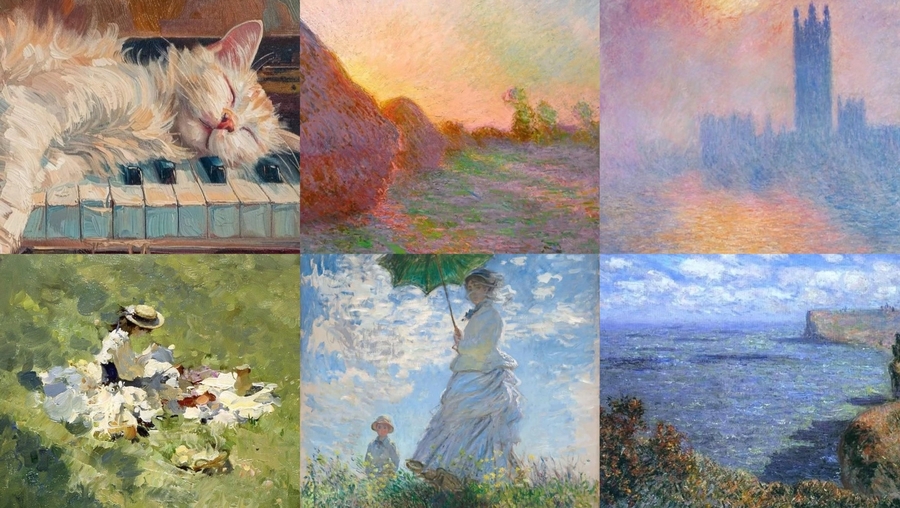
Collection of Created Works
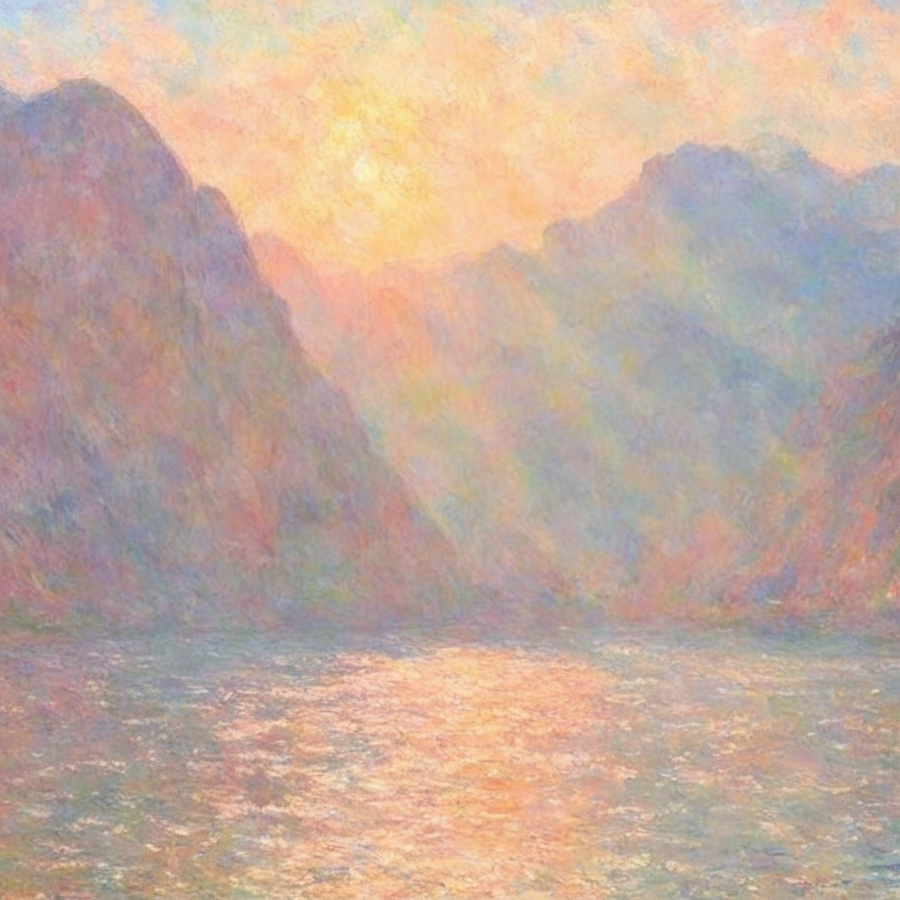
photo collage in Monet style, mountains under the sunlight
photo collage in Monet style, cat in the basket with flowers
photo collage in Monet style, a man on a hill
photo collage in Monet style, kids in the grass, playing with flowers
Conclusion
It is extremely difficult to achieve similarity with a specific style without a sufficiently extensive source of original imagery. For example, an artist has never drawn modern skyscrapers, so it is practically impossible for generative code to convey how an artist would depict a particular object on a contemporary street.
It is important to note that Claude Monet draws each of his works slightly differently than the previous one, playing with the technique of applying paint to the canvas. Consequently, AI models have trouble reproducing Monet’s volumetric strokes and liveliness. This means that the resulting images lose some of their texture and dimensionality, even though the dataset was augmented not only with complete paintings but also with their individual elements to increase accuracy.
Ultimately, even considering some limitations, the resulting series of images successfully captures the atmosphere of the artist’s work, retains the sensual quality and softness of his paintings, and helps accelerate the process of creating similar imagery when needed—for example, for decorating thematic spaces.
The Creation Process
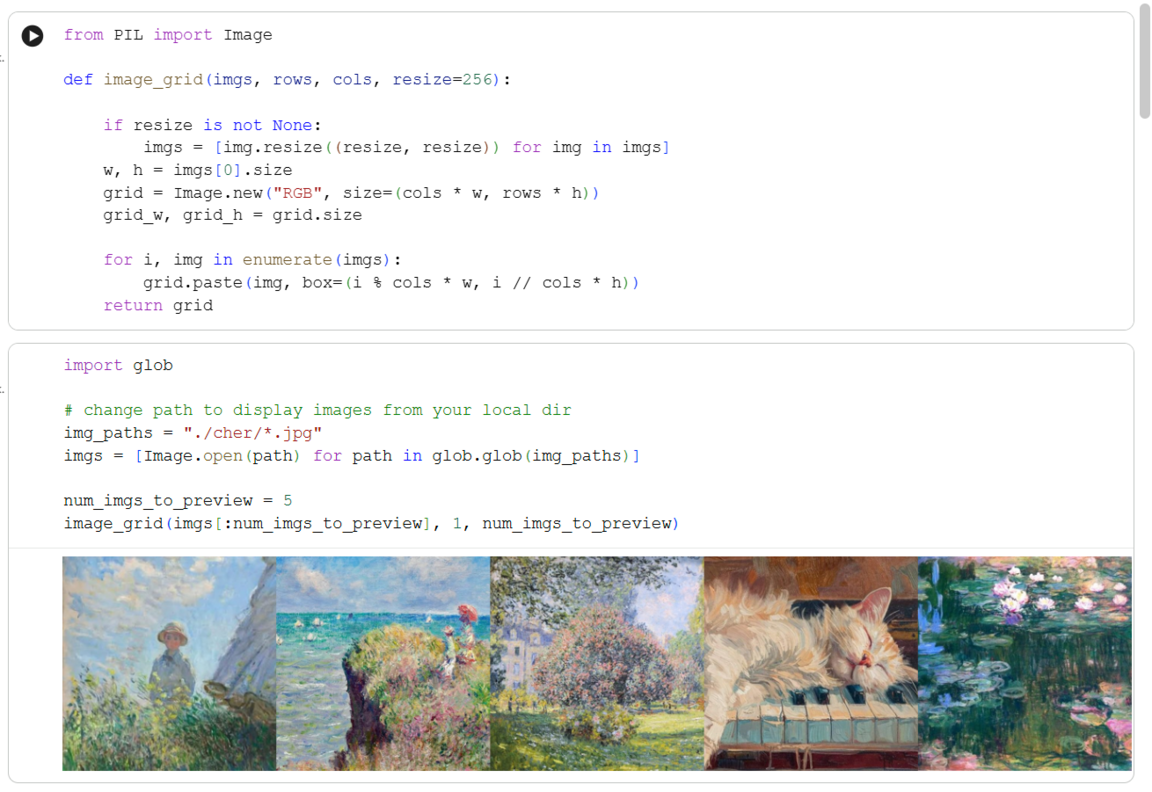
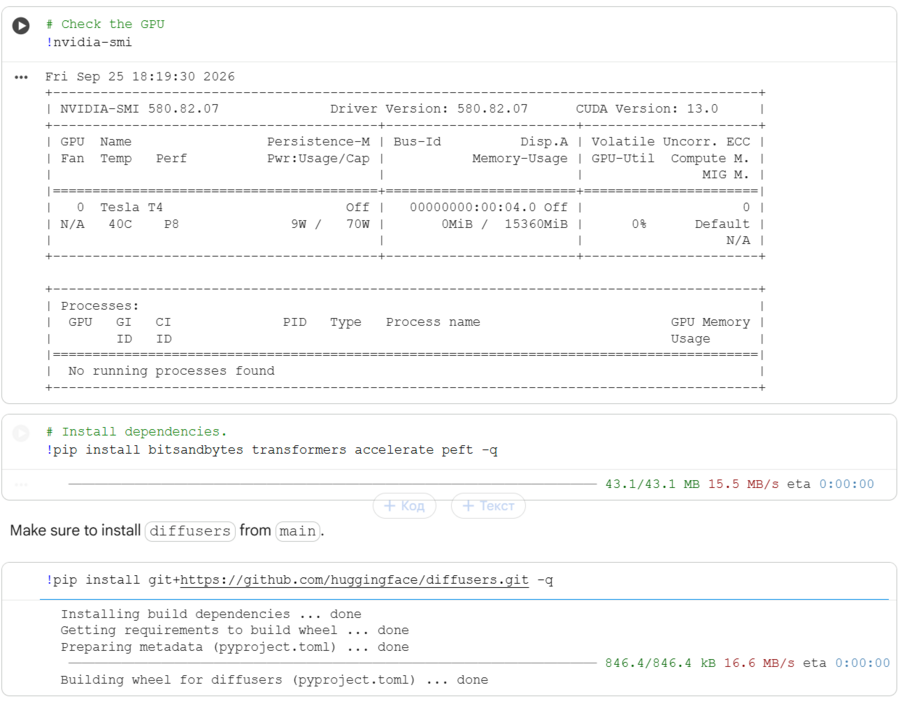
— Connect the GPU for increased power. Ensure the graphics card is connected and functioning.
— Install the bitsandbytes library for training Stable Diffusion XL.
— Install the latest version of the diffusers library from GitHub.
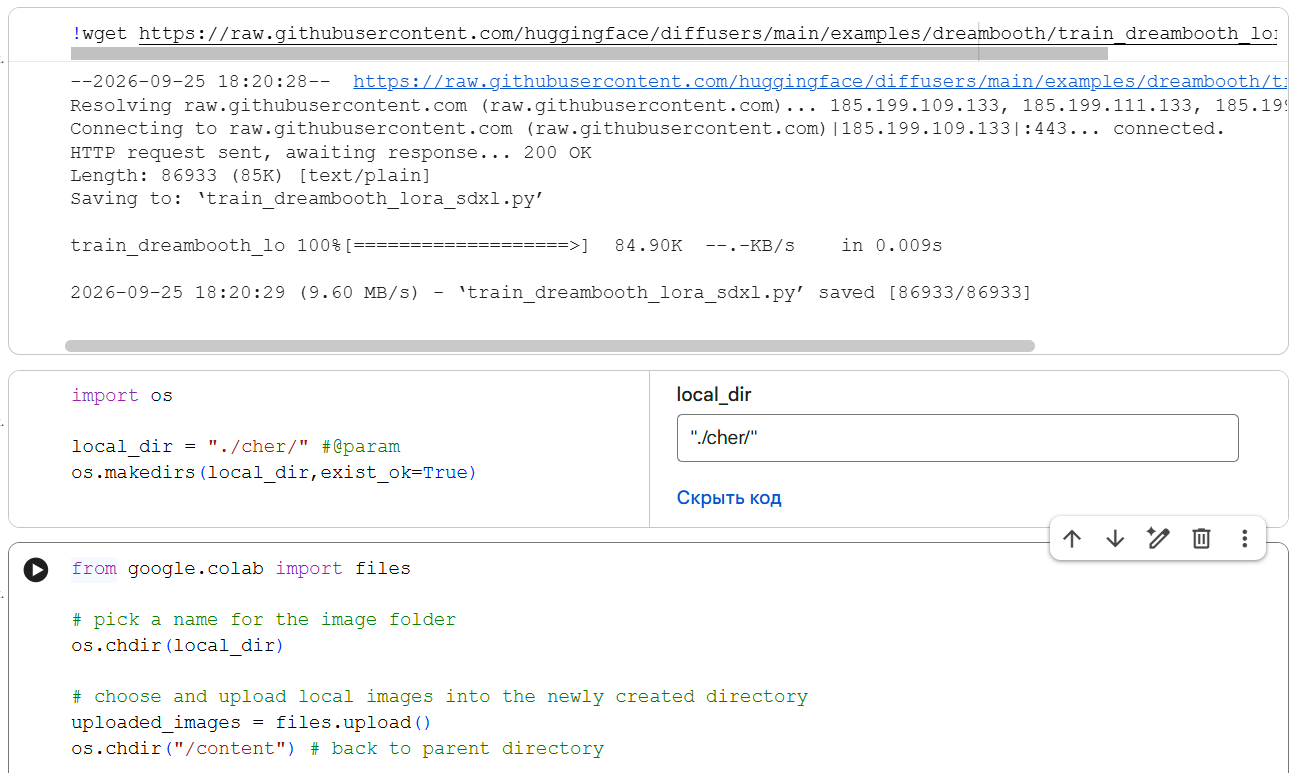
— Download the train_dreambooth_lora script from GitHub to train the model.
— Upload the source material.
— Verify that the images have loaded correctly.
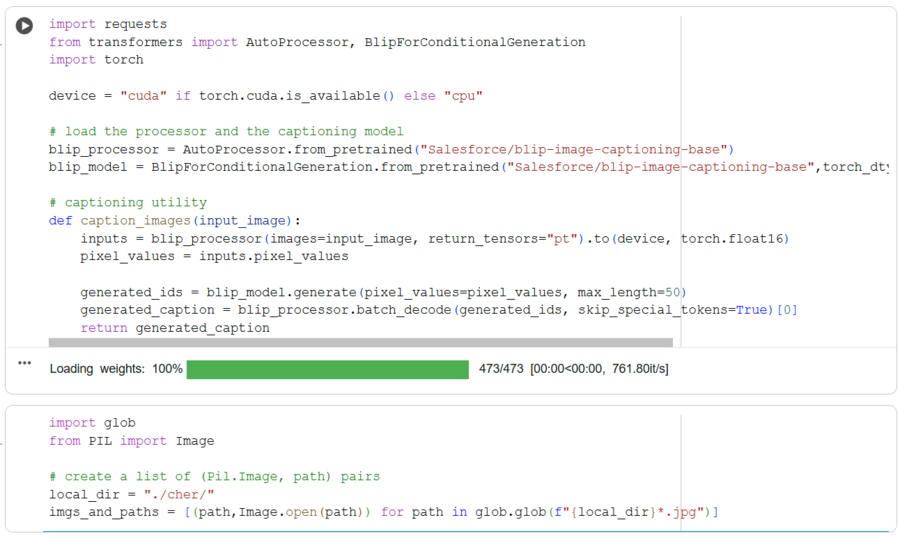
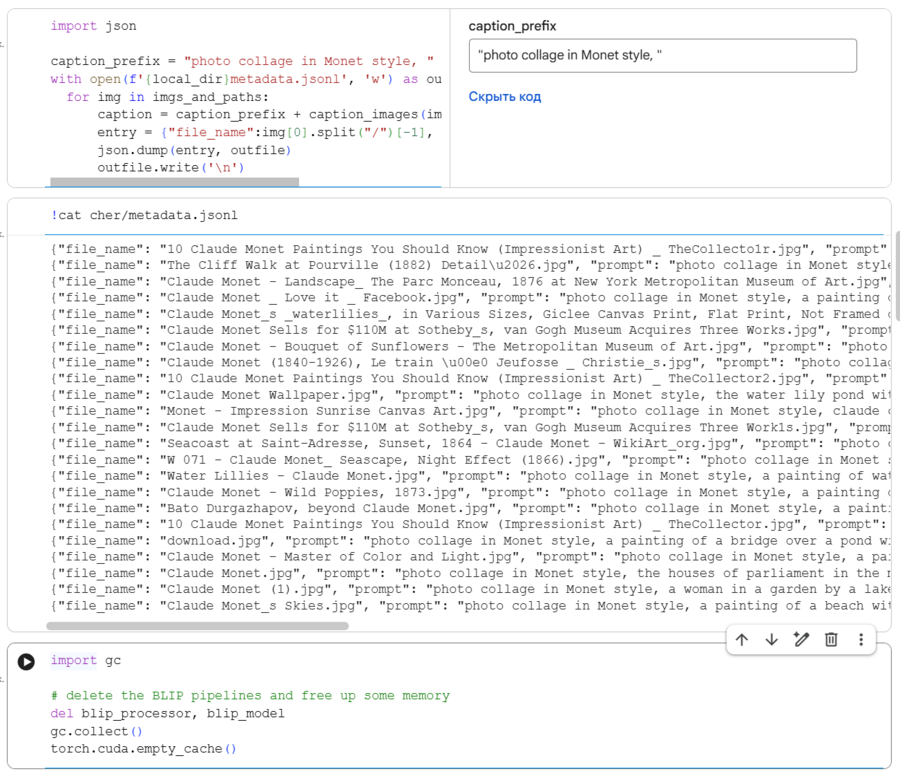
— We are creating Blip for image captioning.
— Use the def caption images function to generate the necessary captions.
— Create a prompt generation request for «photo collage in Monet style» and create the caption file using JSON.
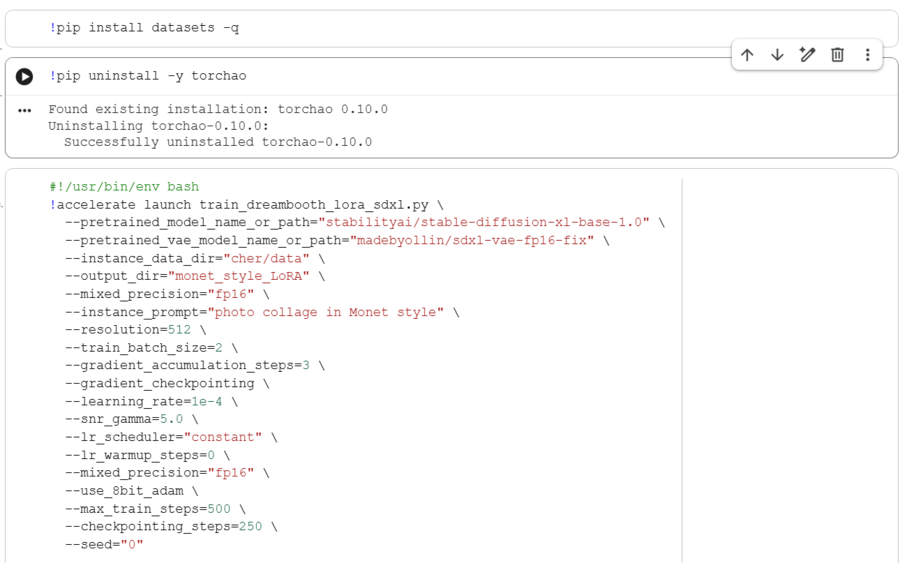
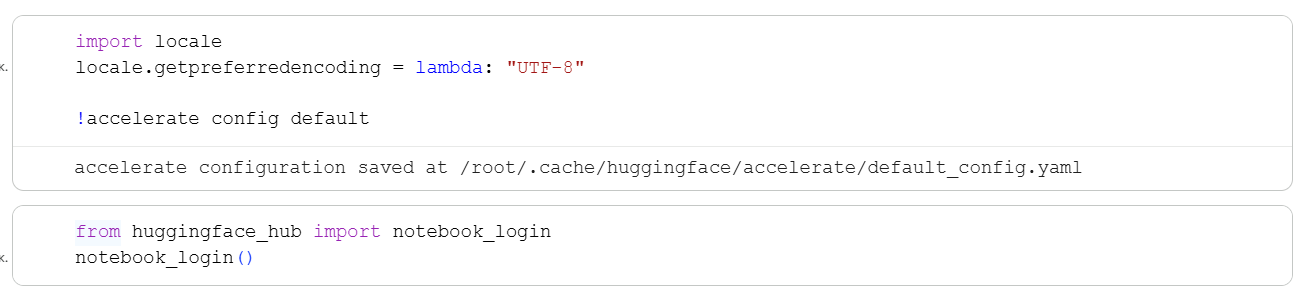
— Accelerate is used to train the model, enabling interaction with the HuggingFace model.

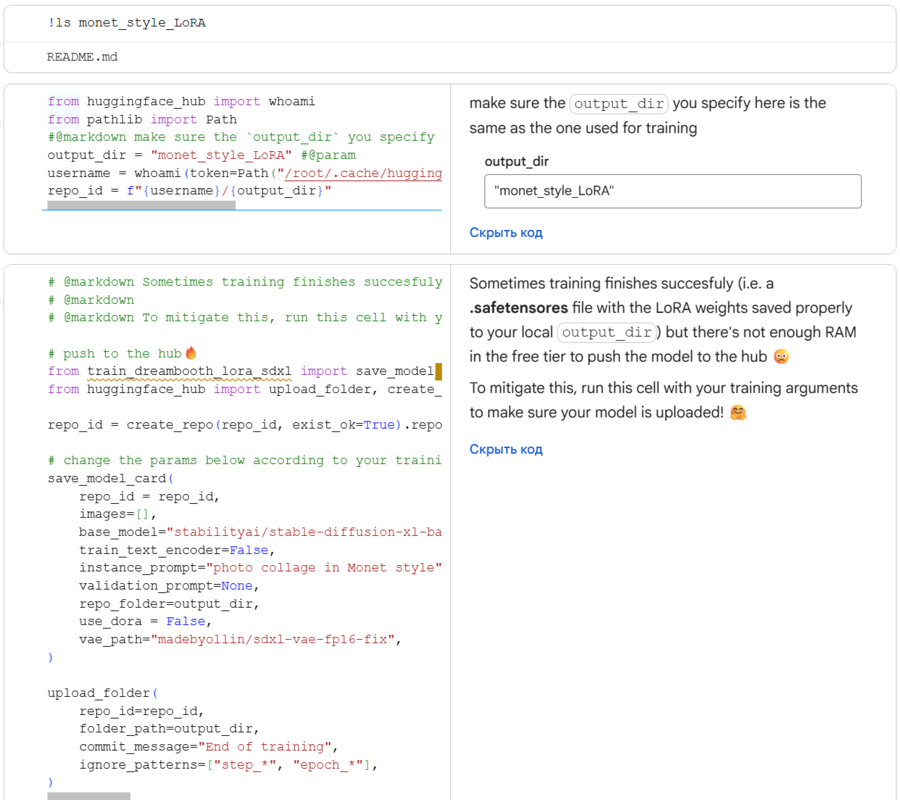
— Create a token on Hugging Face and connect the token key in Colab.
— Upload the necessary libraries. Start the training process.
— Save the model to Hugging Face Hub by specifying a new path.
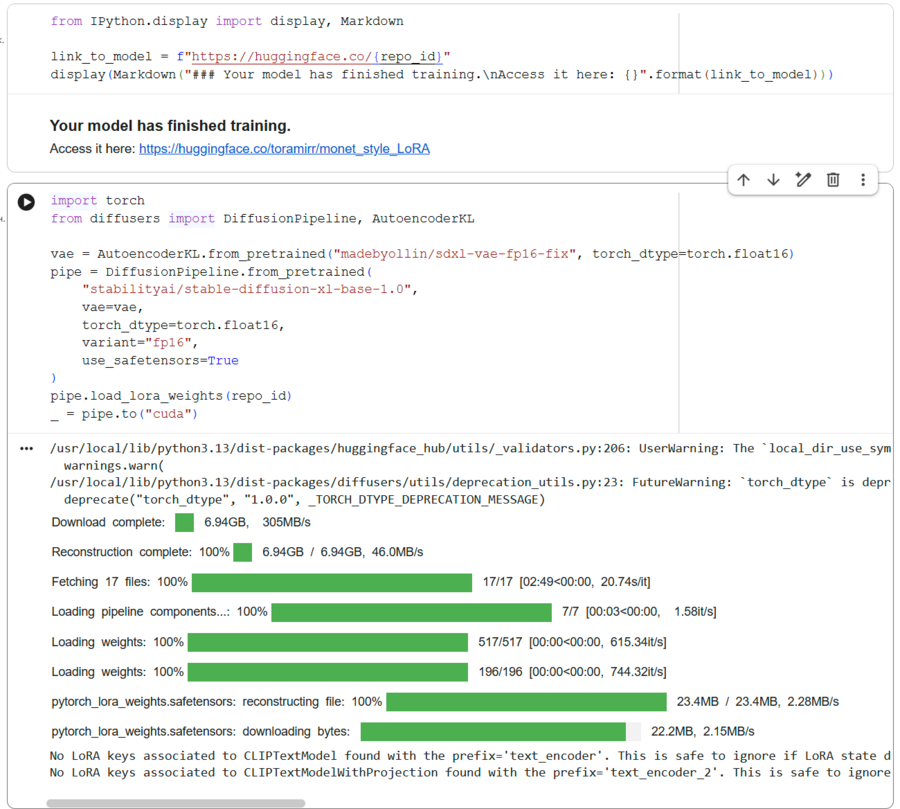
— Save the resulting trained model on the Hugging Face website.
— Upload the base model to Stable Diffusion XL and attach it to the lora_weights model, specifying the repo_id.
— Create prompts with the required prefix.
AI Tools Used
LoRA https://huggingface.co/papers/2106.09685 Dreambooth https://huggingface.co/papers/2208.12242 Blip https://huggingface.co/Salesforce/blip-image-captioning-base Stable Diffusion XL https://huggingface.co/stabilityai/stable-diffusion-xl-base-1.0