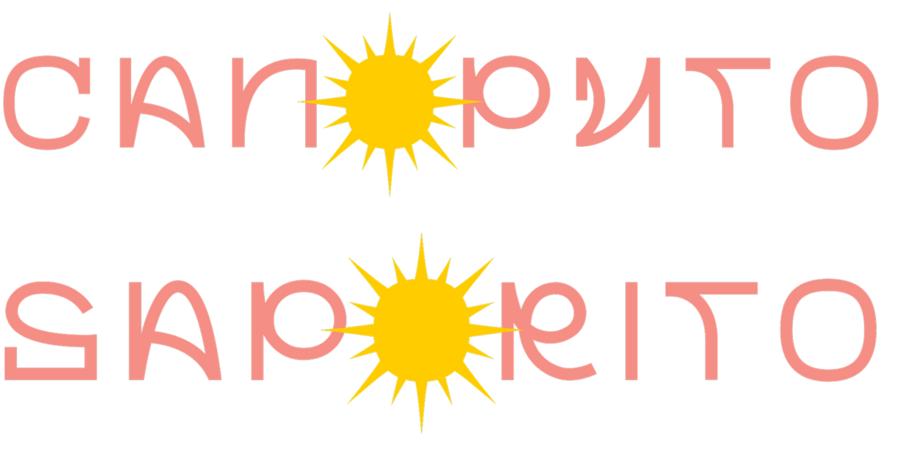
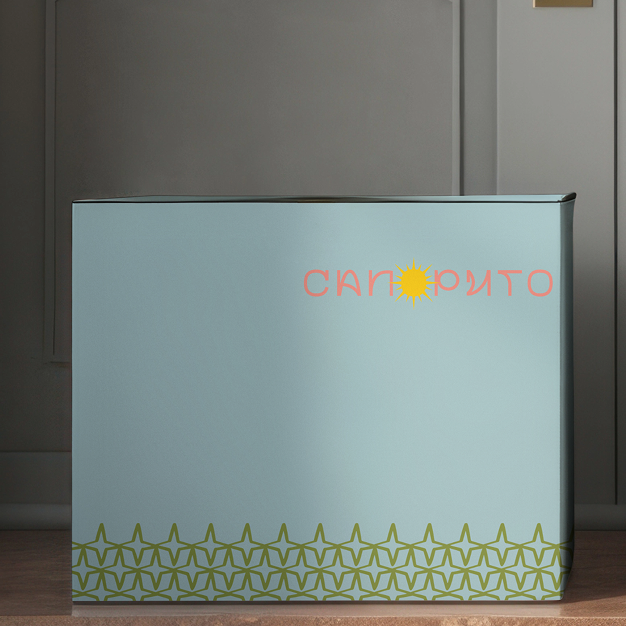
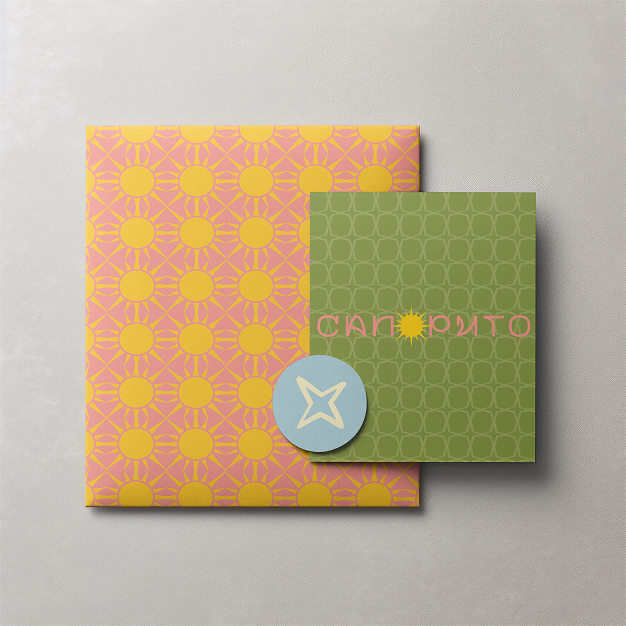
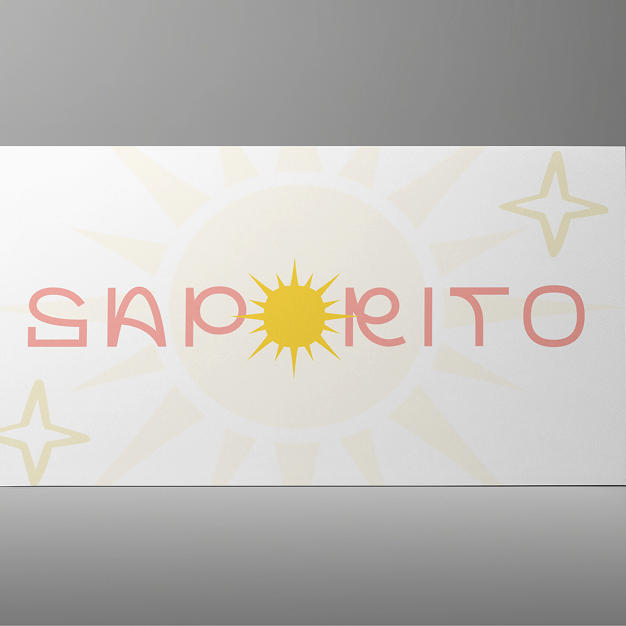
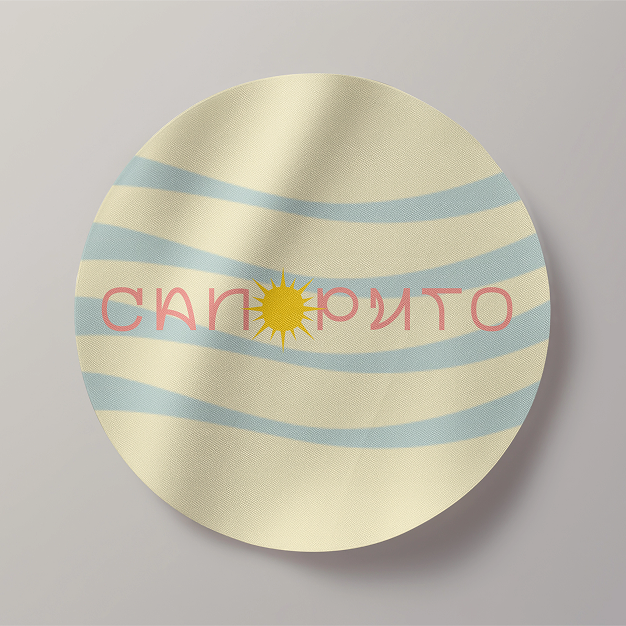
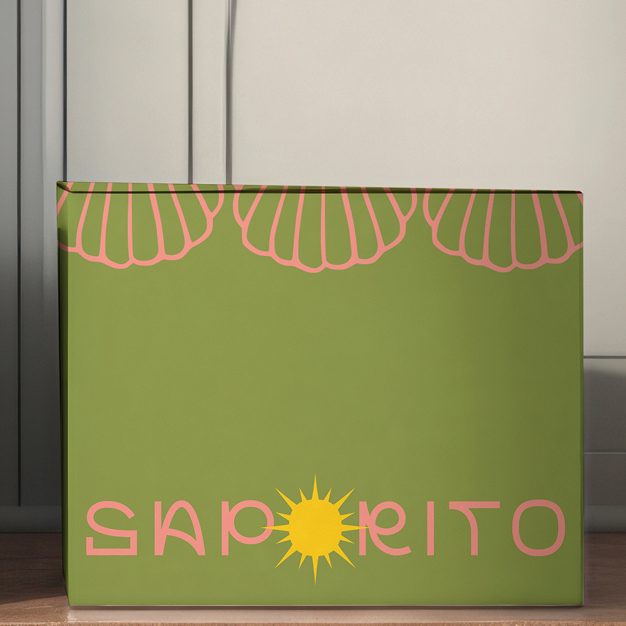
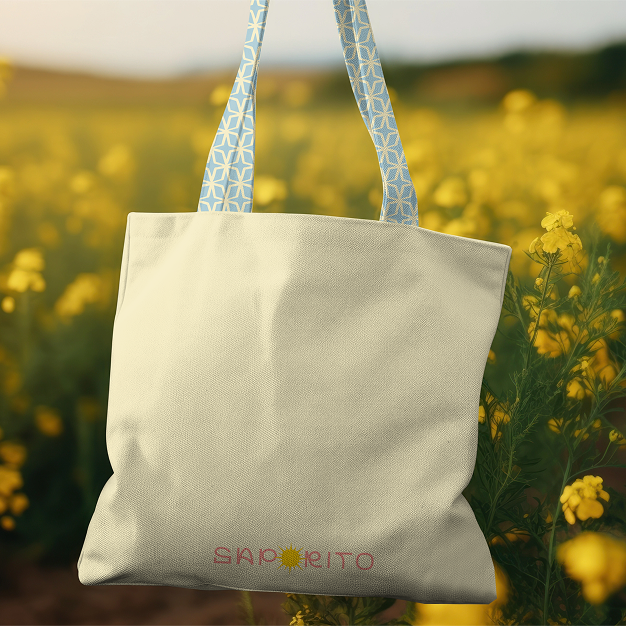
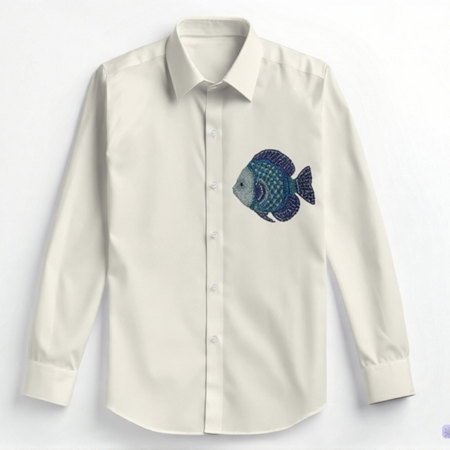
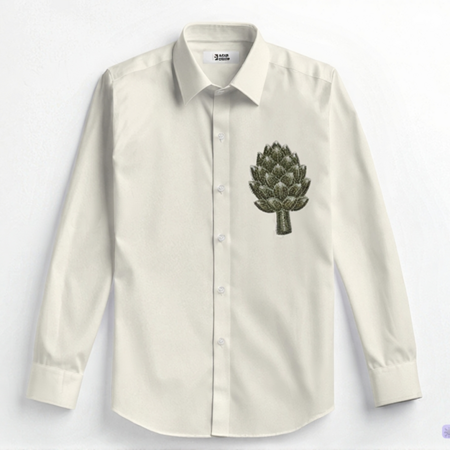
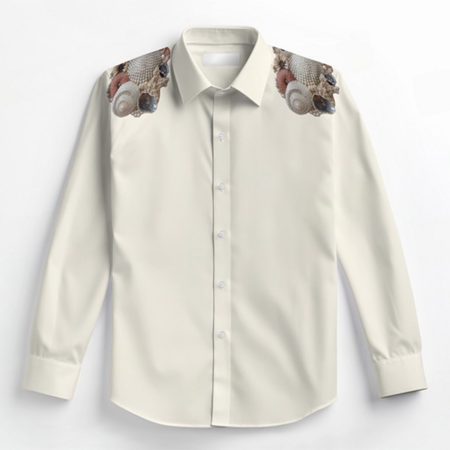
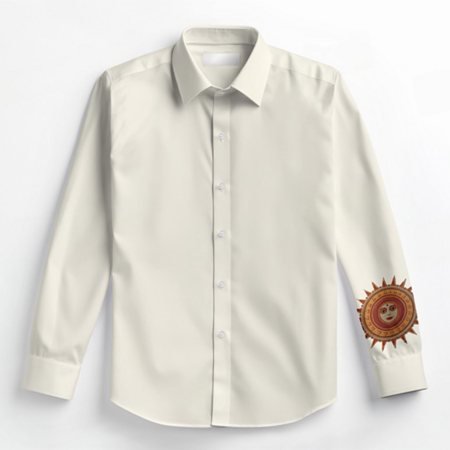
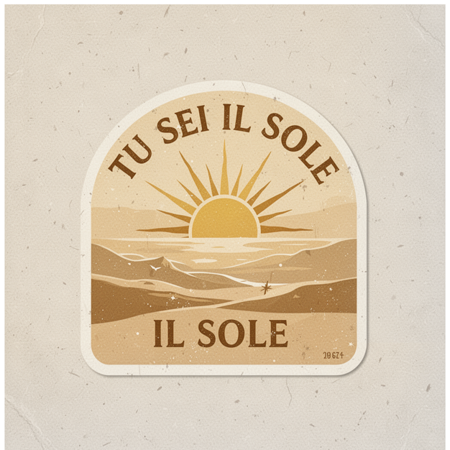
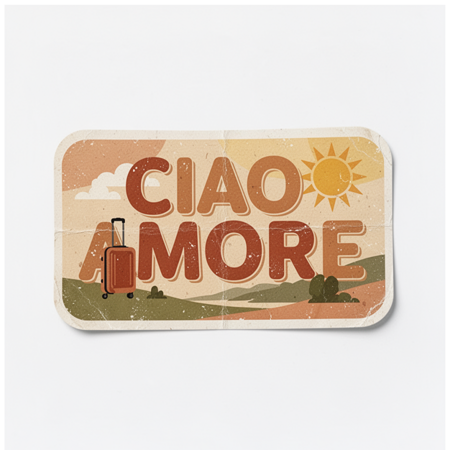
Brand Saporito — whose name is translated from Italian as «delicious». The brand was born from a pattern of «life under the sun.» It is not just aesthetics, but a special state of mind: the feeling of lightness, inner warmth and serenity.
Saporito — «life under the sun»
Logo
Original size 1805x918
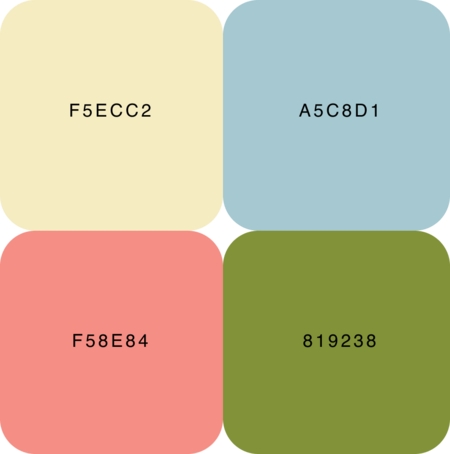
The base of a palette is:
sunshades
soft warm neutrons
natural colors
Basic elements
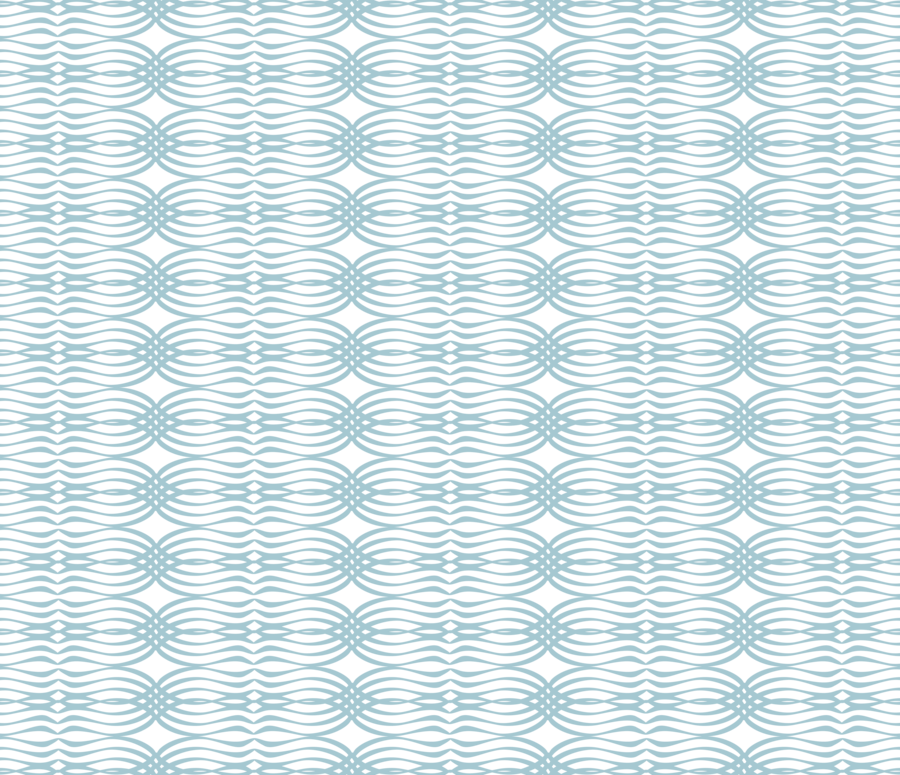
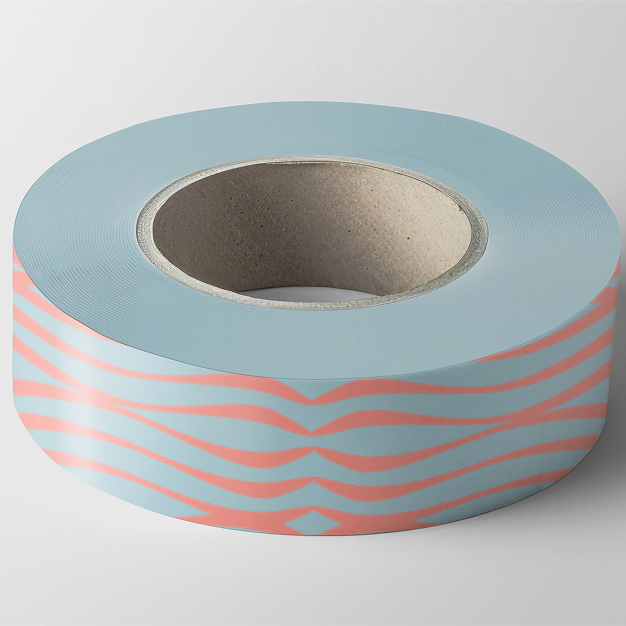
Waves
Travel star
Compass rose
Wave Keeper
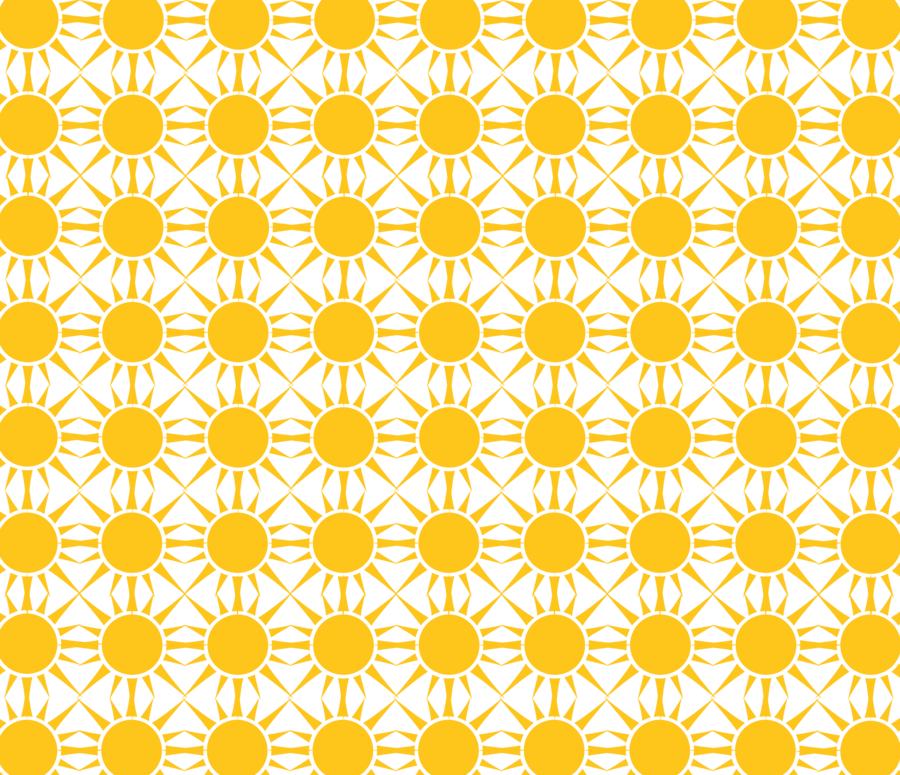
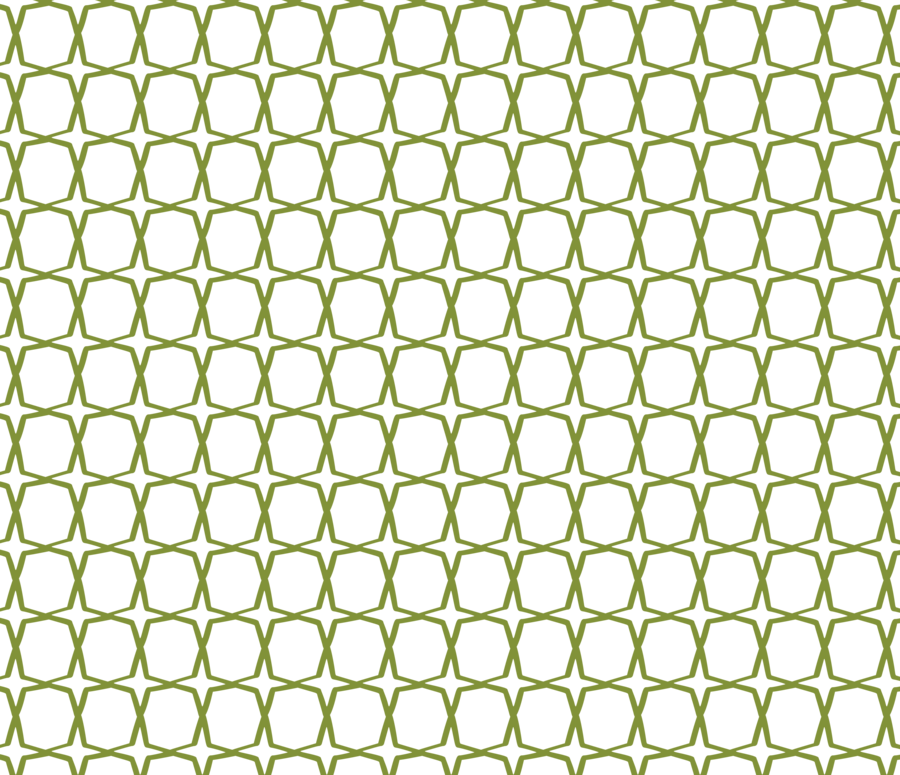
Rapports
0
0
0
0
0
0
0
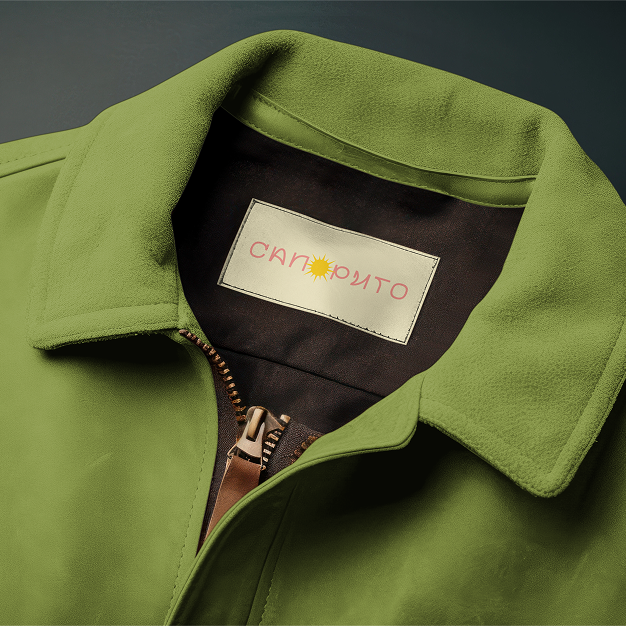
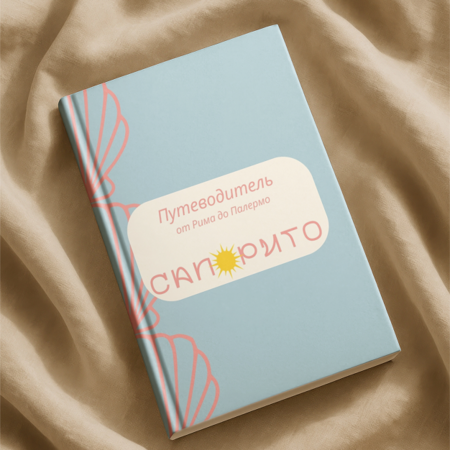
Options for applying
0
0
0
0
0
0
0
0
0
0
0
0
0
0
0
0
0
Store Design Option
Communication
Drop 1
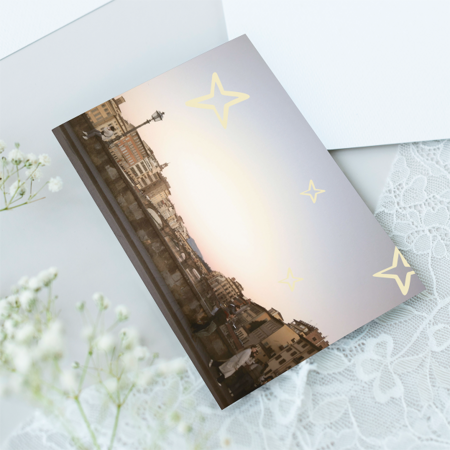
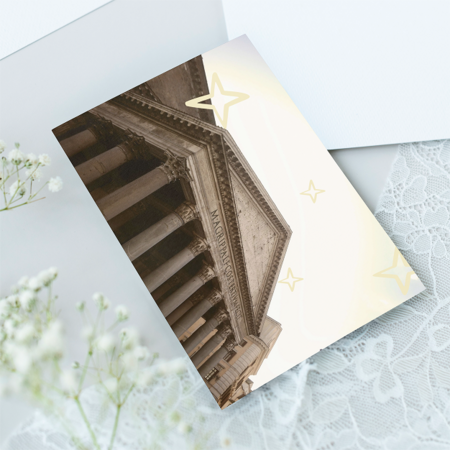
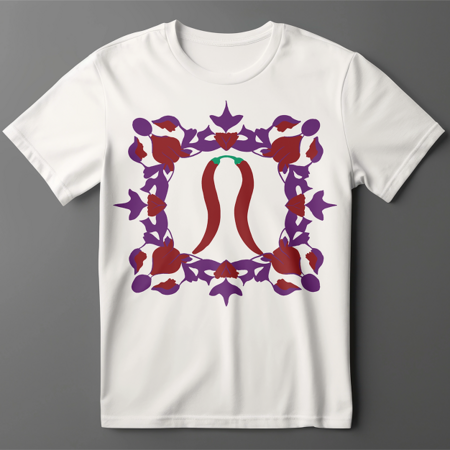
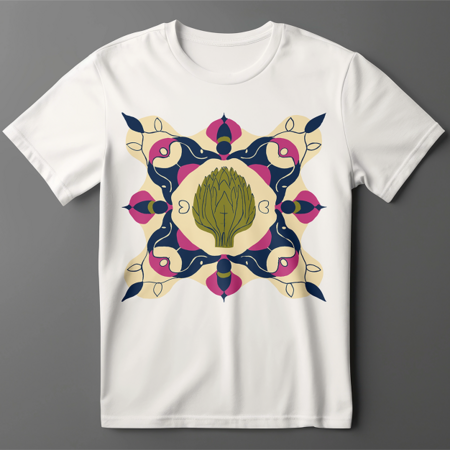
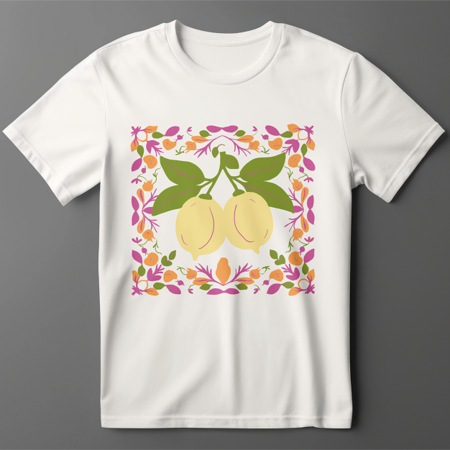
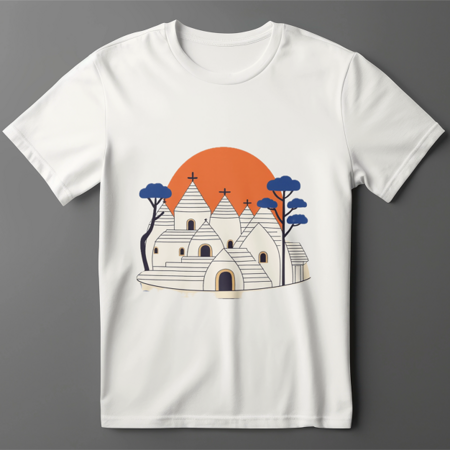
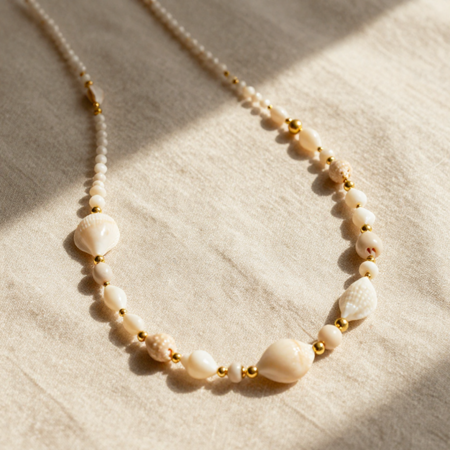
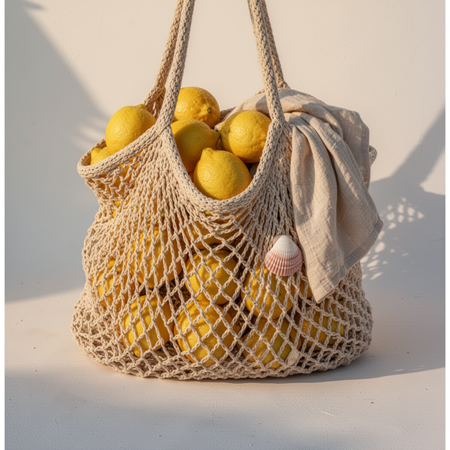
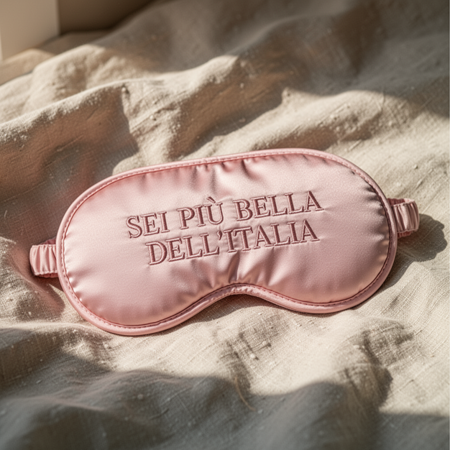
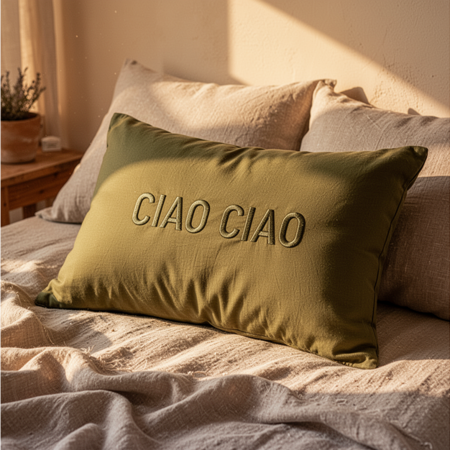
Italy — warm air, burnt walls, lazy afternoon and a sense of no hurry.
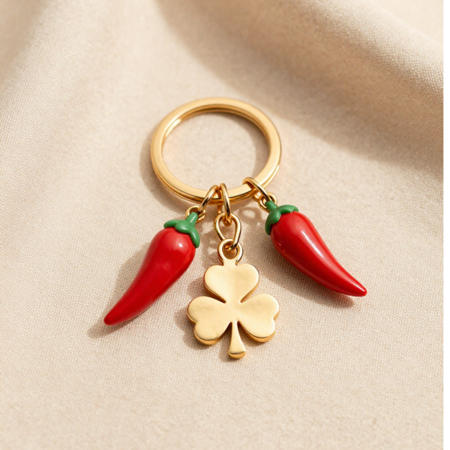
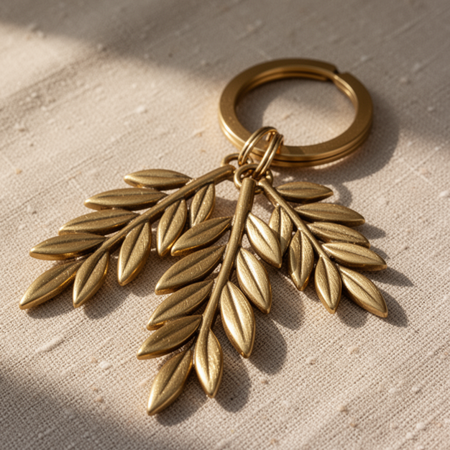
At the core of the collection lie simple shapes, tactile fabrics, faded shades, as if things had already lived one happy summer.
Press space bar to start a drag.
When dragging you can use the arrow keys to move the item around and escape to cancel.
Some screen readers may require you to be in focus mode or to use your pass through key
Press space bar to start a drag.
When dragging you can use the arrow keys to move the item around and escape to cancel.
Some screen readers may require you to be in focus mode or to use your pass through key
Press space bar to start a drag.
When dragging you can use the arrow keys to move the item around and escape to cancel.
Some screen readers may require you to be in focus mode or to use your pass through key
Press space bar to start a drag.
When dragging you can use the arrow keys to move the item around and escape to cancel.
Some screen readers may require you to be in focus mode or to use your pass through key
Press space bar to start a drag.
When dragging you can use the arrow keys to move the item around and escape to cancel.
Some screen readers may require you to be in focus mode or to use your pass through key
Press space bar to start a drag.
When dragging you can use the arrow keys to move the item around and escape to cancel.
Some screen readers may require you to be in focus mode or to use your pass through key
Press space bar to start a drag.
When dragging you can use the arrow keys to move the item around and escape to cancel.
Some screen readers may require you to be in focus mode or to use your pass through key
Press space bar to start a drag.
When dragging you can use the arrow keys to move the item around and escape to cancel.
Some screen readers may require you to be in focus mode or to use your pass through key
Press space bar to start a drag.
When dragging you can use the arrow keys to move the item around and escape to cancel.
Some screen readers may require you to be in focus mode or to use your pass through key
Press space bar to start a drag.
When dragging you can use the arrow keys to move the item around and escape to cancel.
Some screen readers may require you to be in focus mode or to use your pass through key
Press space bar to start a drag.
When dragging you can use the arrow keys to move the item around and escape to cancel.
Some screen readers may require you to be in focus mode or to use your pass through key