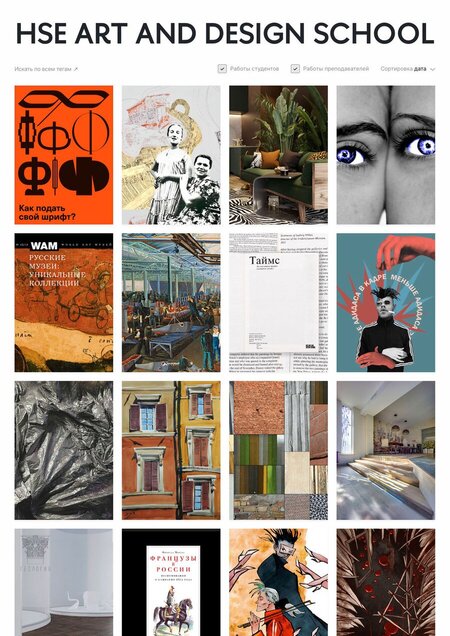
Logging in
To log in to the hsedesign.ru platform, click «Login».
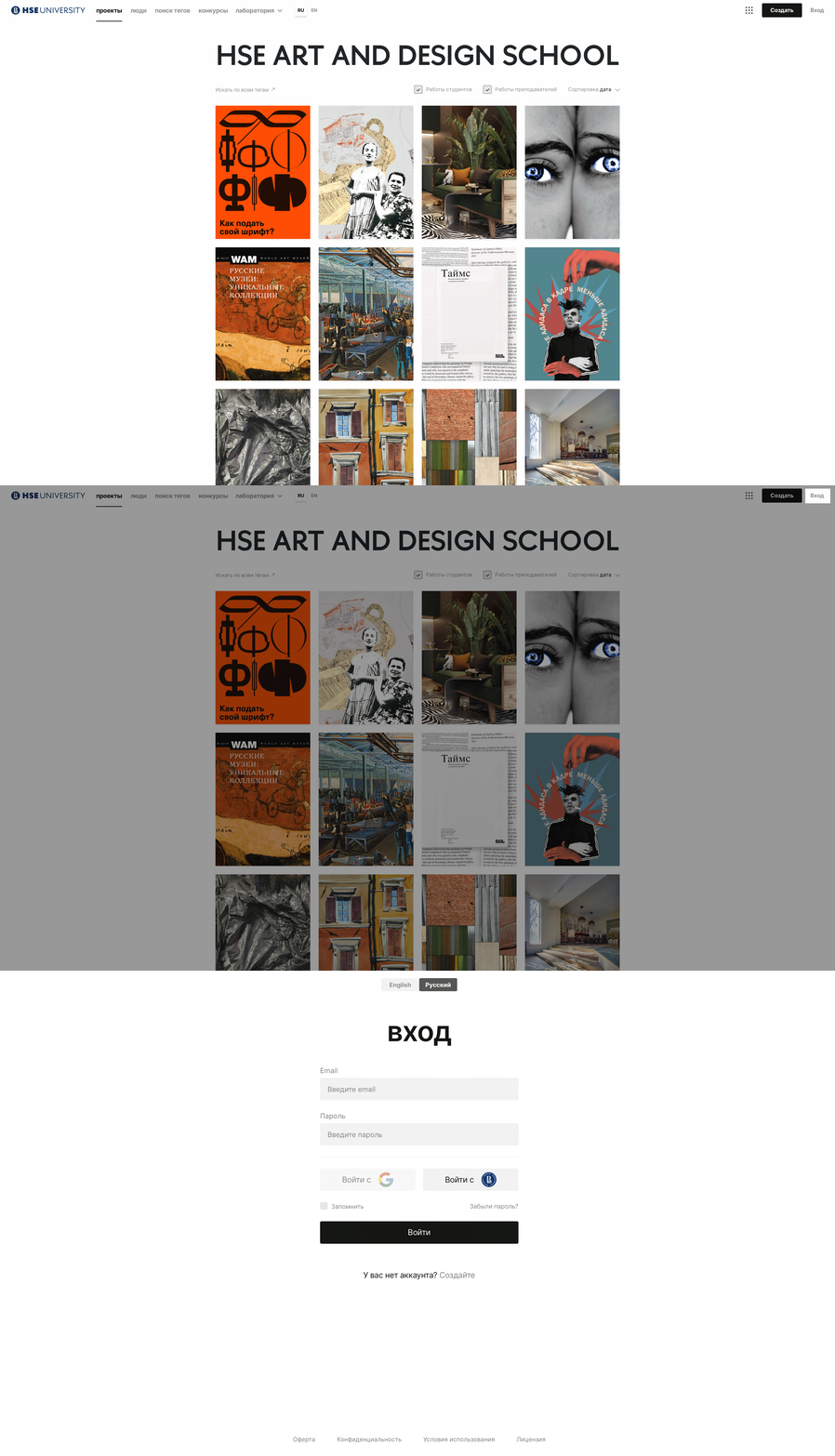
If you do not have an existing account yet, sign up for the platform. In order to do that, enter your e-mail and click «Next», and then create a password and click «Join».
Creating a project

To create a project, click on the «Create project» button in the upper right corner.
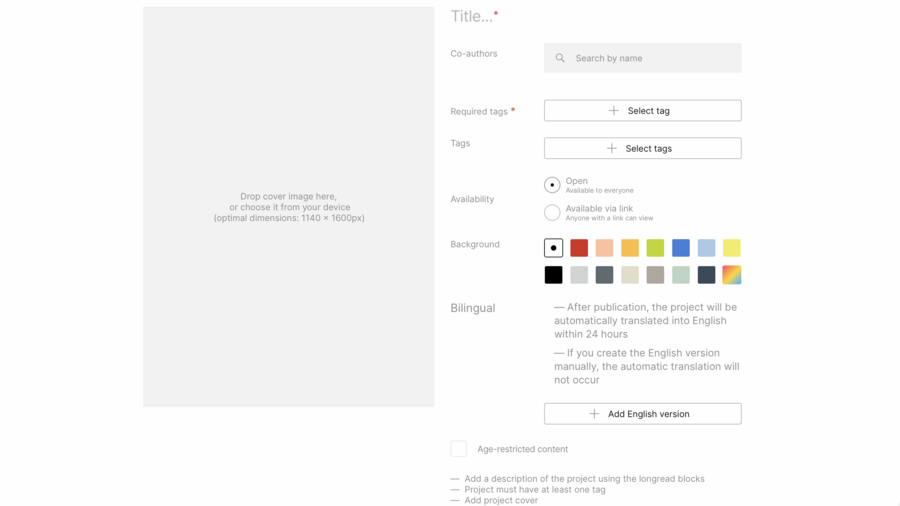
Enter the project’s title, choose its category, add appropriate tags, and upload the cover. By clicking the gradient button, you can select the background color for the longread.
Creating a longread
Adding a block
By clicking «Add block», you can: — Add text (up to 1200 characters). — Add JPG images (up to 3720×5262 px or 5262×3720 px). — Add animated GIF images (up to 20 megabytes). — Add videos from YouTube and VK and audio from SoundCloud, Bandcamp, or Mubert using the corresponding icons in the lower left corner. To save text, images, or videos, click the «Post» button in the lower panel of the block.
Texts describing the project and comments to the illustrations are formatted in a small font of light type on a white background. The maximum number of characters in such slides is 1200 characters; however, it is advisable to break the text into parts (paragraphs) according to meaning and group them by 600-800 characters.
The platform allows you to format headings, subheadings, and key text fragments that the author wants to highlight with a large font and rich typeface. Such texts can be placed on plates of any color, for example, contrasting with the background of the longread. The maximum number of characters in key text fragments is 800 characters. See the example below.
This is what the key text fragment looks like, typed in bold and large font, placed next to the main text block.
This is what the main text (small font, light font) looks like when loaded into a block, 200 characters in size.
When adding a block containing an image, you can add a caption (up to 200 characters). See the example below.
This is what adding a caption to a slide with an image looks like.
In order to replace blocks within the longread, use the six-dot button in the upper left corner.
To edit or delete blocks, use the corresponding icons.
You can set the type (wide or basic) of your longread using the icons on the top panel.
Adding tags
Click on the «Select tags» button in order to add the necessary tag.
If your project is related to a certain city, you need to add a tag of that city.
Tagging a city will send your project to https://creativecity.academy, where the project will be displayed on a map.
To create your own place tag, log in to the creativecity.academy platform using your hsedesign.ru login and password and then open your project. You can select a city, add an existing place, or create one yourself.
If you click on the «Select cities» button, you will see a search menu and a list of existing cities and areas on the platform. You can choose a city that is related to the topic of your project.