
HSE.CG
требования к оформлению презентаций
This long-read aims to help students in the CGI and Visual Effects program prepare a project presentation for portfolio.hsedesign. We break down how a public showcase differs from an academic portfolio and establish the minimum set of requirements.

A new portfolio for students in the CG and VFX specialization is more than just a technical platform for uploading coursework—it is a complete tool for publicly presenting projects to the professional community, the school, and an external audience. If a student is aiming for the highest grade, merely submitting a standard academic presentation is insufficient; they must prepare a separate, thoughtful, and visually compelling version of the project for display on the portfolio.hsedesign showcase, adhering to both the platform’s official requirements and established standards for presentation quality.Often, students in the CG and Visual Effects programs ignore these requirements, continuing to format their presentations out of habit, as if they were merely submitting assignment reports. This longread is addressed to those who are willing to allocate time in advance for preparation and pay close attention to presentation quality so they do not lose points due to formal errors.
1. How the portfolio.hsedesign format works
— Students aiming for an 8 must upload their project presentation not only to the old (academic) portfolio but also to portfolio.hsedesign.
— The initiator of the placement can be the student themselves, an instructor, or a joint decision made after a preliminary review.
— By the time of the session week or presentation viewing, the presentation on portfolio.hsedesign must already be formatted according to the guidelines.
— The link to the presentation on portfolio.hsedesign must be included in the old portfolio presentation.
— The decision to award the maximum score is made by the committee and the committee chair, who evaluate both the quality of the work and the quality of the presentation.
— Even if a project does not receive an 8, the chair may approve it for display on the portfolio.hsedesign showcase.
— A project in portfolio.hsedesign may participate in the «Best Work of the Month» contest and earn the author additional rating points.
— To understand the technical details, students are advised to review the official platform instruction in advance and contact support if necessary.
2. Core Ideological Distinction
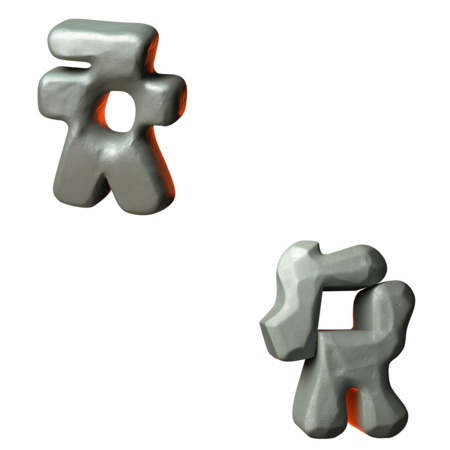
— In portfolio.hsedesign, the presentation should be viewed not as a report on completing an assignment, but as a landing page or a project longread. — The presentation must be a standalone narrative about the work, possessing clear dramatic structure and free of extraneous academic «filler.» — It should not include details about modular tasks, internal pedagogical processes, or supporting exercises, unless they are critical for an external viewer to understand the project. — The author should present themselves as an artist or CG specialist showcasing their work to an external audience, not as a student submitting an assignment. — Violating this logic is one of the primary reasons for rejection from display features and a reduced evaluation score.
3. Formal Requirements and Tags
— You must correctly assign educational tags that correspond to the profile and specialization. — For most projects in our profile, the primary tag is “CGI and Visual Effects.» — For sculpture work, the primary educational tag is “Three-Dimensional Sculpting.» — If necessary, you may add supplementary tags to more accurately describe and identify the project, but the basic profile tag must always be included. — The textual content must be entered using the portfolio.hsedesign editor, not embedded within images. — Presentations must not include headers/footers, page numbers, black bars, random borders, or any other signs of a «standard» slide presentation. — You should not use different text formatting styles consecutively without visual pauses. — Larger font sizes are used for subheadings to establish a clear hierarchy of text levels. — High standards are required for grammar, punctuation, and typography—errors and sloppy layout diminish the impact of the project.
4. Sequencing and Narrative Arc

— Each slide must advance the project’s narrative, not simply reiterate what has already been shown. — At the beginning, it is important to briefly and clearly explain the core of the work to an external audience, avoiding internal jargon and purely academic phrasing. — Immediately following the introduction, you should display several «impact» shots: key renders, video excerpts, or a wide view of a character or scene. — For final presentations, the recommended sequence is: work format $\rightarrow$ teaser slide $\rightarrow$ project description $\rightarrow$ main video material $\rightarrow$ location and character shots $\rightarrow$ development details $\rightarrow$ concluding wide shot or expressive fragment. This sequence helps establish a clear rhythm and maintain viewer engagement.
5. Multi-Task Presentations
— If a module involved multiple learning objectives, portfolio.hsedesign typically showcases only the main deliverable. — Additional exercises, assignments, and sketches are usually kept within the course presentation and are not displayed in the portfolio showcase. — If different assignments share a common concept, they can be grouped into a single presentation, but this connection must be explicitly described in the accompanying text. — For modules featuring similar tasks (e.g., spheres, particles, motion capture), it is crucial to develop an original concept that unifies them into a coherent project. — Instead of a dry module title, it is better to use a title that incorporates a narrative, artistic motif, or context to make the work memorable.
6. Cover Design
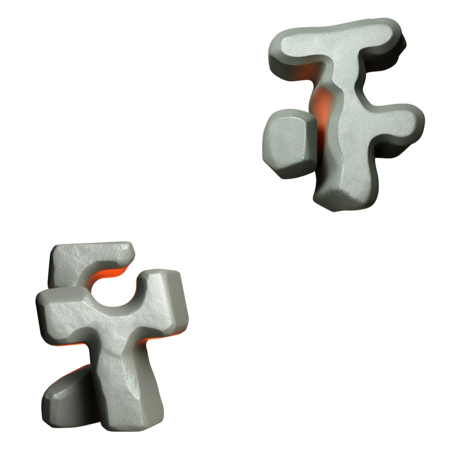
— The cover must be expressive and legible even when displayed in a reduced size. — We advise against using a plain white background; it is better to use a light gray or another soft shade so the cover does not blend into the page background. — The cover image should not look like a random crop from a larger photograph. — The cover should not contain typography, unless this is a separately approved decision. — For projects spanning multiple modules, the covers must be distinct from one another. — In group projects, participants' covers should not be identical. — For sculptures, we recommend creating a more creative cover, playing with perspective, light, and composition.
7. Video Work
— When uploading a video, you must select an expressive frame preview so that the showcase does not display a black screen. — Slides featuring video must not contain black bars, unnecessary frames, or other artifacts from sloppy editing. — Completed creative videos must include: a) the video title; b) the school’s logo; c) end credits indicating the creator, curator, group, and year; d) a polished conclusion with a short pause at the end, avoiding an abrupt cut-off. — If the video consists of multiple exercises, titles should be inserted between them, and pauses should be incorporated. — For cyclical exercises (such as animation loops), it is permissible to repeat them several times for comfortable viewing. — Every video must have sound, and the audio track must have clearly defined beginning and end points, without abrupt stops or interruptions at the finale.
8. GIF Animation as a Required Element
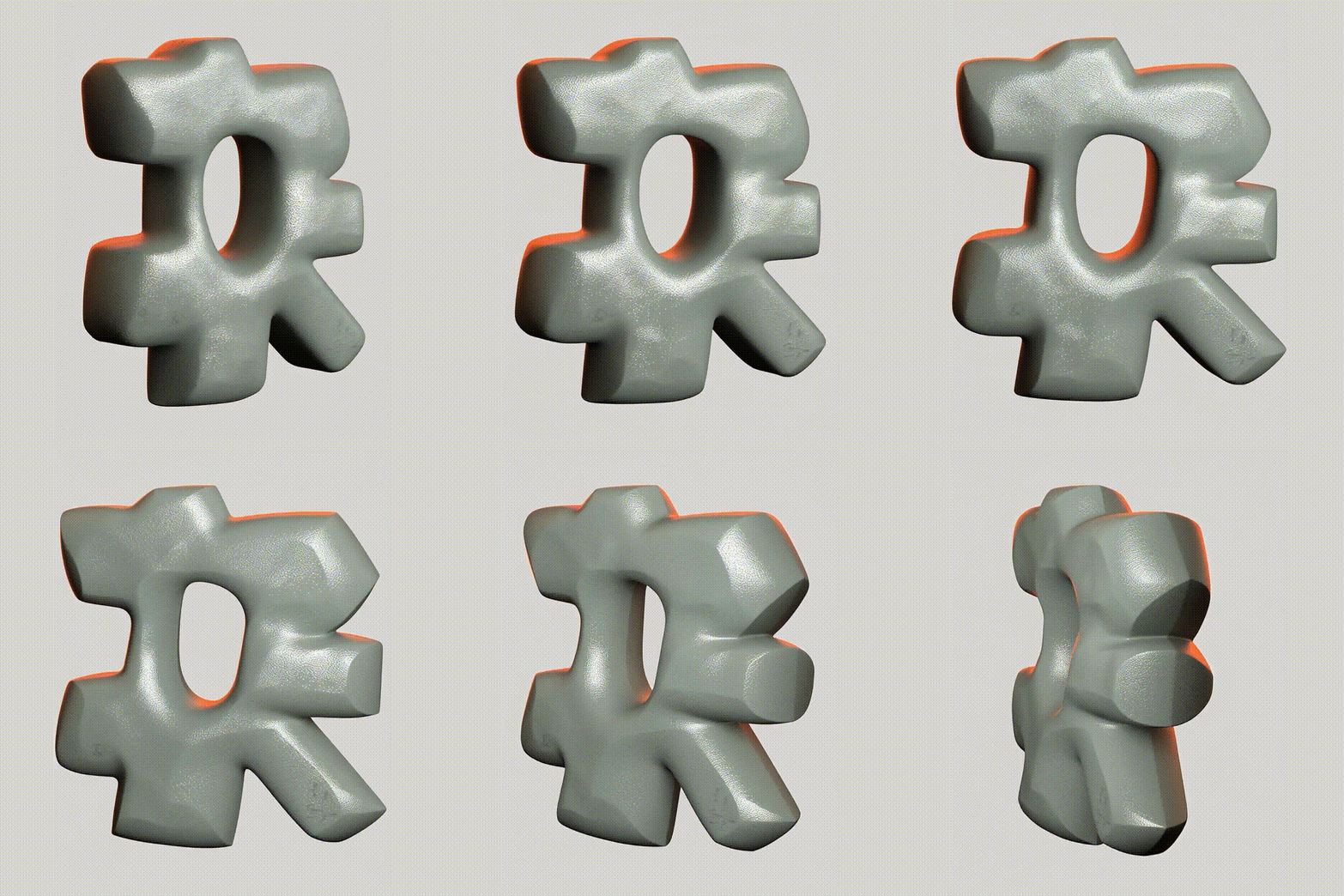
— Each presentation in portfolio.hsedesign must include at least one GIF animation.— GIFs can be used to showcase camera movement, turntables, character animation, lighting changes, or any other dynamic element.— GIF animation is mandatory for both curated discipline projects and sculpture projects.
9. Image Backgrounds and Longform Backgrounds
— The image background color must not match the long-read background color. — If the top, bottom, or side margins of the image merge with the page background, the block loses its boundaries and visually «disintegrates.» — When working with light or near-white backgrounds, carefully check how the slides appear within the overall feed. — If the frame boundaries visually disappear, you need to change the background tone or adjust the composition. — It is not recommended to place many images consecutively on a pure white background if they create the effect of a narrow vertical strip and «break» the block.
10. Rendering Quality and References
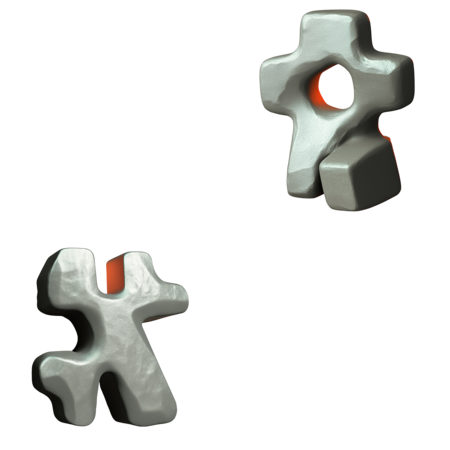
— Render quality must be very high.
— Images that are noisy, grainy, dark, overexposed, stretched, or have poor anti-aliasing are unacceptable.
— The use of references in the portfolio.hsedesign should be minimal.
— If references are essential for understanding the project, the format for presenting them is discussed in advance with the curator.
11. Monotony and Rhythmic Pacing
— The specialization of the field involves sequences of slides featuring models, grids, UVs, shaders, and sculpting, which can easily lead to monotony. — It is best not to display the same object multiple times in a row with only slightly different angles. — It is better to reduce the number of frames and keep only the most expressive ones. — For sculptures, it is important to vary the angles, work with lighting, and carefully refine the shots, using minimal post-processing when necessary. — In portfolio.hsedesign, a more thoughtful and authorial visual presentation is welcomed over one used in a coursework presentation.
12. Examples
The following works are presented, categorized by discipline and adhering to the aforementioned requirements.


Concept Art 2nd YearEos — Kirill Shokarev
HR — Victoria Belkina
Sirius — Alexandra Shevchenko
Prosha Skomorosha — Alisa Viziryakina
Vol-V1 — Kamilla Papok
Sculpting — 2nd YearProshka Skomorosha — Alisa Viziryakina
Esprit — Stanislava Vorontsova
Alkorin — Yulia Skryabina
Cassian — Yana Luskina
Enni — Alexandra Kochkarova