The project’s concept is to train a generative neural network to create drawings based on paintings by the renowned artist Claude Monet.
The neural network training material consisted of 35 paintings by the artist.
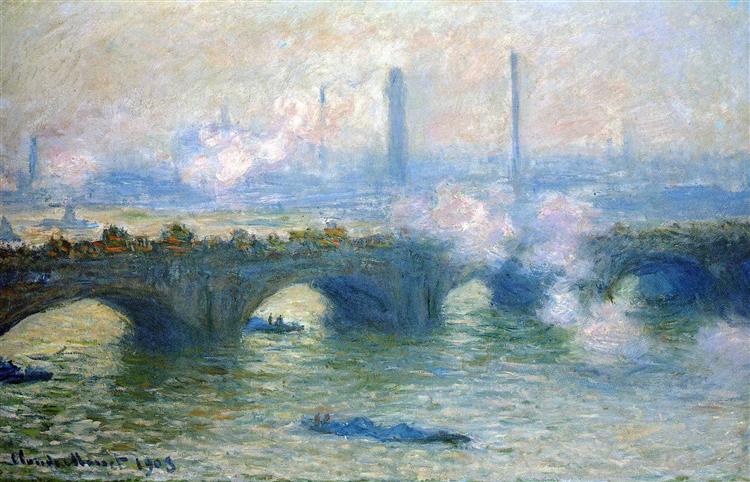
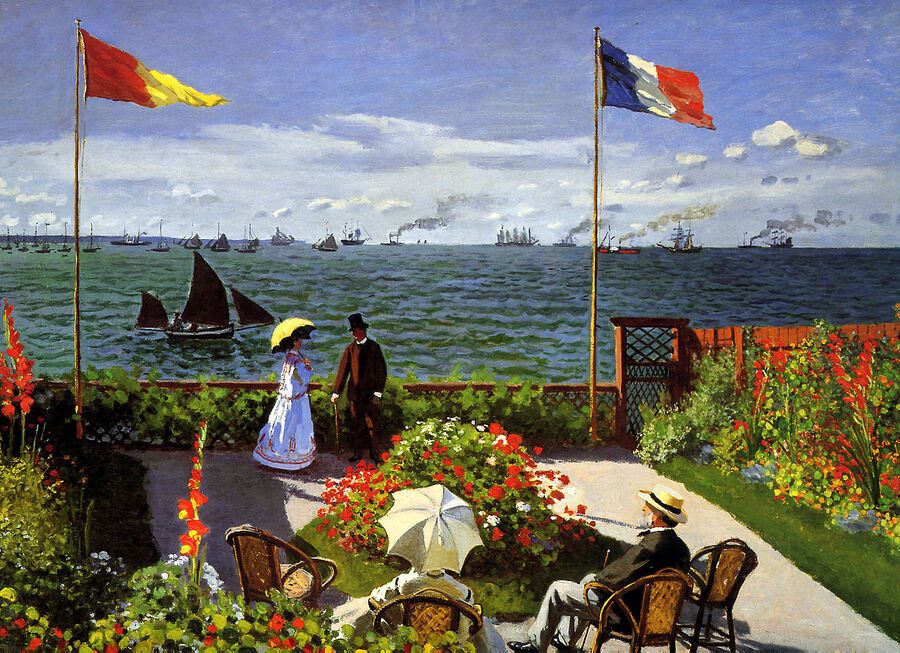
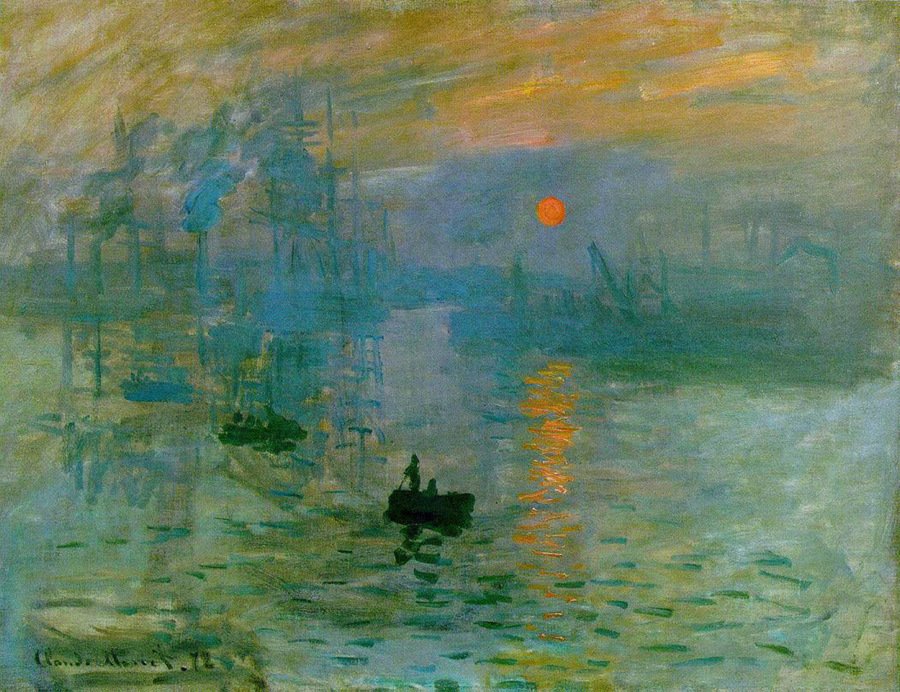
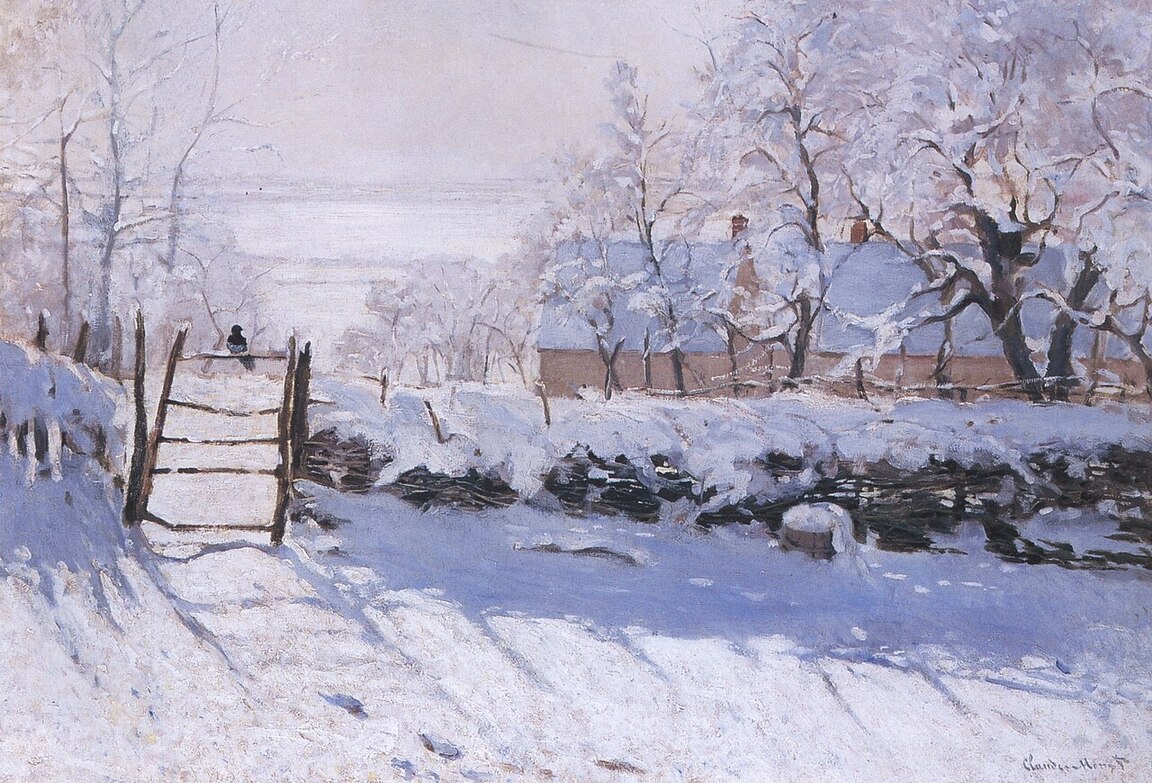
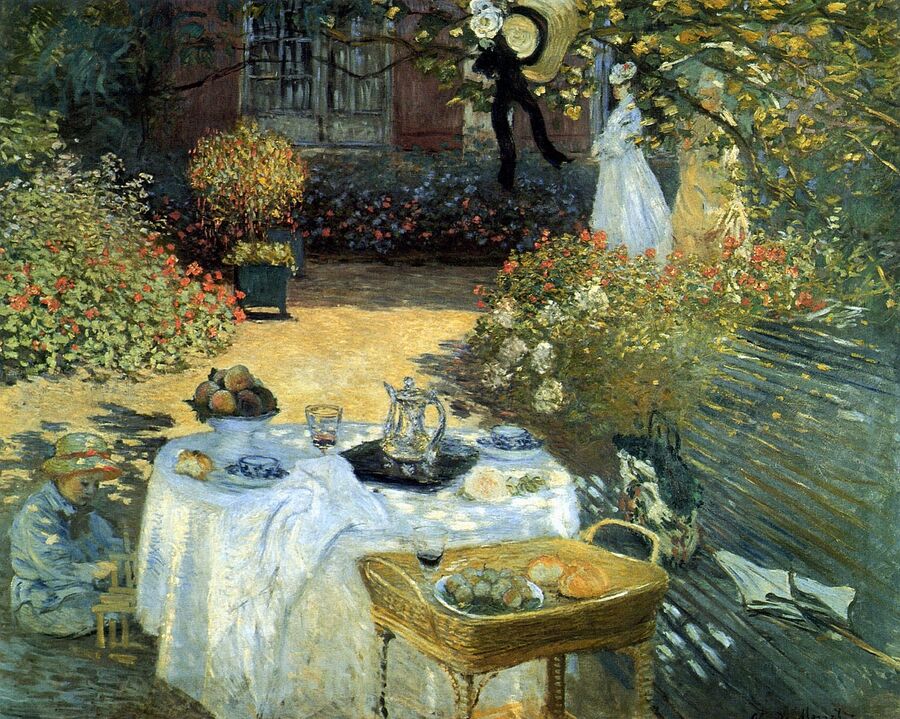
Examples of Learning
Final Series
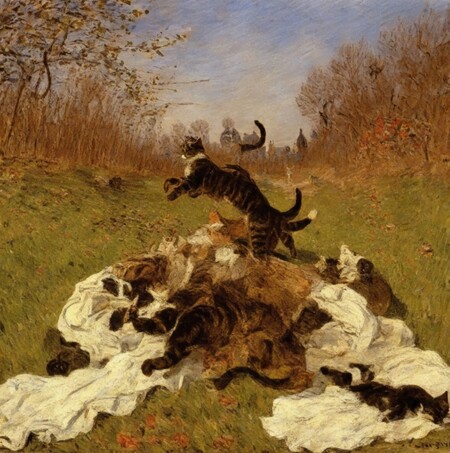
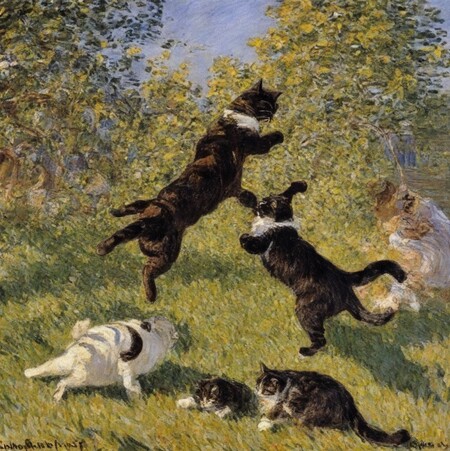
prompt for both images: «cat fight»
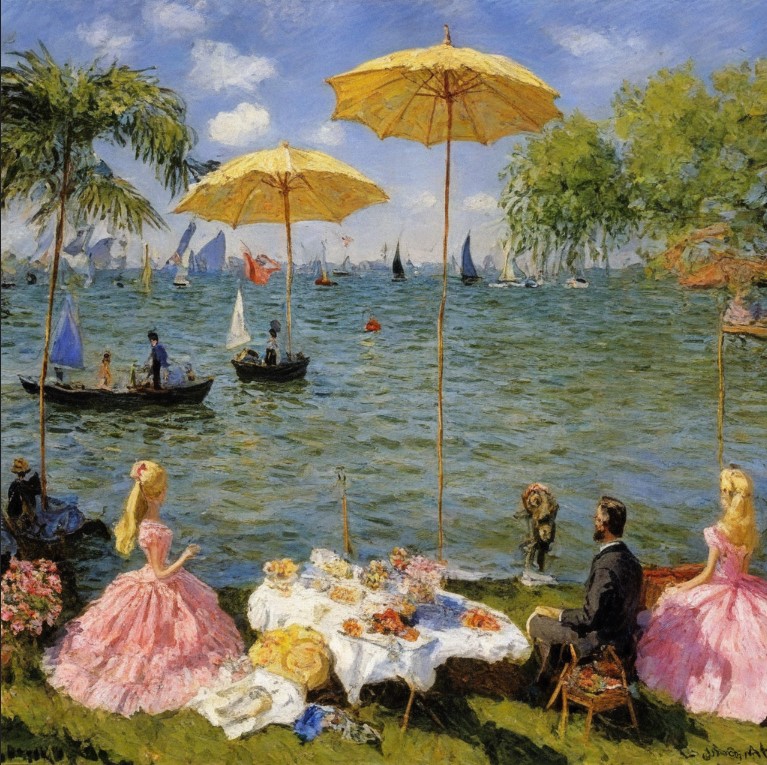
barbie
Lion King cartoon portrait
A couple sitting on a bench in a garden
chickens are having a dinner with humans
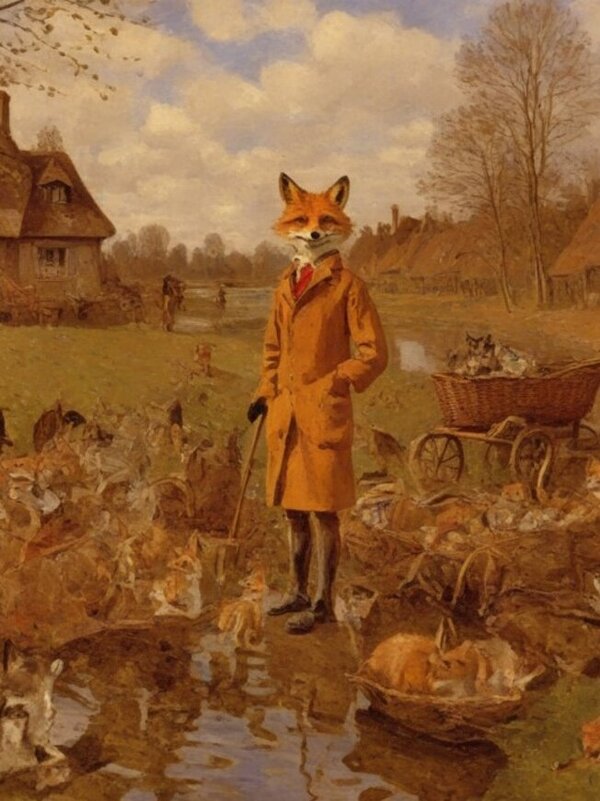
anthropomorphic Fantastic Mr. Fox
The Grinch is taking Christmas gifts
Final Project Analysis
It is notable that the neural network excels at replicating an artist’s individual style. It is capable of recreating work with brushstrokes characteristic of Claude Monet and selecting a similar color palette—one that is not overly bright, yet expressive.
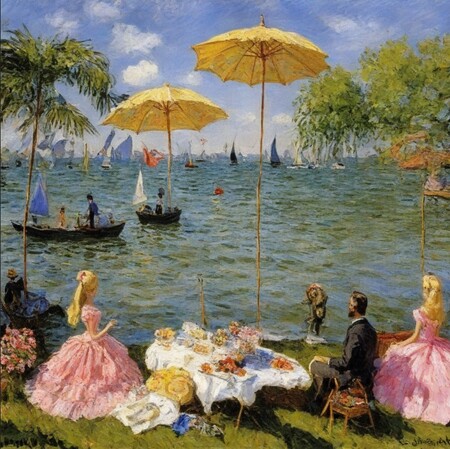
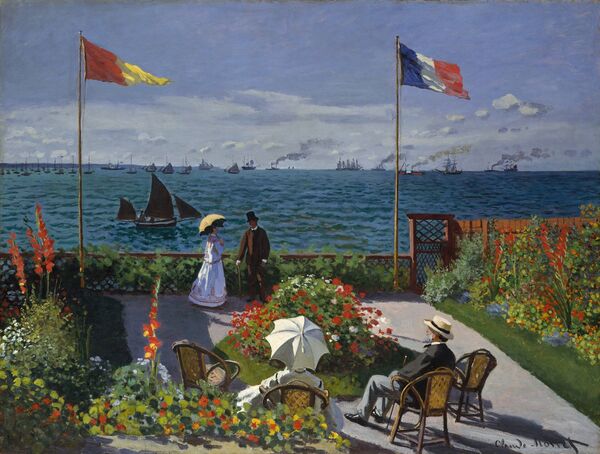
The work of the neural network versus the work of the artist
Like any modern neural network, this model has some minor flaws in its images. However, these flaws are not conspicuous and do not form the focal point of the composition.
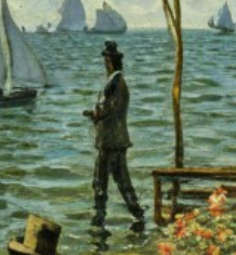
Despite the stylistic unity across all works, one can observe that the color palette is extremely diverse. Much like an artist, the neural network uses color to evoke different moods for various tasks.
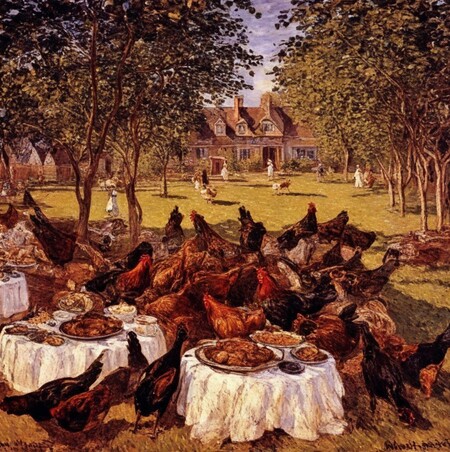
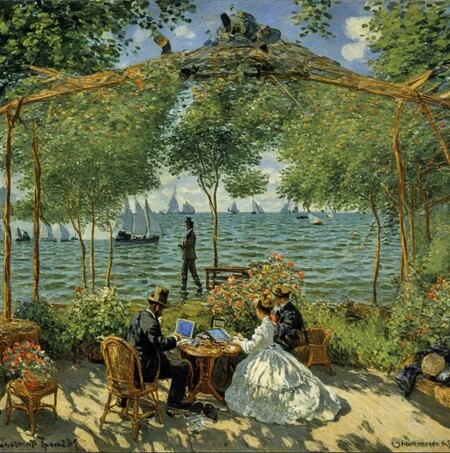
A dark and vibrant work by a neural network
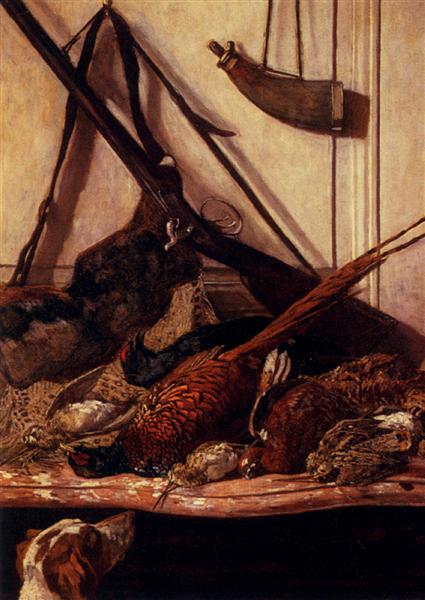
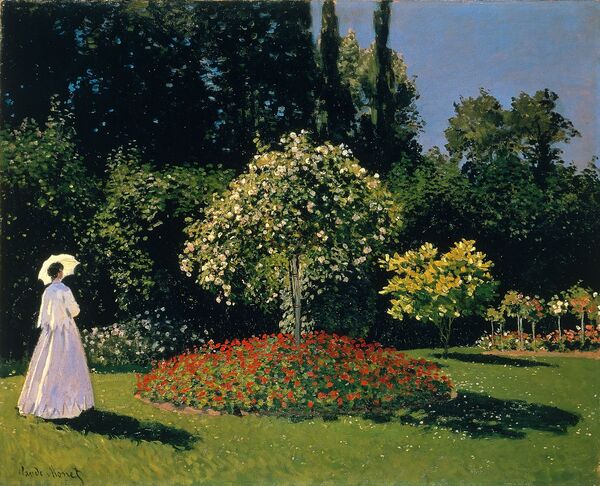
Similar dark and bright palettes in the artist’s paintings
Code Analysis
To train a neural network to generate images based on a written prompt in the style of a specific artist, the first step was to compile a dataset of that artist’s work—in my case, Claude Monet—and then process those images. The neural network was implemented on Kaggle. Training the network required employing methods such as Fine-tuning Stable Diffusion XL—to enhance the generative SDXL model using the collected image dataset and achieve the stylistic quality of Claude Monet’s work—DreamBooth—which generates images based on textual descriptions, and LoRA—which allowed for more productive training with less computational overhead and without the need to update the neural network’s parameters, thus easing resource consumption.
First, the environment was prepared in the code.
The next part of the code is to create the directory and copy the dataset into it.
Preview
The next step was creating an auto-caption for each image so the neural network could recognize specific objects within the image and generally understand what it was seeing.
Next, the Stable Diffusion XL model training began. Training utilized 1,000 steps; intermediate steps were not required, and checkpoints were saved every 500 steps.